
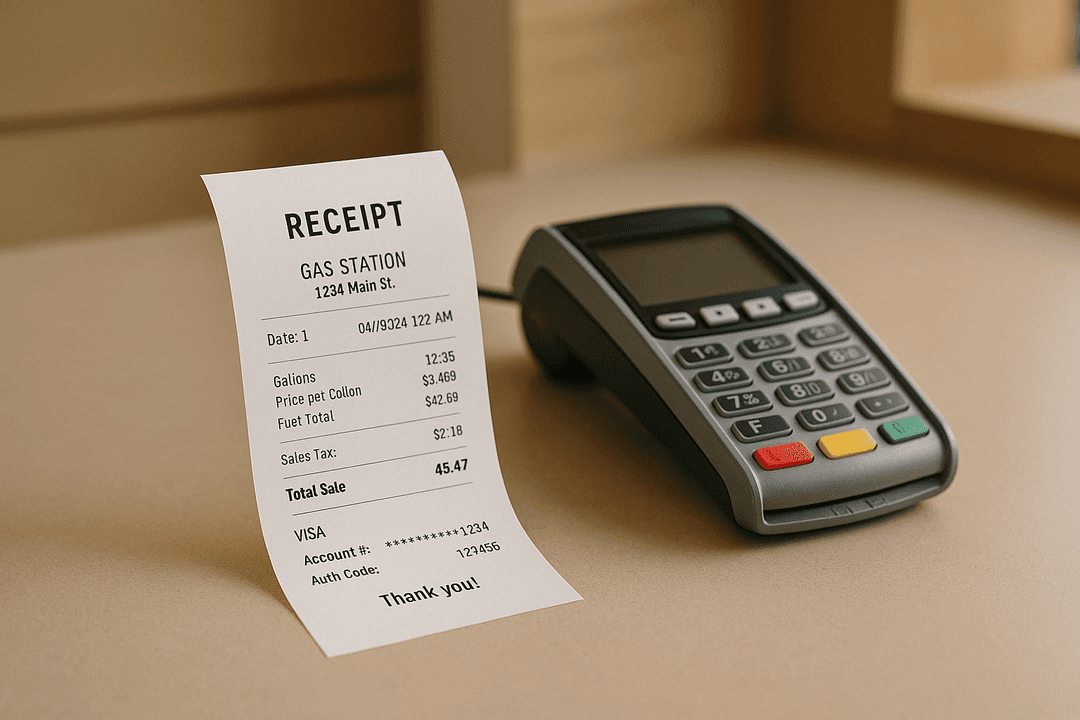
Looking for the best free receipt maker app? With so many options available in 2025, choosing the right tool can be overwhelming. Whether you need to recreate a receipt for personal records, generate realistic receipts for creative projects, or create professional-looking receipts for entertainment use, this guide will help you understand what features matter most and which tools deliver the best results.
Why You Might Need a Receipt Maker
Before diving into comparisons, it's worth understanding the common reasons people use receipt makers:
- Creative projects: Creating custom receipts for design mockups, film props, and personal projects
- Small business operations: Generating professional receipts for sales when you don't have a POS system
- Creative and educational use: Film props, theater productions, training materials, and design mockups
- Personal budgeting: Creating organized digital records of cash transactions
- Software development: Generating test data for expense management applications
Key Features to Look For
Not all receipt makers are created equal. Here are the essential features that separate professional tools from basic alternatives:
1. Template Variety
The best receipt makers offer hundreds of templates inspired by common retail formats. EasyReceiptMaker provides templates across categories including retail, restaurants, gas stations, hotels, pharmacies, and airlines. This variety ensures you can find a format that fits your creative project.
2. Full Customization
Look for tools that let you edit every field: store name, address, items, prices, taxes, payment methods, dates, and transaction numbers. Limited customization means you can't create accurate documentation.
3. Export Quality
High-resolution PNG exports are essential for professional use. Low-quality images look pixelated when printed and may not be accepted for official documentation. The best tools optimize for both screen viewing and physical printing.
4. No Watermarks
Watermarks on receipts defeat the purpose of professional documentation. While some free tools add watermarks, quality services like EasyReceiptMaker provide clean, watermark-free exports.
5. Privacy and Data Handling
Your financial information should stay private. The best receipt makers process everything in your browser and never store your data on their servers. This ensures complete privacy for sensitive transaction details.
Types of Receipt Makers
Browser-Based Tools
Browser-based receipt makers like EasyReceiptMaker run directly in your web browser without requiring any downloads or installations. This approach offers several advantages:
- Access from any device with a web browser
- Larger screen for detailed editing on desktop
- No storage space required on your device
- Always up-to-date with the latest templates
- Works on Windows, Mac, Linux, iOS, and Android
Mobile Apps
Mobile receipt maker apps can be convenient for on-the-go use, but they typically have limitations:
- Smaller editing interface makes detailed work difficult
- Limited template libraries compared to web tools
- May require app store downloads and updates
- Storage space required on your device
- Often include ads or aggressive upselling
AI Tools (ChatGPT, etc.)
While AI tools like ChatGPT can describe receipt content or generate text, they cannot create properly formatted receipt images. AI lacks the ability to:
- Generate authentic thermal paper styling
- Create proper barcode formats
- Match specific brand receipt layouts
- Produce high-resolution printable images
The best approach combines AI assistance (for generating realistic item suggestions) with professional templates (for authentic formatting). This is the approach EasyReceiptMaker takes with its AI-powered item suggestions.
Comparison: What Sets EasyReceiptMaker Apart
| Feature | EasyReceiptMaker | Typical Mobile Apps | AI Tools |
|---|---|---|---|
| Templates | Real brand templates | 10-50 generic templates | No visual templates |
| Customization | All fields editable | Limited fields | Text only |
| Export Quality | High-res PNG | Varies | No image export |
| Watermarks | None | Often on free tier | N/A |
| Privacy | Browser-only, no storage | Data may be stored | Data sent to servers |
| AI Assistance | Item suggestions | Rarely available | Text generation only |
Use Cases: When Each Type Works Best
Choose browser-based tools like EasyReceiptMaker when:
- You need professional-looking receipts inspired by popular brands
- Detailed customization is required
- You want high-quality exports for professional use
- Privacy is a concern
- You're working on a desktop or laptop
Mobile apps might work when:
- You only need basic, generic receipts
- You're frequently on the go without computer access
- Detailed formatting isn't important
Conclusion
When evaluating receipt maker apps in 2025, prioritize template variety, customization options, export quality, and privacy. For most users, browser-based tools offer the best combination of features and accessibility.
EasyReceiptMaker stands out with its extensive template library, full customization, high-res exports, and privacy-first approach. Whether you're recreating a receipt for personal records or working on creative projects, it provides the professional results you need.
Ready to create your first receipt? Try EasyReceiptMaker free and see the difference a professional tool makes.