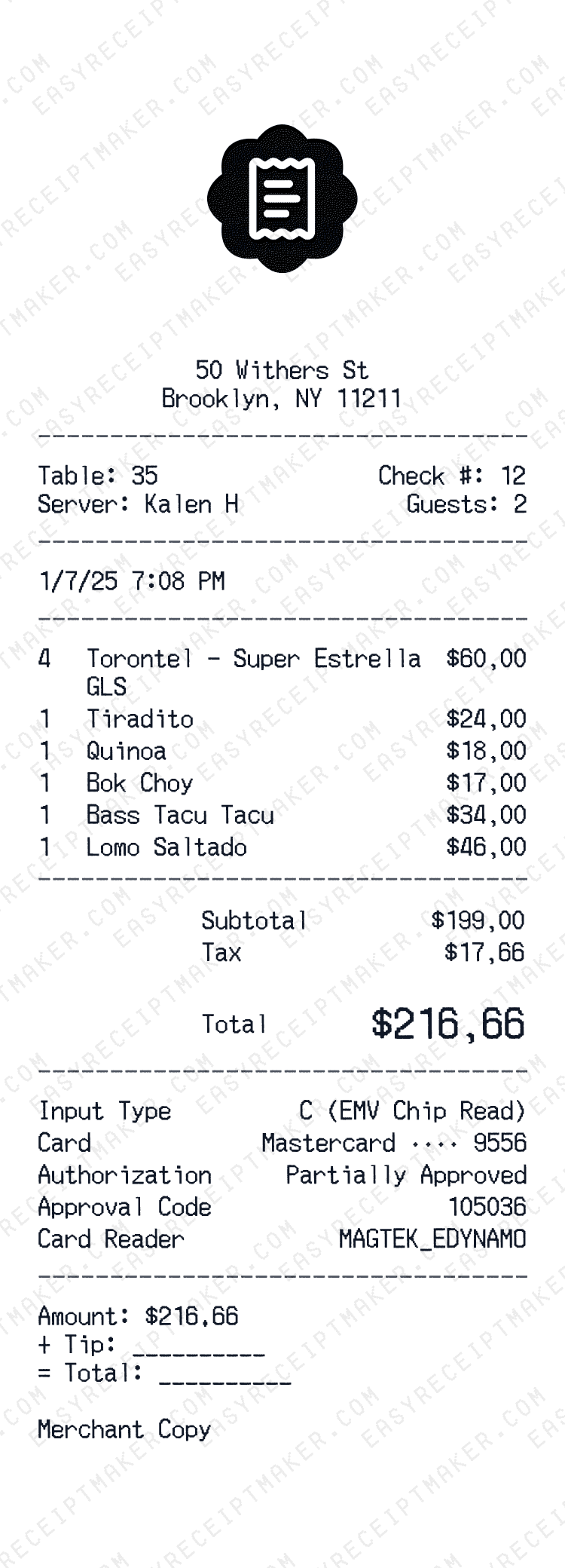
What is an Itemized Receipt?
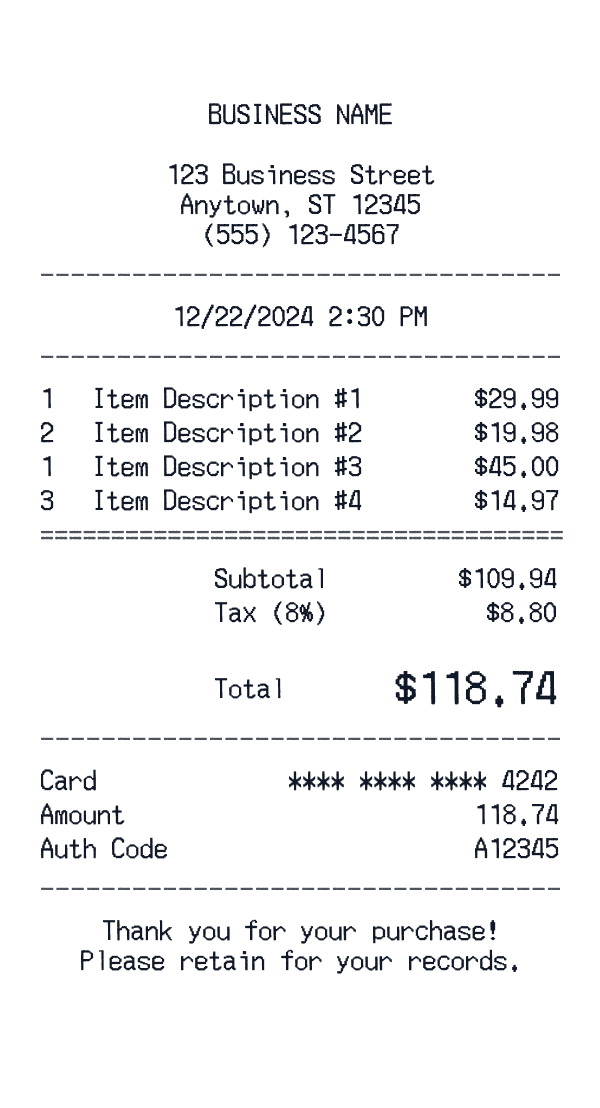
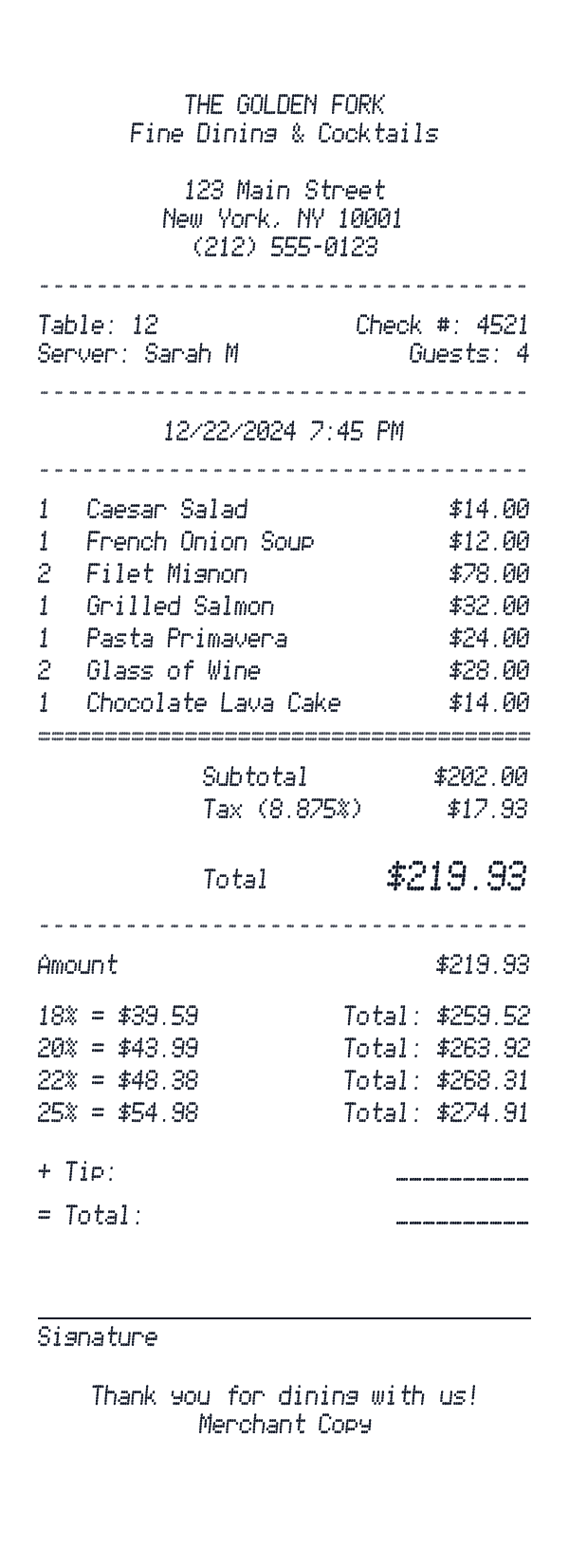
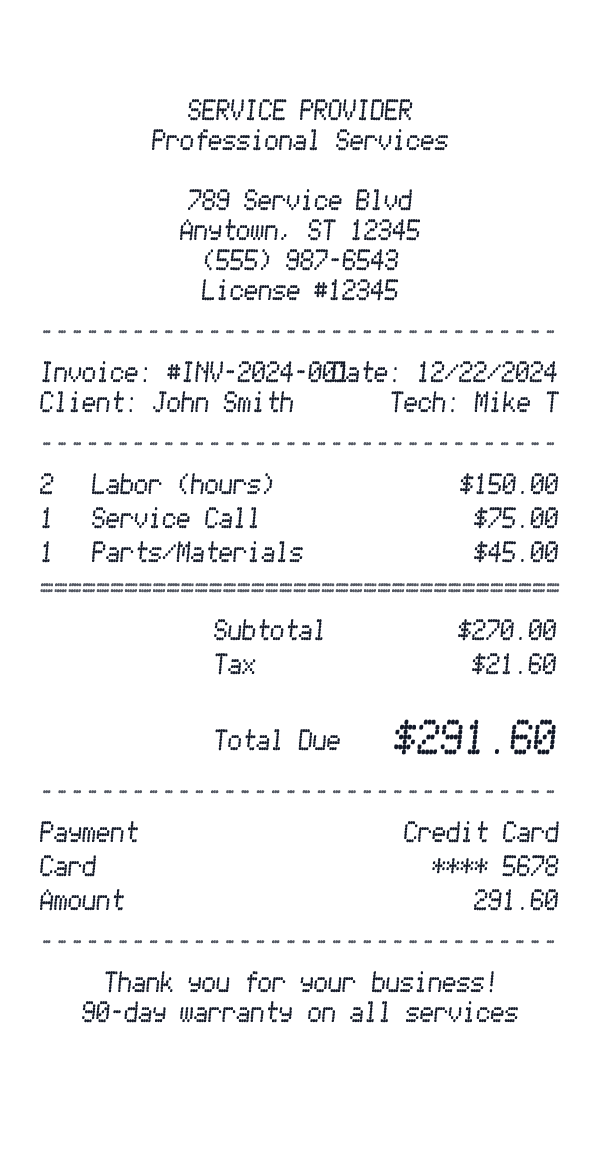
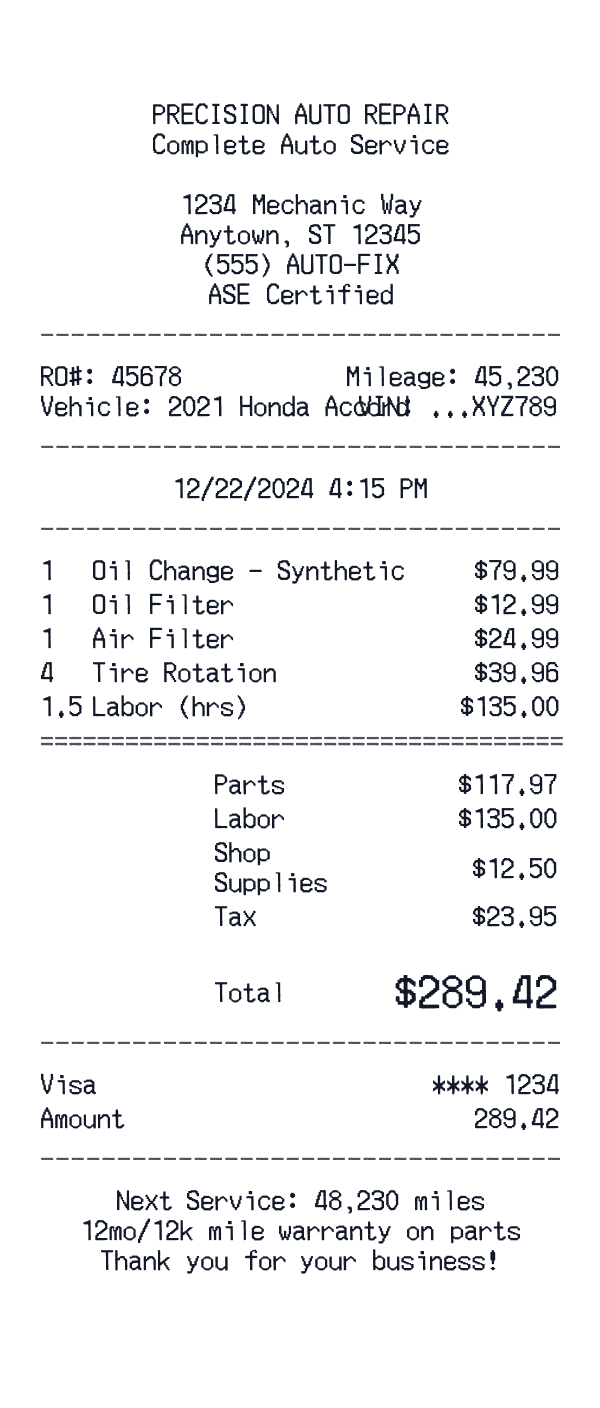
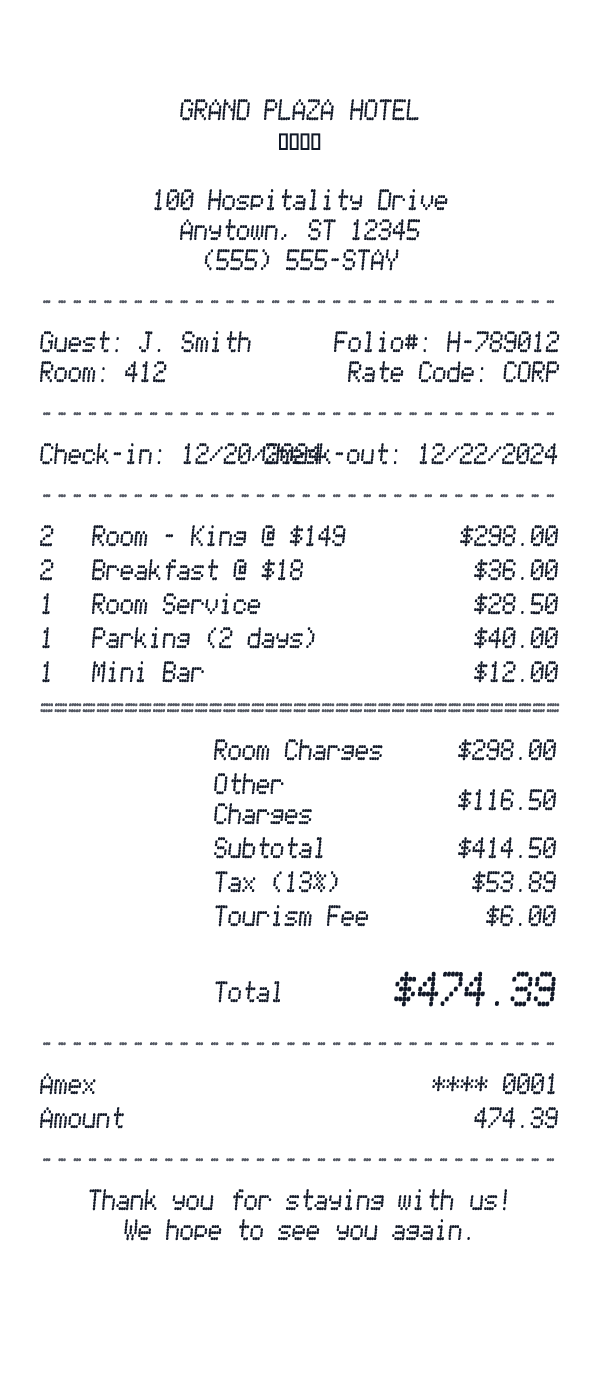
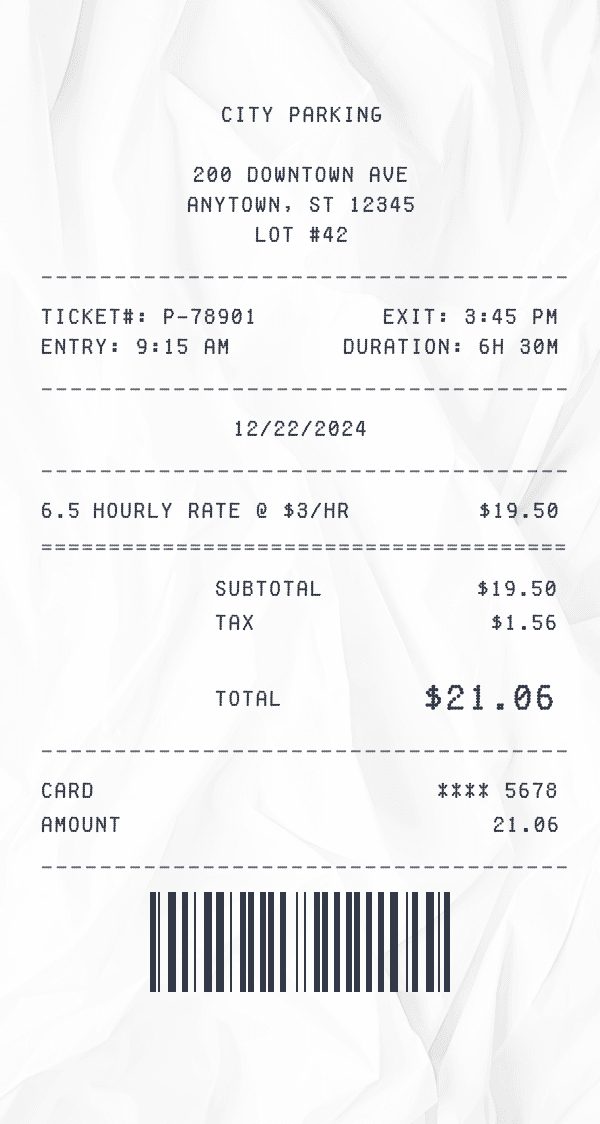
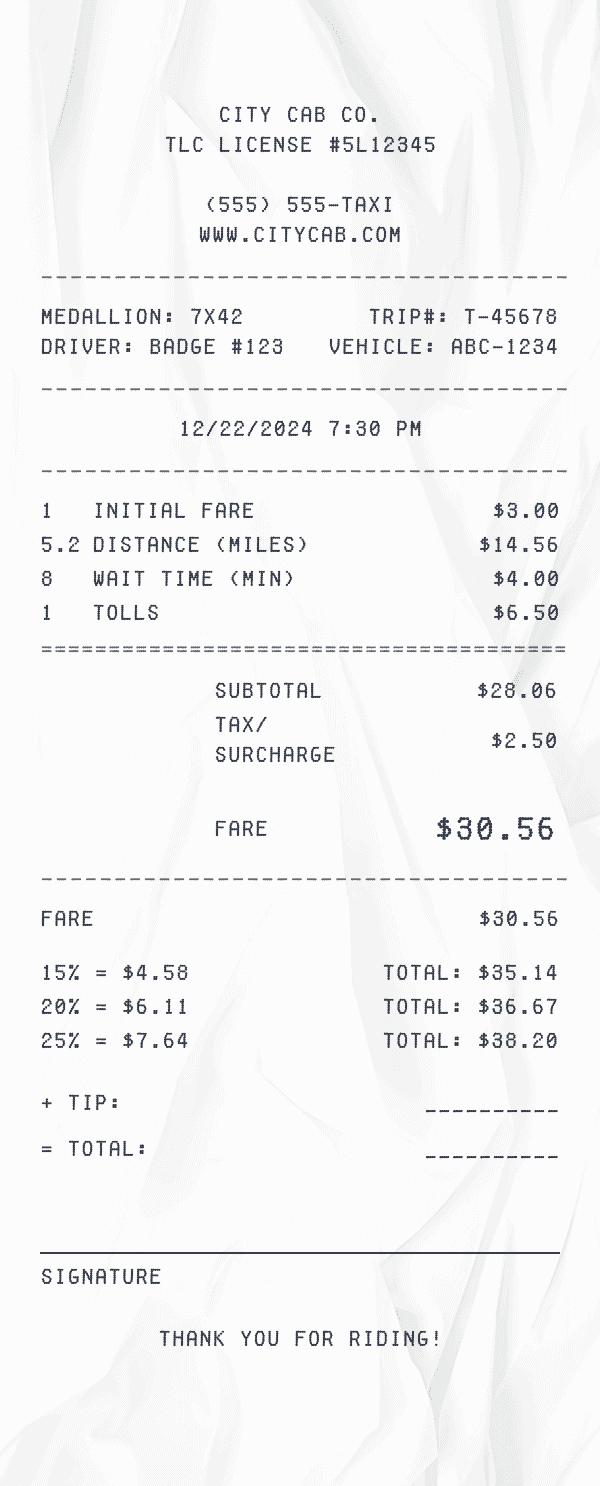
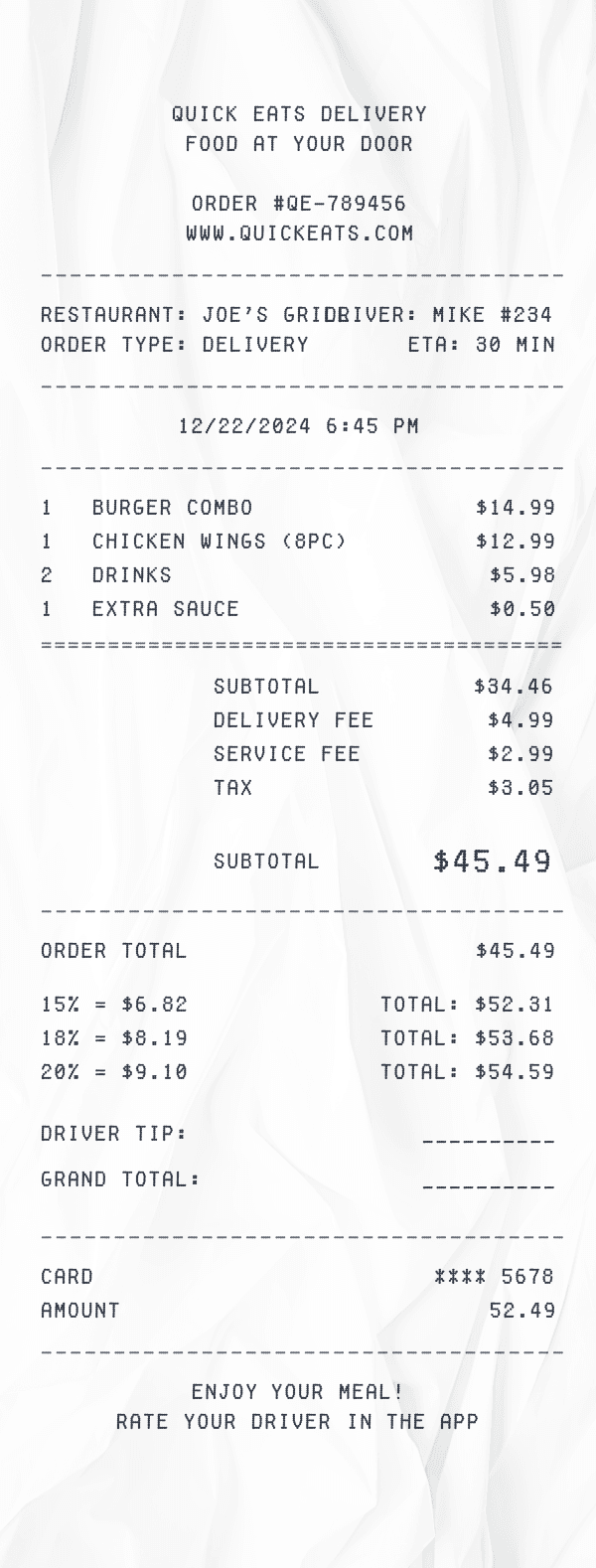
An itemized receipt is a detailed document that lists every item or service in a transaction individually, along with quantities, unit prices, and totals. Unlike a summary receipt that only shows the grand total, an itemized receipt provides a complete breakdown of the purchase, making it essential for:
- Creative projects: Itemized receipts add realism to film props, theater productions, escape rooms, and other entertainment projects.
- Design mockups: Detailed line items make receipt mockups look authentic for UI/UX prototypes and app designs.
- Personal record-keeping: Keep track of your purchases with organized, detailed receipt records.
- Educational use: Realistic itemized receipts are useful for training materials and classroom exercises.
How to Create an Itemized Receipt
Our itemized receipt generator makes it simple to create professional receipts in minutes. Here's how:
1. Add your business information: Enter your company name, address, phone number, and optionally upload a logo. This establishes your brand identity on every receipt.
2. Enter line items: Add each product or service with quantity, description, and price. The generator automatically calculates totals as you type. You can add as many items as needed.
3. Configure totals: Set your subtotal, add tax lines (you can have multiple tax rates), discounts, and the final total. For restaurant receipts, add tip lines and suggested gratuity.
4. Add payment details: Specify whether payment was by cash, credit card, or other method. Include card type, last four digits, and authorization codes for added realism.
5. Download or print: Export your itemized receipt as a high-resolution PNG image, ready to use in your project.
Types of Itemized Receipts
Different businesses require different receipt formats. Our generator supports all common types:
- Restaurant receipts: Include table number, server name, itemized food and drinks, subtotal, tax, tip line, and suggested gratuity percentages.
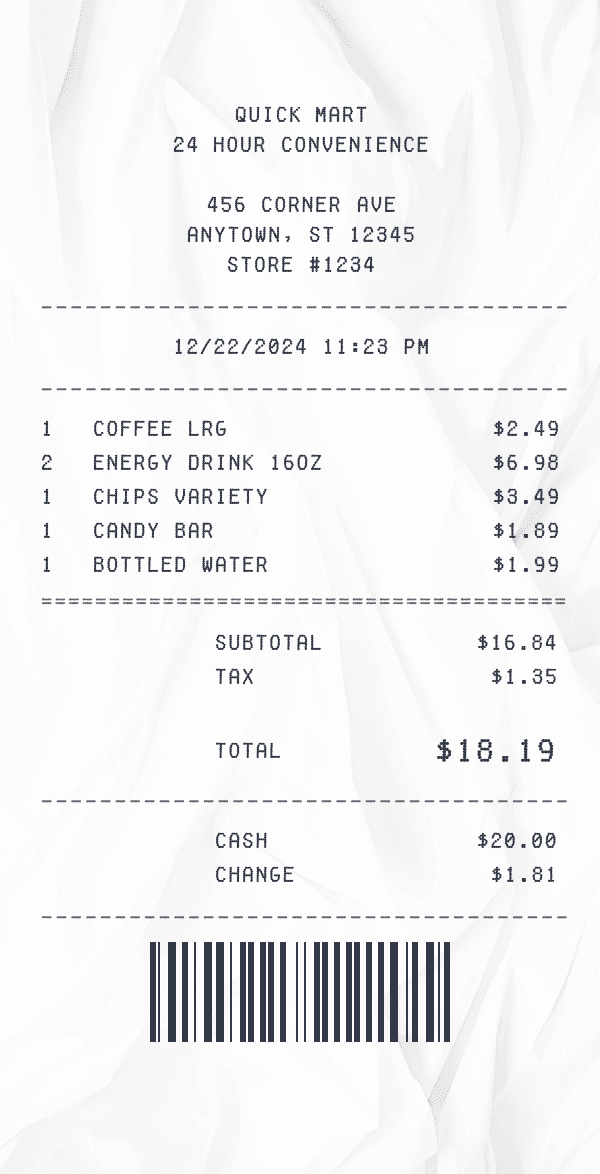
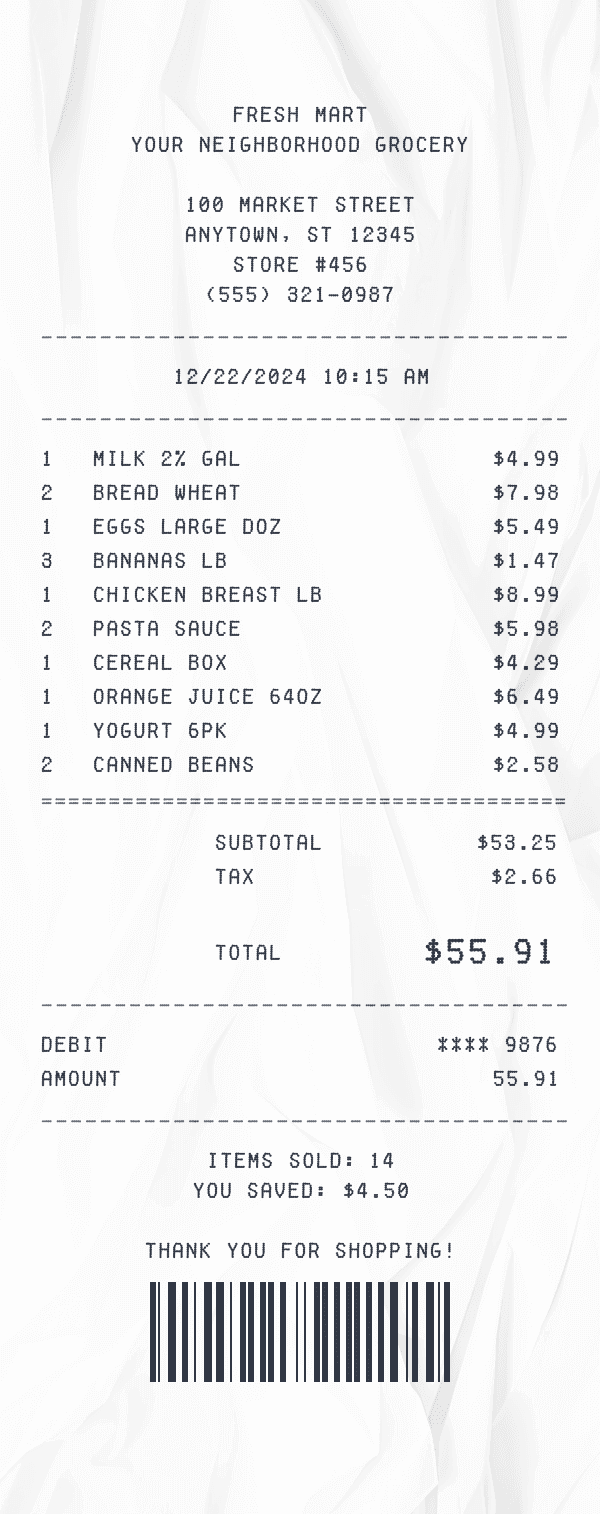
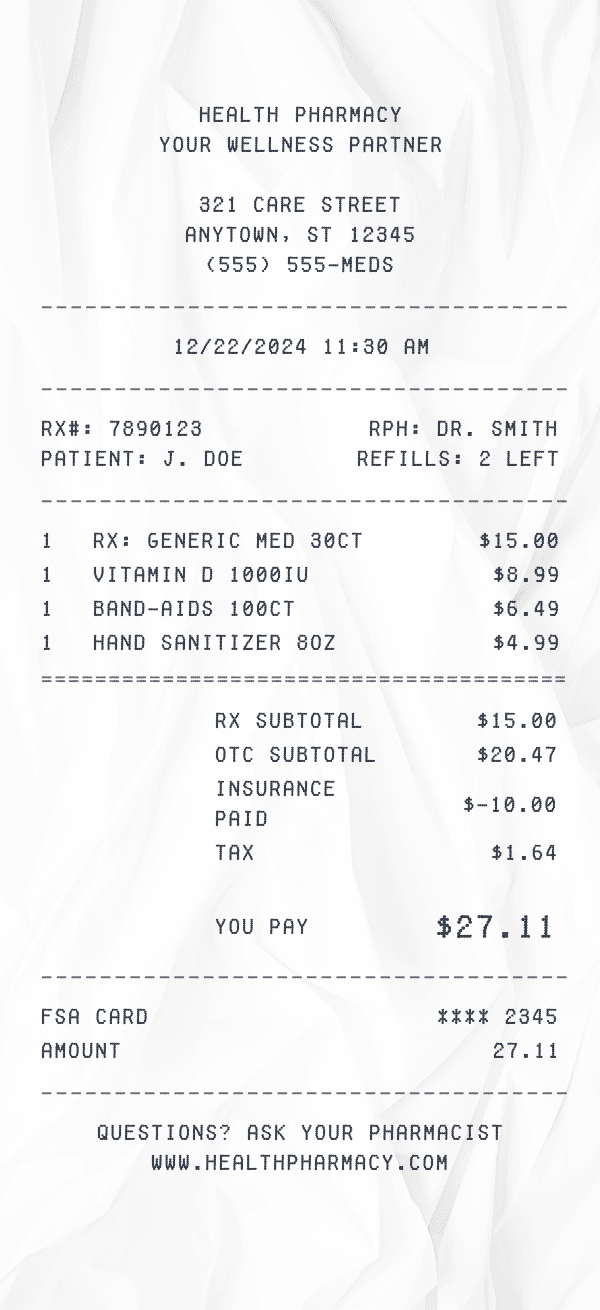
- Retail receipts: Show product SKUs, quantities, prices, discounts, subtotal, sales tax, and payment method.
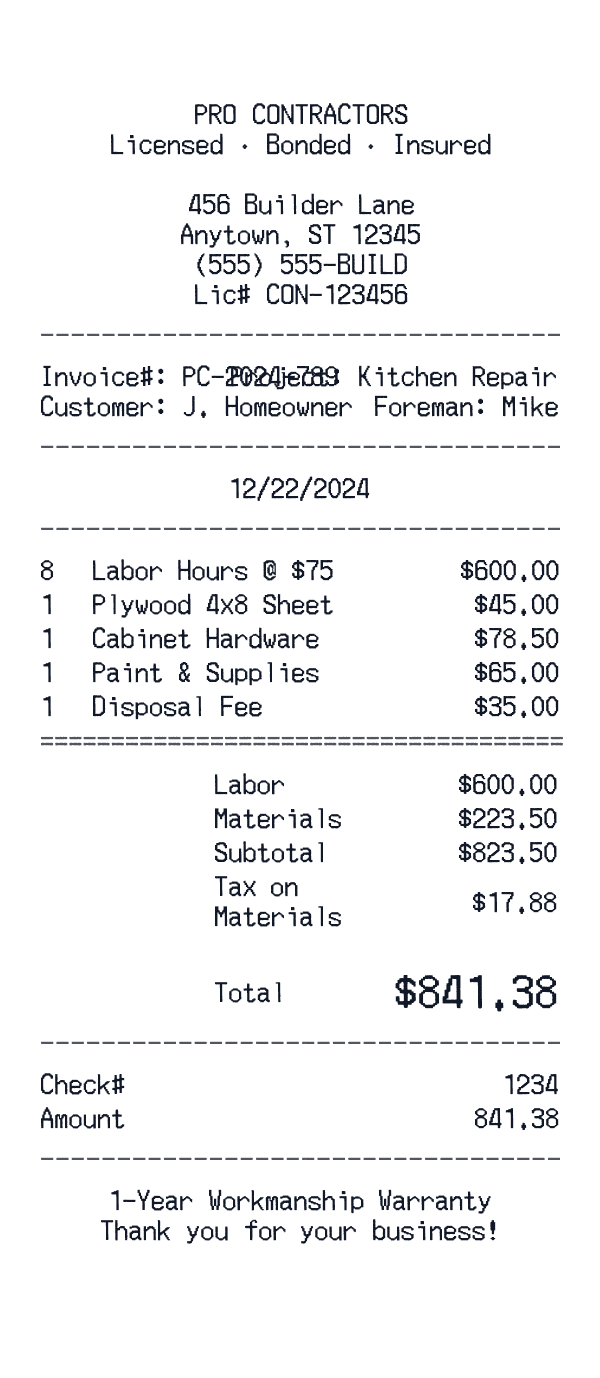
- Service receipts: List labor hours, service descriptions, materials, and any applicable fees.
- Auto repair receipts: Break down parts, labor hours, shop supplies, and warranties.
- Contractor receipts: Detail materials, labor, permits, and project-specific charges.
Why Use an Online Itemized Receipt Generator?
Creating itemized receipts manually in Word or Excel is time-consuming and often results in inconsistent formatting. Our online generator offers several advantages:
- Professional appearance: Authentic thermal-style receipts with proper fonts, layouts, and formatting.
- Customizable totals: Manually enter totals to match your records as you add items.
- Ready-made templates: Start with a template from major brands or use our generic templates for any business type.
- Instant download: Get your receipt in seconds, no software installation required.
- Mobile-friendly: Create receipts from any device, anywhere.
Whether you need a receipt for a creative project, a design mockup, or personal use, our itemized receipt generator has you covered. Start with a template above or customize from scratch—it's free to try.