
Design your Best Buy receipt
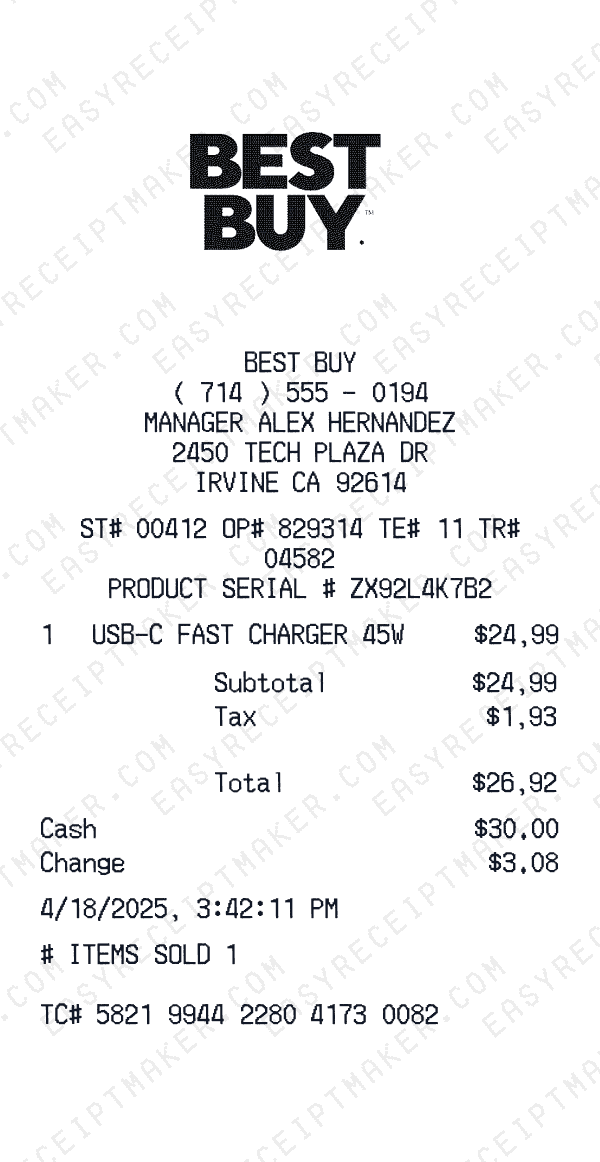
Free Best Buy receipt template with an editable electronics layout. Customize store details, line items, dates, tax, totals, and payment information for design, testing, or creative projects.
- Add custom logo
- Edit line items
- Choose payment method
- Add/remove receipt elements
- Customize business information
- Choose font
- Customize design and styling
How to Create a Best Buy Receipt
Follow these simple steps to generate your receipt in under 60 seconds
Select the Best Buy electronics template
Our template includes fields for model numbers, SKUs, serial numbers, and product details typical of electronics retailers.
Enter product details
Add the full product name, model number, SKU, and any protection plans or accessories purchased. Include serial numbers for high-value items.
Export for your project
Export a professional receipt for your film, video, software demo, or design mockup.
Understanding the Best Buy Receipt Format
A Best Buy receipt follows a specific format that includes transaction details, itemized purchases, and payment information. Here's what you'll find on a typical Best Buy thermal paper receipt:
Elements on a Best Buy Receipt
Header Section
Best Buy receipts display the store name and location at the top, making it easy to identify where the purchase was made.
- -Full store address
- -Store slogan or tagline
Items Section
Each line item on a Best Buy receipt shows the product details and price. Items are typically listed with department codes or SKUs.
- -Product name or description
- -Item quantity
- -Price in $ format
Payment Details
Best Buy receipts include detailed payment information for your records, including transaction verification codes.
- -Payment type: Cash
Date & Time
Every Best Buy receipt includes a timestamp showing exactly when the transaction occurred, useful for creative projects and personal records.
- -Transaction date
- -Time of purchase
- -Often includes timezone
Footer & Policies
The bottom of Best Buy receipts often contains important information like return policies, surveys, and promotional offers.
- -Return policy information
- -Survey or feedback codes
- -Promotional messages
Sample Best Buy Receipt Items
Best Buy electronics receipts include product names, model numbers, and prices. Protection plans and accessories appear as separate items.
| Item Description | Price |
|---|---|
GAMING ACCESSORY | $24.99 |
Keep your receipt for creative projects. Serial numbers may be printed separately or on the receipt footer.
Best Buy Receipt Fields Explained
Understanding what each field on your Best Buy receipt means can help with creative projects, design mockups, and personal records. Here's a quick reference guide:
Best Buy is a trademark of its respective owner. This tool is not affiliated with or endorsed by Best Buy. This template is designed for creative projects, entertainment, and personal use only.
FAQ
Frequently Asked Questions
Everything you need to know about creating Best Buy receipts
Related Templates
More Electronics Receipt Templates
Apple Store
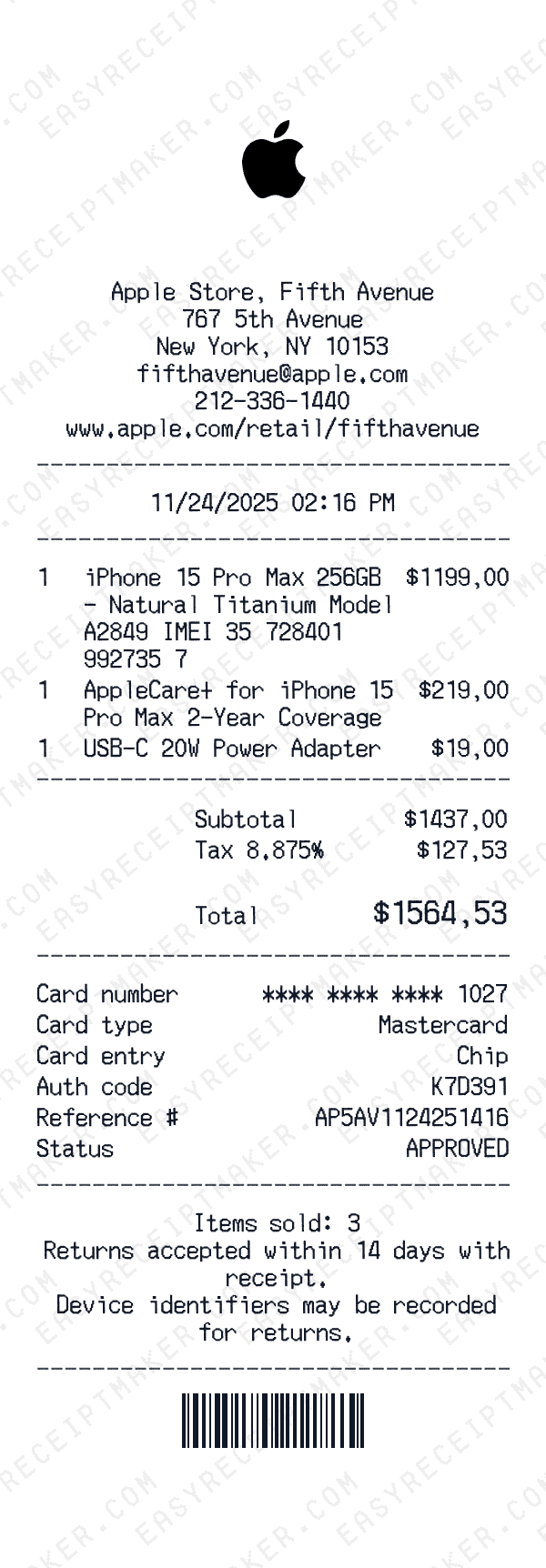
Apple Store retail receipt for an iPhone purchase at the Fifth Avenue flagship, paid by card.
DJI
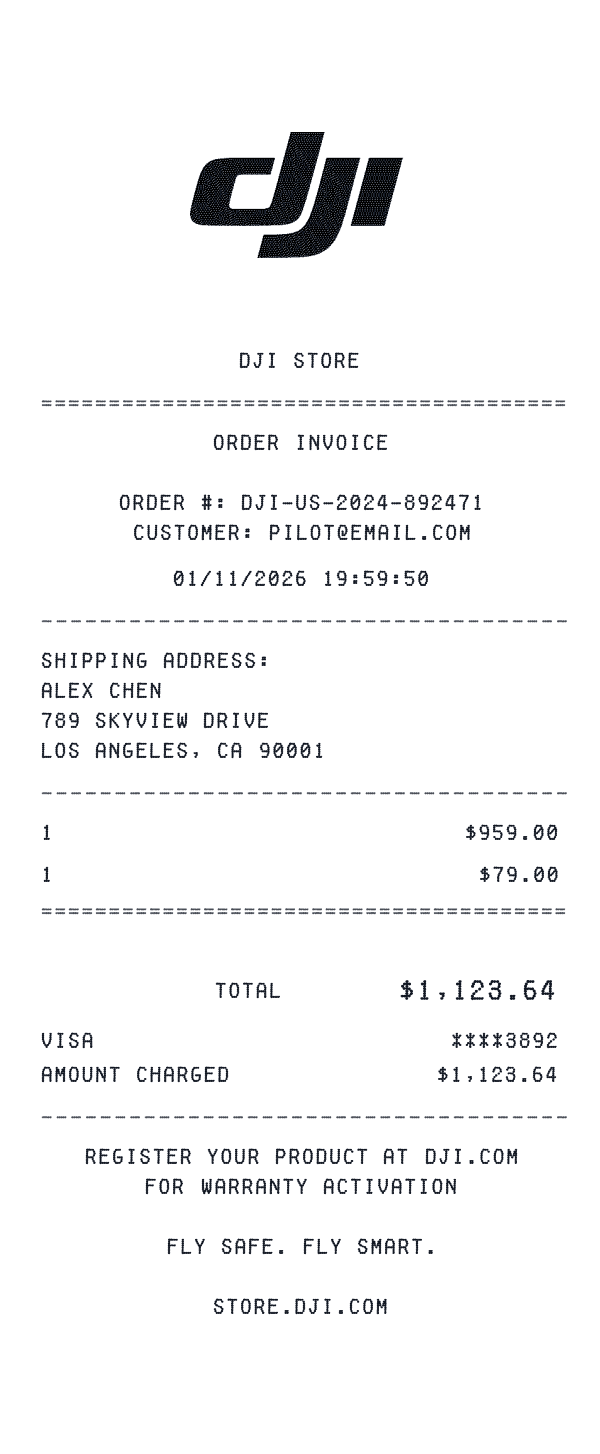
Leading drone and camera gimbal technology
GameStop
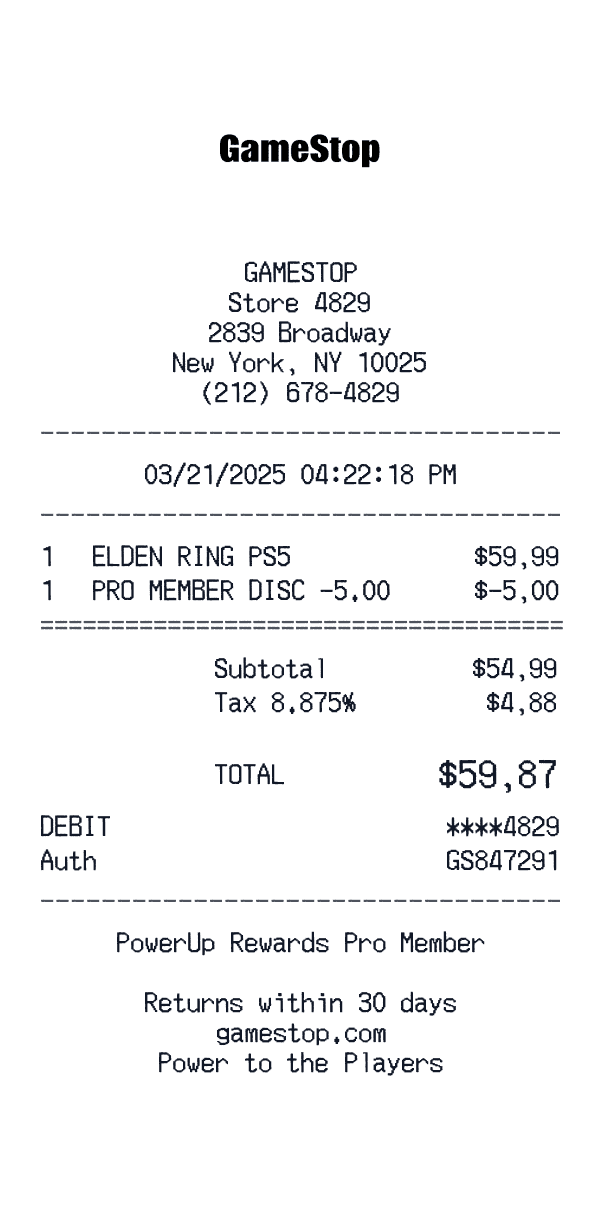
GameStop thermal receipt with SKU lines, PowerUp Rewards block, and TellGameStop survey.
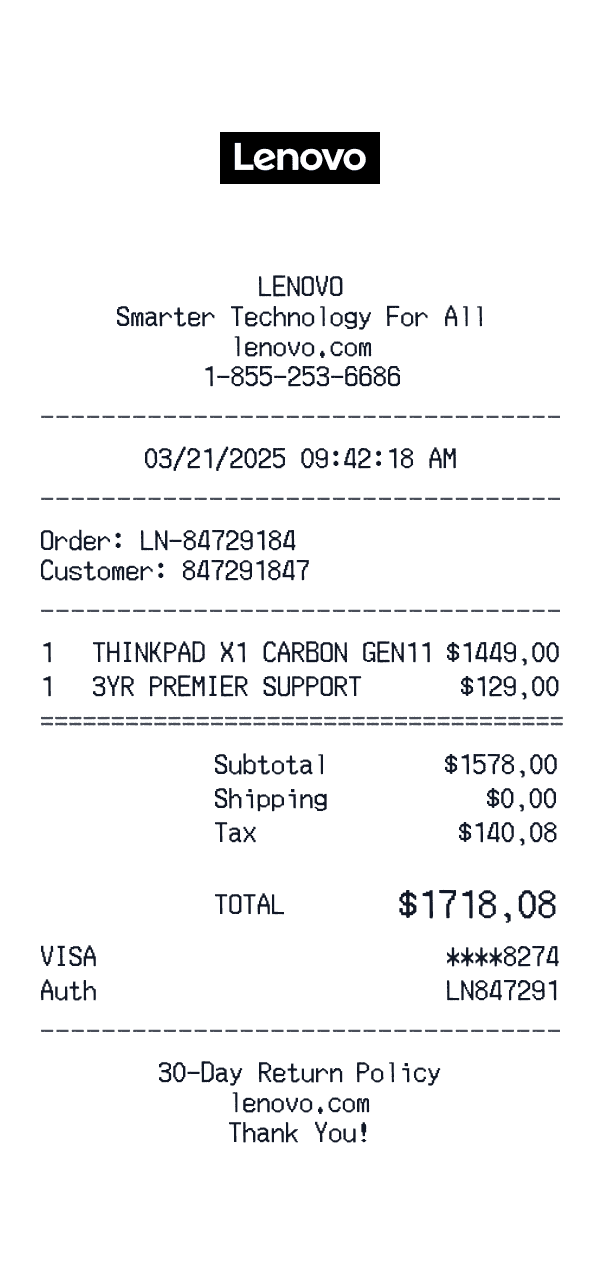
Lenovo
Lenovo.com order receipt with ThinkPad configuration, Premier Support add-on, and Visa auth.
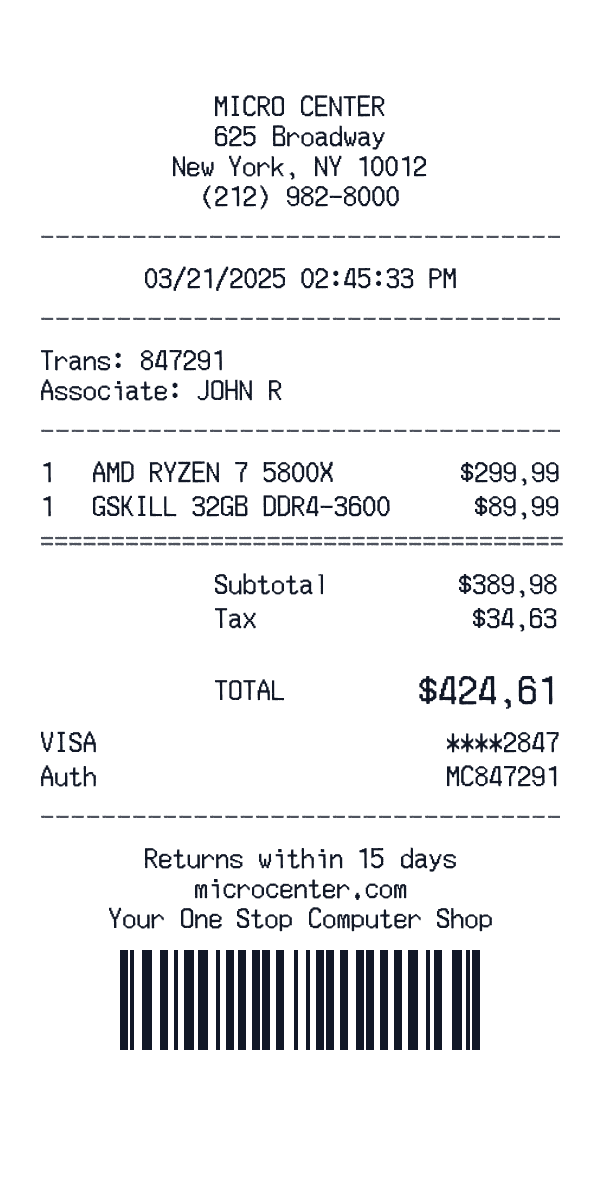
Micro Center
Micro Center computer store receipt.
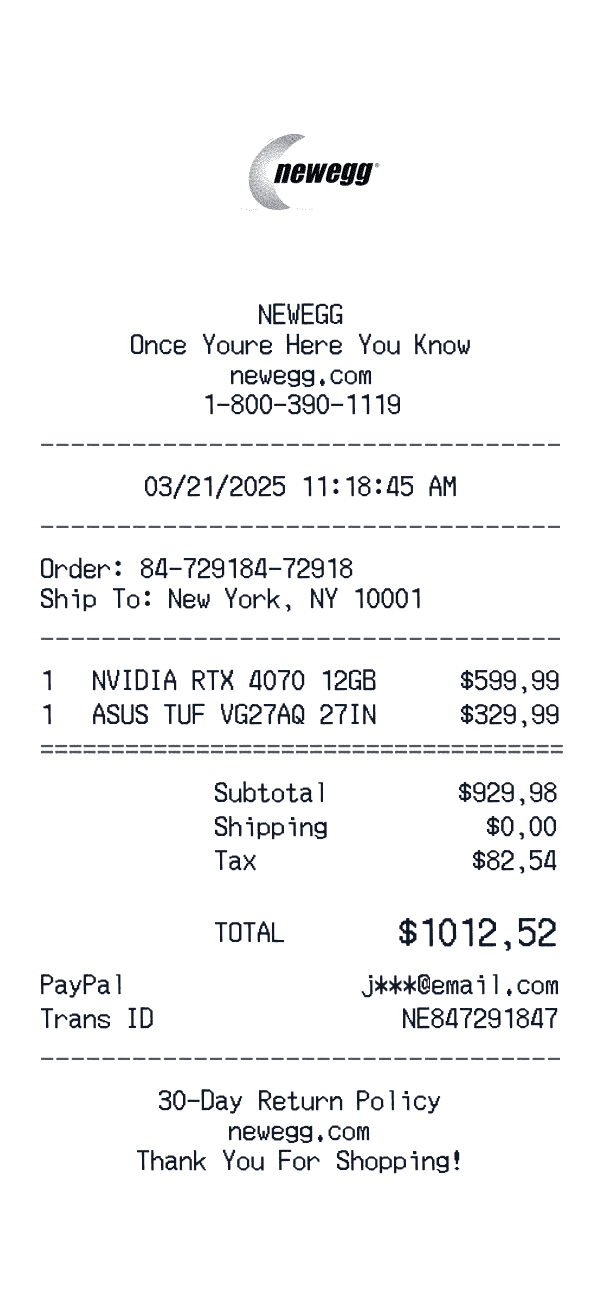
Newegg
Newegg online electronics receipt.
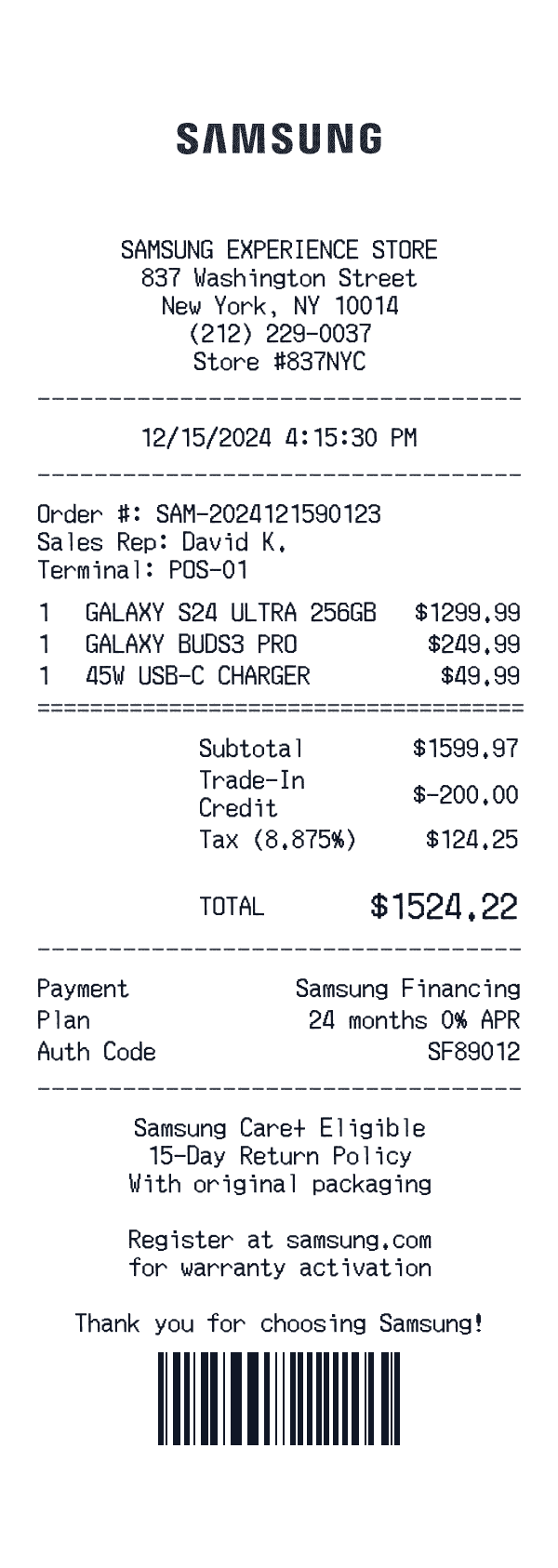
Samsung US
Experience Store handset sale with trade-in, Samsung Financing, and Care+ eligibility note.
Ready to Use This Best Buy Template?
Open the editor, customize every field, and download your mockup in seconds.
Open Best Buy Editor