
Design your Coastal Airways E-Ticket receipt
Free Coastal Airways E-Ticket receipt template with an editable airline layout. Customize store details, line items, dates, tax, totals, and payment information for design, testing, or creative projects.
- Add custom logo
- Edit line items
- Choose payment method
- Add/remove receipt elements
- Customize business information
- Choose font
- Customize design and styling
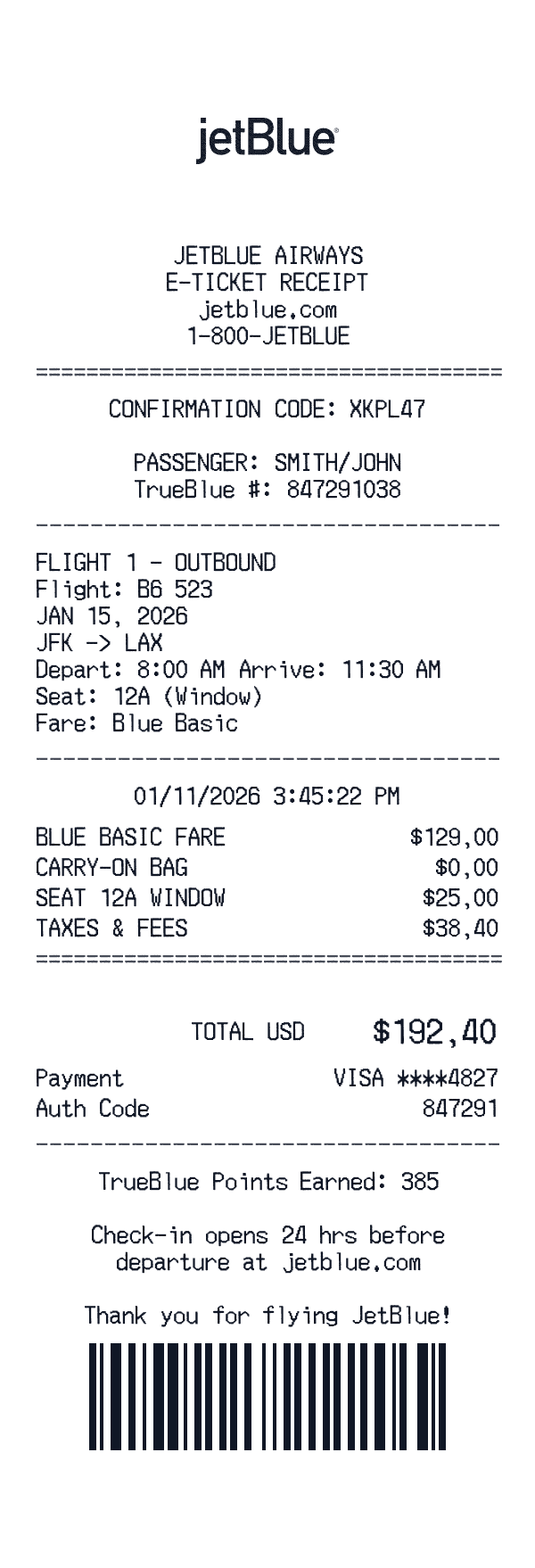
How to Create a Coastal Airways E-Ticket Receipt
Follow these simple steps to generate your receipt in under 60 seconds
Select the Coastal Airways E-Ticket airline template
Our template includes flight segments, fare breakdowns, and the detailed fee structure airlines use on receipts and itineraries.
Enter flight details
Add departure/arrival cities, flight numbers, dates, times, fare class, and any add-ons like checked bags, seat selection, or priority boarding.
Export for your project
Add base fare, carrier-imposed fees, and taxes. Download your itinerary for your creative project or app mockup.
Understanding the Coastal Airways E-Ticket Receipt Format
A Coastal Airways E-Ticket receipt follows a specific format that includes transaction details, itemized purchases, and payment information. Here's what you'll find on a typical Coastal Airways E-Ticket receipt:
Elements on a Coastal Airways E-Ticket Receipt
Header Section
Coastal Airways E-Ticket receipts display the store name and location at the top, making it easy to identify where the purchase was made.
- -Store phone number
Items Section
Each line item on a Coastal Airways E-Ticket receipt shows the product details and price. Items are typically listed with department codes or SKUs.
- -Product name or description
- -Item quantity
- -Price in $ format
Payment Details
Coastal Airways E-Ticket receipts include detailed payment information for your records, including transaction verification codes.
- -Payment type: Visa
- -Authorization/approval code
Date & Time
Every Coastal Airways E-Ticket receipt includes a timestamp showing exactly when the transaction occurred, useful for creative projects and personal records.
- -Transaction date
- -Time of purchase
- -Often includes timezone
Barcode
Coastal Airways E-Ticket receipts include a barcode that can be scanned to retrieve transaction details.
- -Standard barcode formatting
- -Links to transaction record
- -Used for transaction reference
Footer & Policies
The bottom of Coastal Airways E-Ticket receipts often contains important information like return policies, surveys, and promotional offers.
- -Return policy information
- -Survey or feedback codes
- -Promotional messages
Sample Coastal Airways E-Ticket Receipt Items
Coastal Airways E-Ticket airline receipts show ticket prices, baggage fees, and any in-flight purchases. Fare breakdowns include base fare and taxes.
| Item Description | Price |
|---|---|
ECONOMY SAVER FARE | $129.00 |
CARRY-ON (INCLUDED) | $0.00 |
EXTRA LEGROOM 8F | $25.00 |
TAXES, FEES & CARRIER CHARGES | $38.40 |
Ticket prices include various taxes and fees. Baggage and seat selection appear as separate charges.
Coastal Airways E-Ticket Receipt Fields Explained
Understanding what each field on your Coastal Airways E-Ticket receipt means can help with creative projects, design mockups, and personal records. Here's a quick reference guide:
Coastal Airways E-Ticket is a trademark of its respective owner. This tool is not affiliated with or endorsed by Coastal Airways E-Ticket. This template is designed for creative projects, entertainment, and personal use only.
FAQ
Frequently Asked Questions
Everything you need to know about creating Coastal Airways E-Ticket receipts
Related Templates
More Airline Receipt Templates
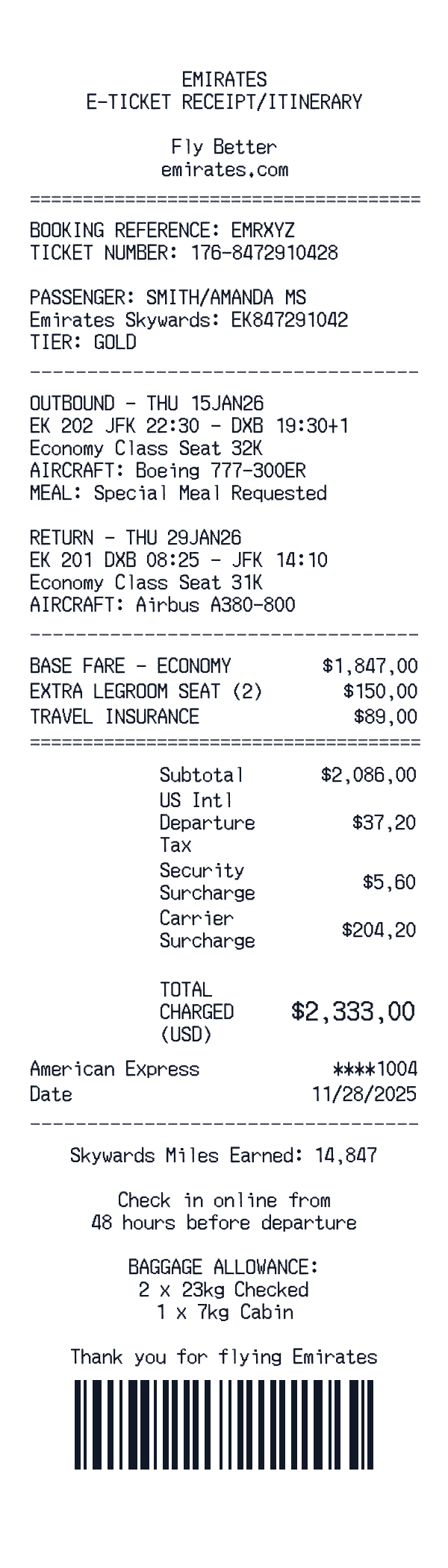
Gulf Sky Airways
International airline e-ticket receipt with round-trip itinerary.
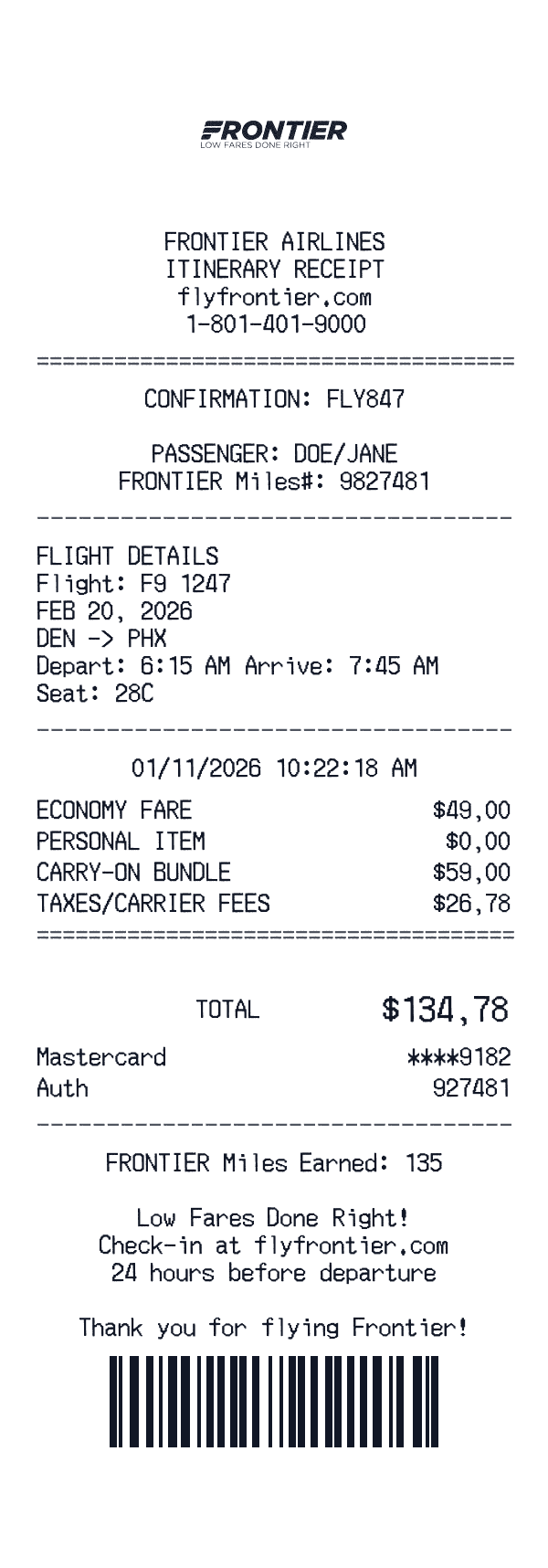
Summit Air
Low-cost carrier booking receipt with bundle add-ons and fee breakdown.
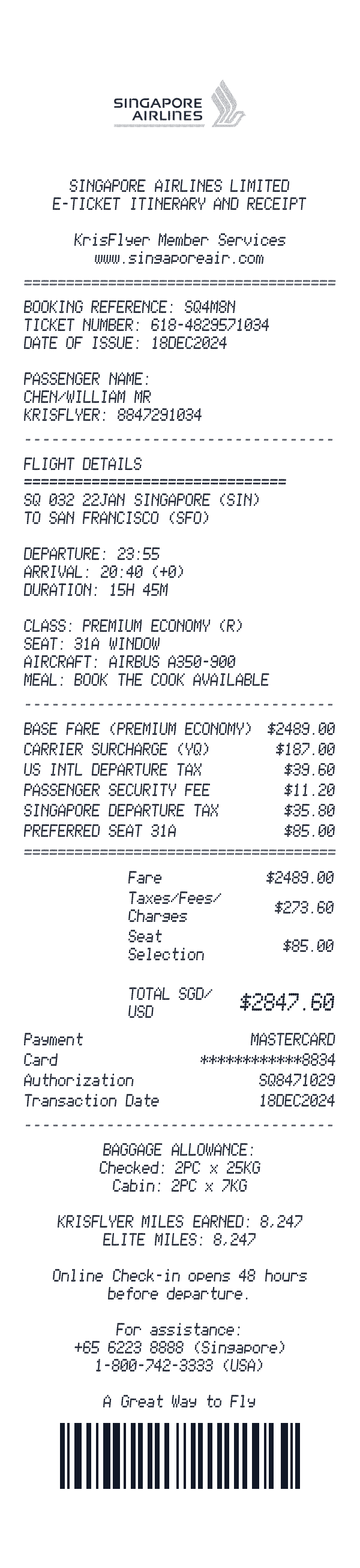
Pacific Airways
E-ticket receipt: long-haul premium economy, seat buy-up, and frequent-flyer earn.
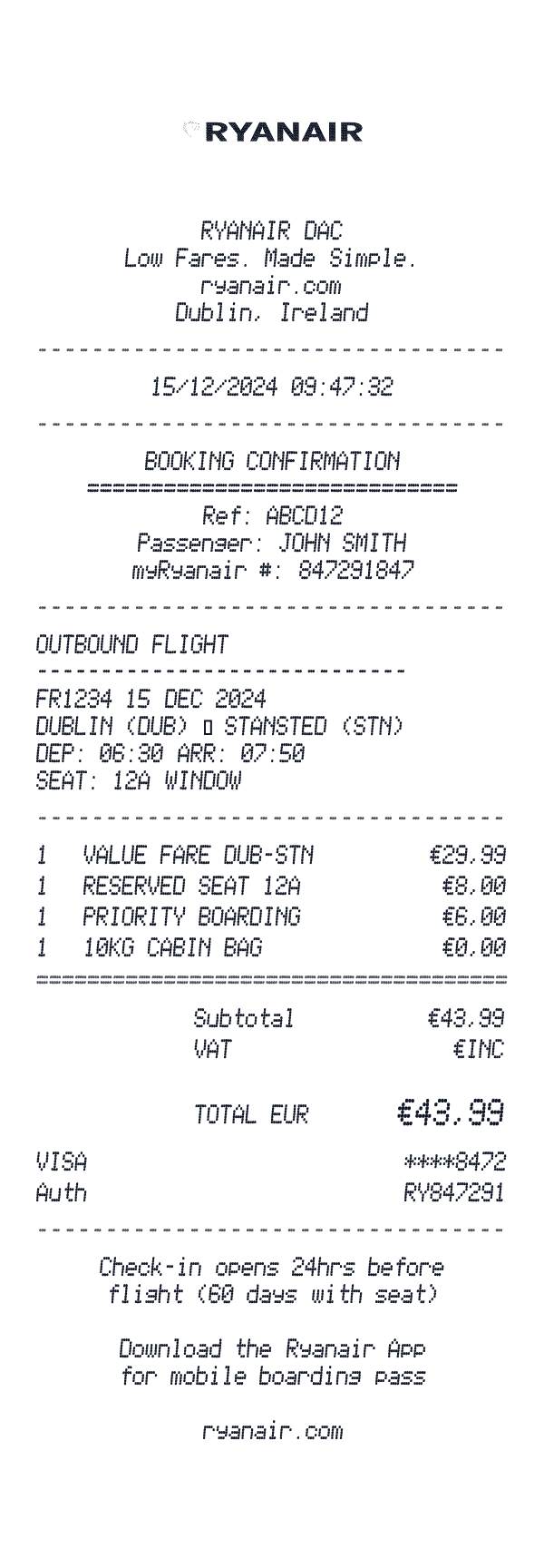
SkyHop Air
Short-haul value fare with seat, priority, and inclusive VAT note.
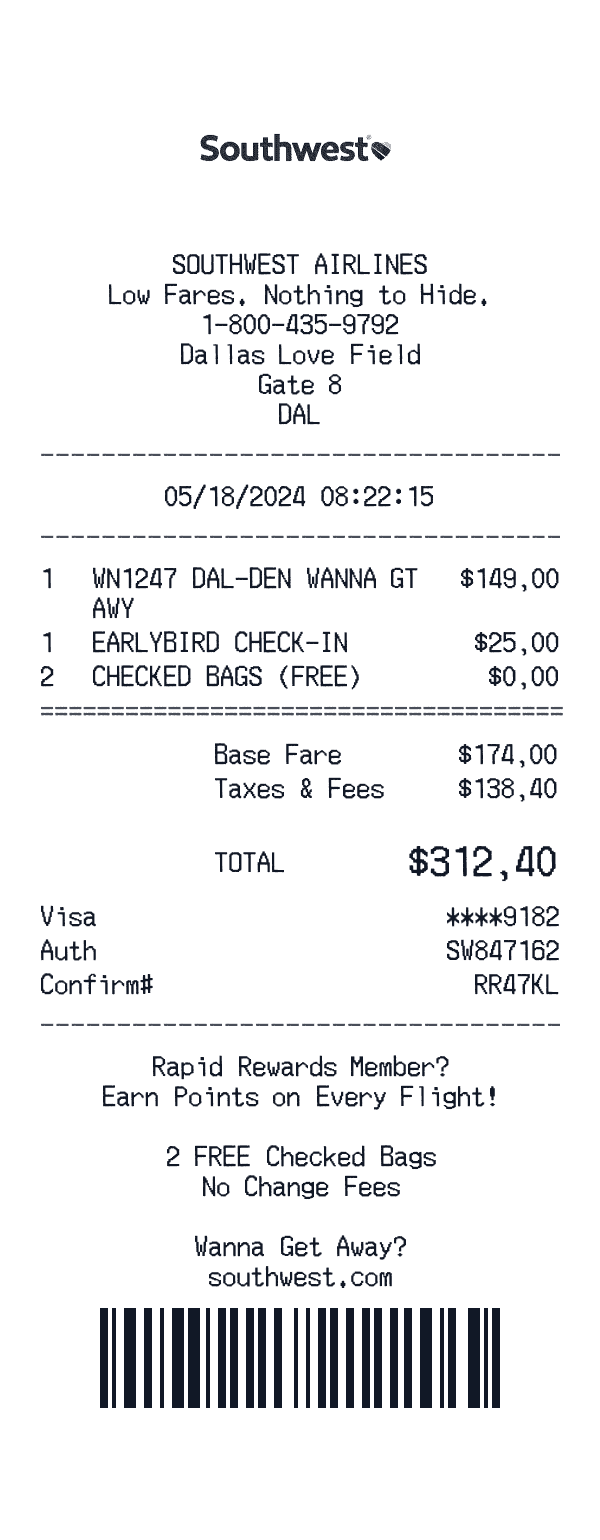
Skyline Air
Itinerary receipt: economy fare, priority check-in add-on, complimentary bags line, taxes block.
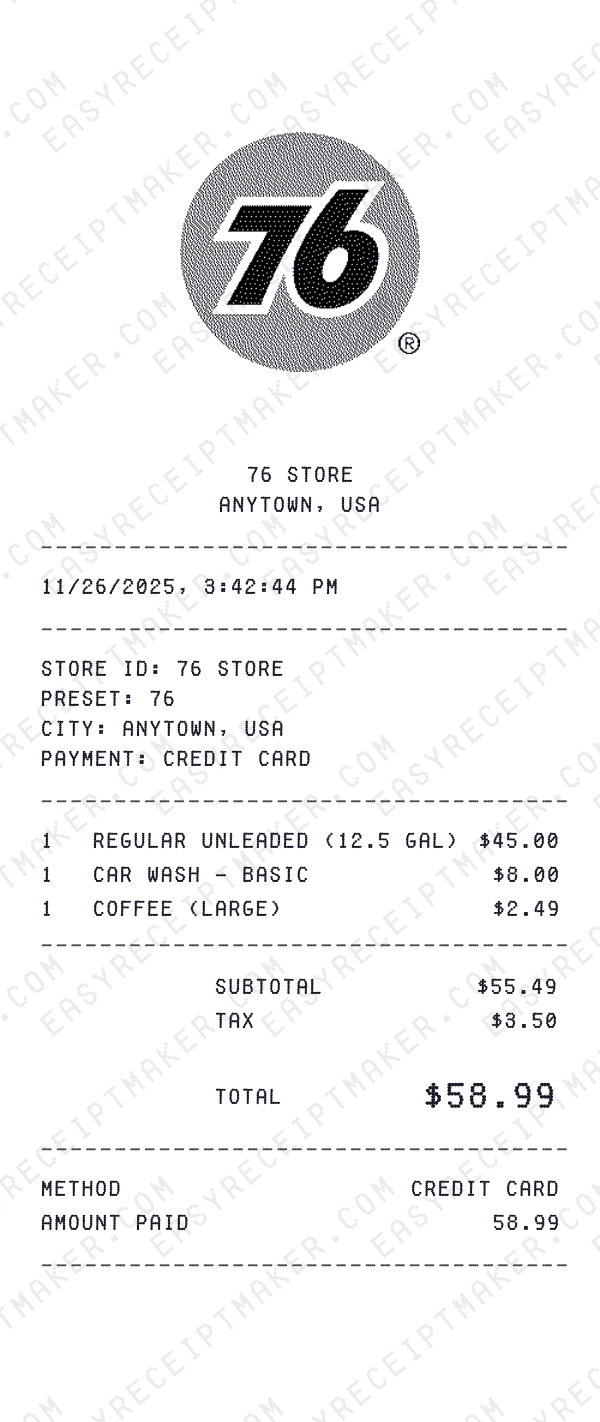
Suncrest Pump & Go
Branded gas station fuel receipt with pump readout and loyalty-app savings line.
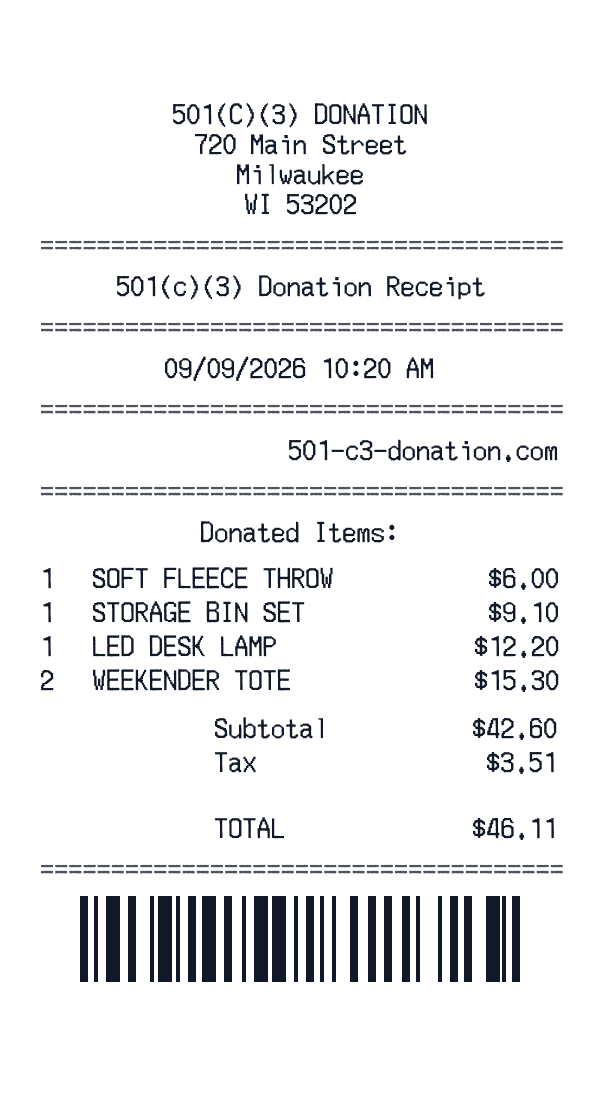
Charity Shop Donation Receipt
Nonprofit retail-style donation slip with itemized gifts, tax line, and barcode footer.
Ready to Use This Coastal Airways E-Ticket Template?
Open the editor, customize every field, and download your mockup in seconds.
Open Coastal Airways E-Ticket Editor