
Design your Red Lobster receipt
Free Red Lobster receipt template with an editable restaurant layout. Customize store details, line items, dates, tax, totals, and payment information for design, testing, or creative projects.
- Add custom logo
- Edit line items
- Choose payment method
- Add/remove receipt elements
- Customize business information
- Choose font
- Customize design and styling
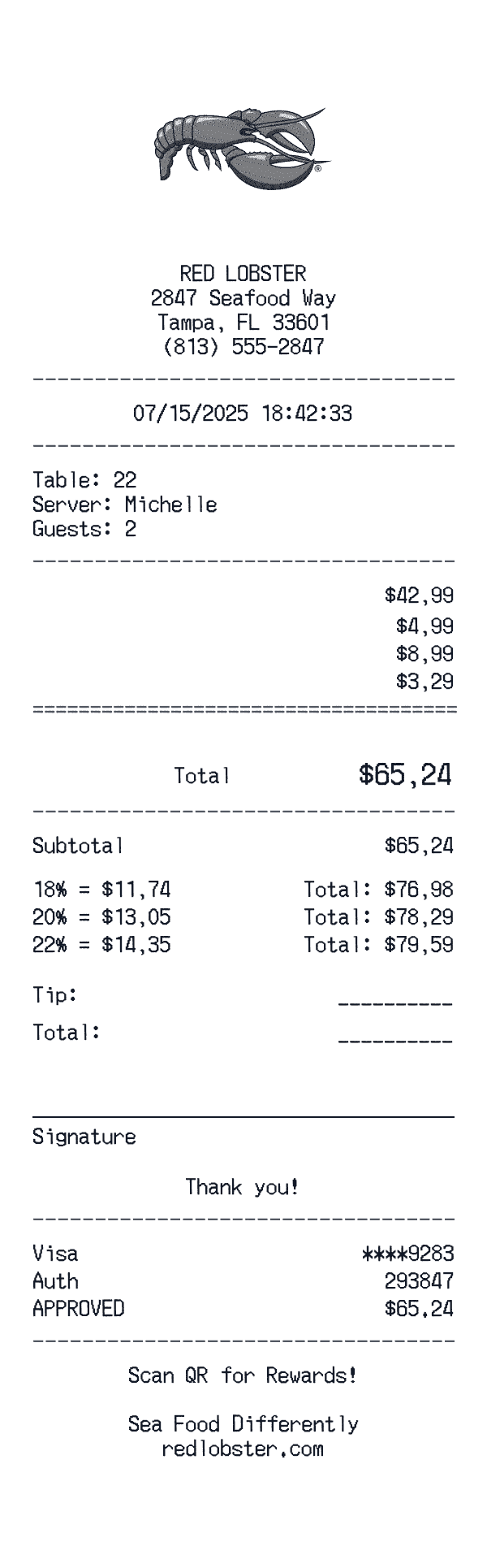
How to Create a Red Lobster Receipt
Follow these simple steps to generate your receipt in under 60 seconds
Select the Red Lobster dining template
Choose from casual dining or fine dining formats, complete with server name, table number, and guest count fields.
Build the itemized bill
Add appetizers, entrees, beverages, desserts, and any special modifications. Include bottle service or wine pairings if applicable.
Add tax, tip, and payment
Calculate appropriate tax rates, suggested tip amounts (18%, 20%, 22%), and choose your payment method.
Understanding the Red Lobster Receipt Format
A Red Lobster receipt follows a specific format that includes transaction details, itemized purchases, and payment information. Here's what you'll find on a typical Red Lobster thermal paper receipt:
Elements on a Red Lobster Receipt
Header Section
Red Lobster receipts display the store name and location at the top, making it easy to identify where the purchase was made.
- -Full store address
- -Store phone number
Items Section
Each line item on a Red Lobster receipt shows the product details and price. Items are typically listed with department codes or SKUs.
- -Product name or description
- -Item quantity
- -Price in $ format
Payment Details
Red Lobster receipts include detailed payment information for your records, including transaction verification codes.
- -Payment type: Visa
- -Authorization/approval code
Date & Time
Every Red Lobster receipt includes a timestamp showing exactly when the transaction occurred, useful for creative projects and personal records.
- -Transaction date
- -Time of purchase
- -Often includes timezone
Footer & Policies
The bottom of Red Lobster receipts often contains important information like return policies, surveys, and promotional offers.
- -Tip calculation area
- -Signature line
- -Return policy information
- -Survey or feedback codes
Sample Red Lobster Receipt Items
Red Lobster restaurant receipts show each dish with its price. Appetizers, entrees, and drinks are typically grouped together.
| Item Description | Price |
|---|---|
ULTIMATE FEAST | $42.99 |
Lobster tail, shrimp, crab legs | $ |
CHEDDAR BAY BISCUITS | $4.99 |
LOBSTER BISQUE CUP | $8.99 |
ICED TEA | $3.29 |
Tax and tip calculations appear below the itemized list. Some items may show special instructions or modifications.
Red Lobster Receipt Fields Explained
Understanding what each field on your Red Lobster receipt means can help with creative projects, design mockups, and personal records. Here's a quick reference guide:
Red Lobster is a trademark of its respective owner. This tool is not affiliated with or endorsed by Red Lobster. This template is designed for creative projects, entertainment, and personal use only.
FAQ
Frequently Asked Questions
Everything you need to know about creating Red Lobster receipts
Related Templates
More Restaurant Receipt Templates
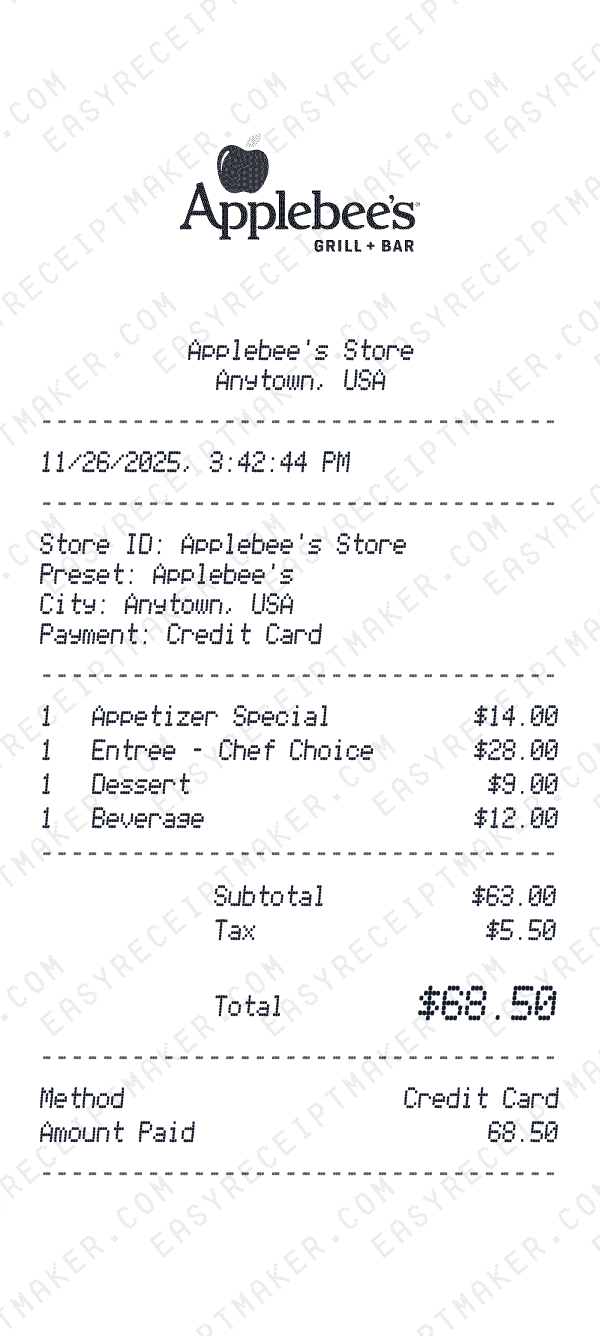
Applebee's
Applebee's casual dining receipt.
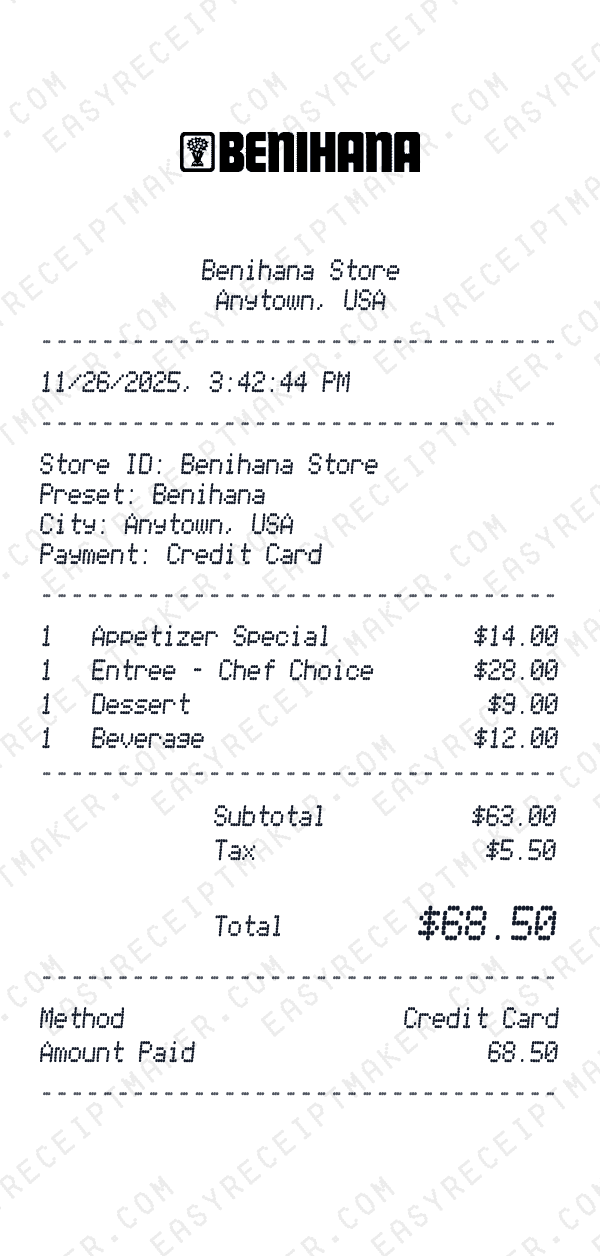
Benihana
Benihana Japanese steakhouse receipt.
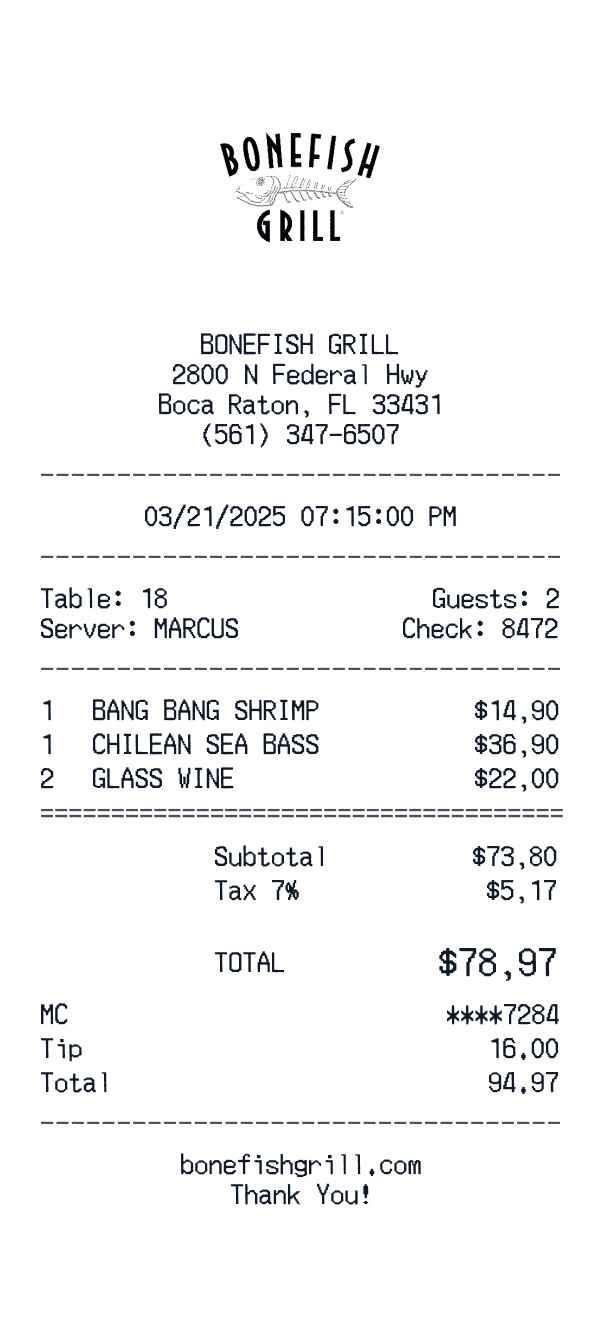
Bonefish Grill
Bonefish Grill seafood receipt.
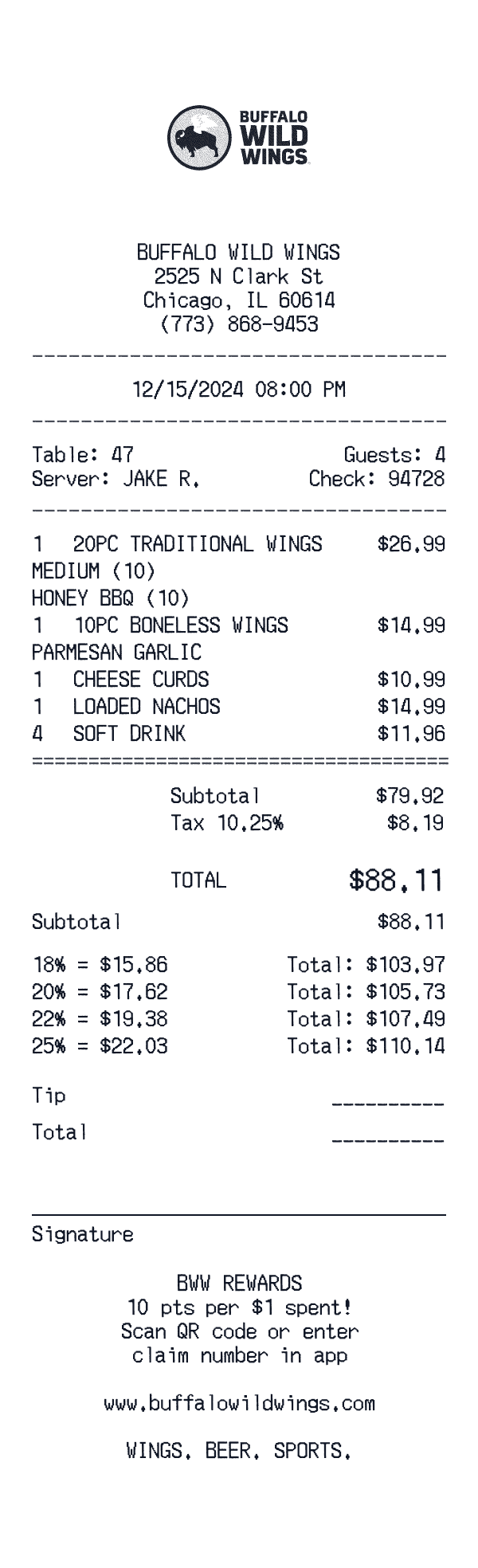
Buffalo Wild Wings
Buffalo Wild Wings sports bar receipt.
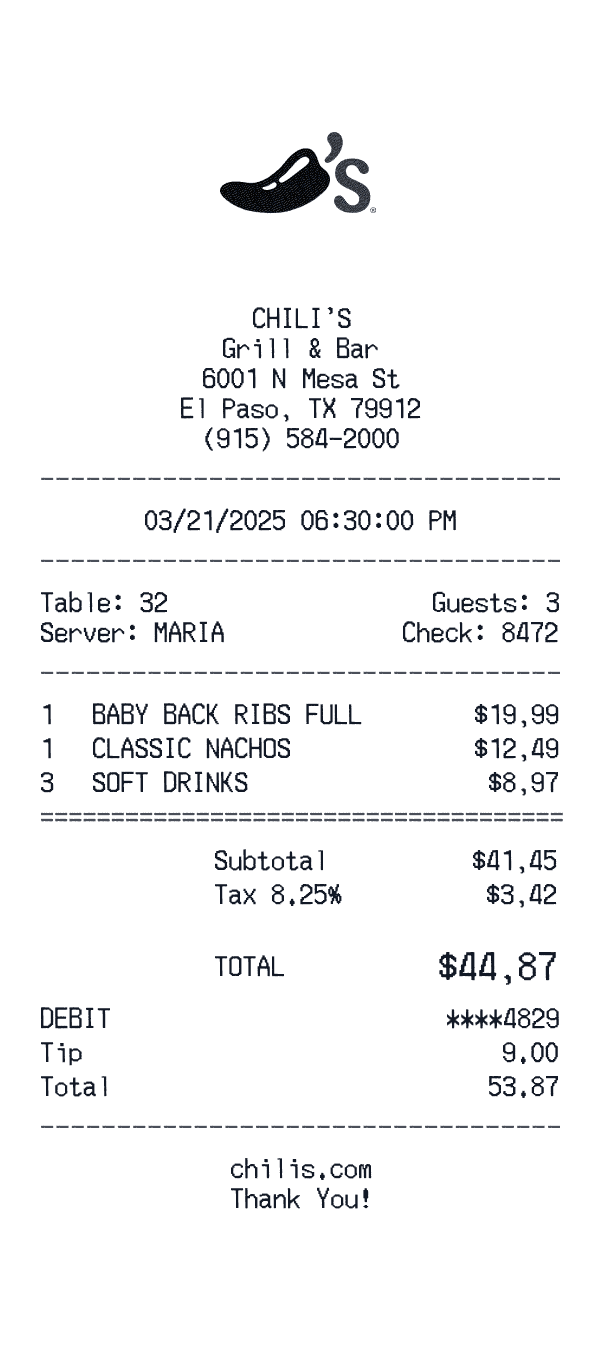
Chili's
Chili's Grill & Bar receipt.
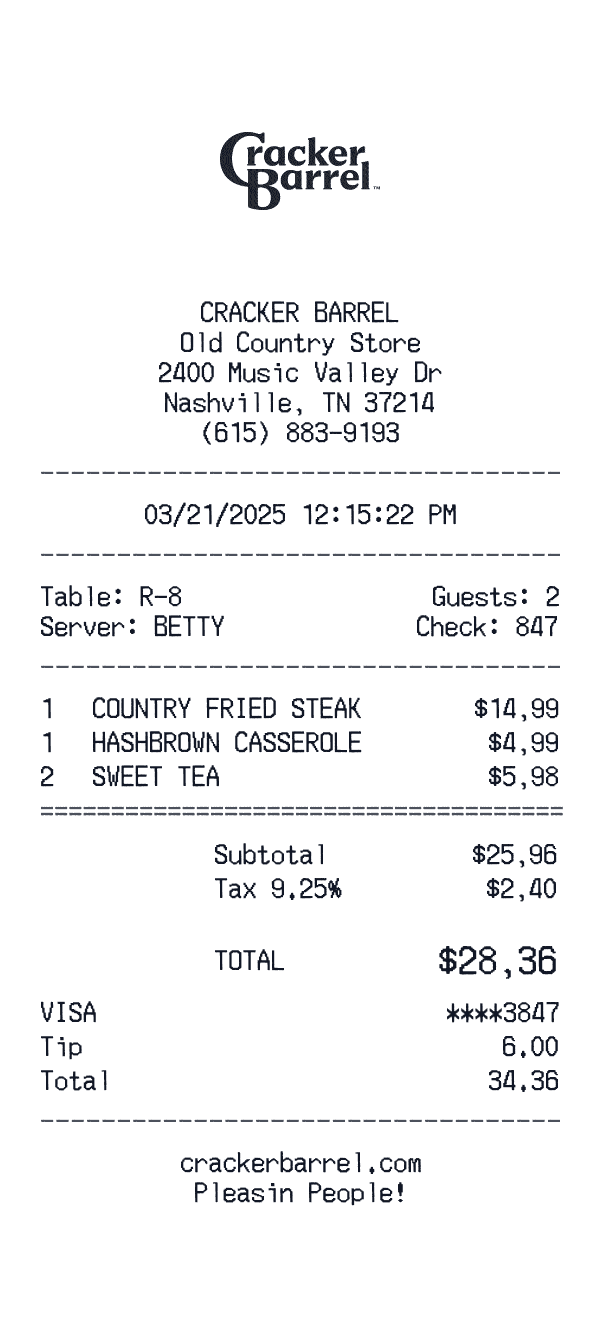
Cracker Barrel
Cracker Barrel restaurant receipt with barcode header, server tag, meal items, and catering footer.
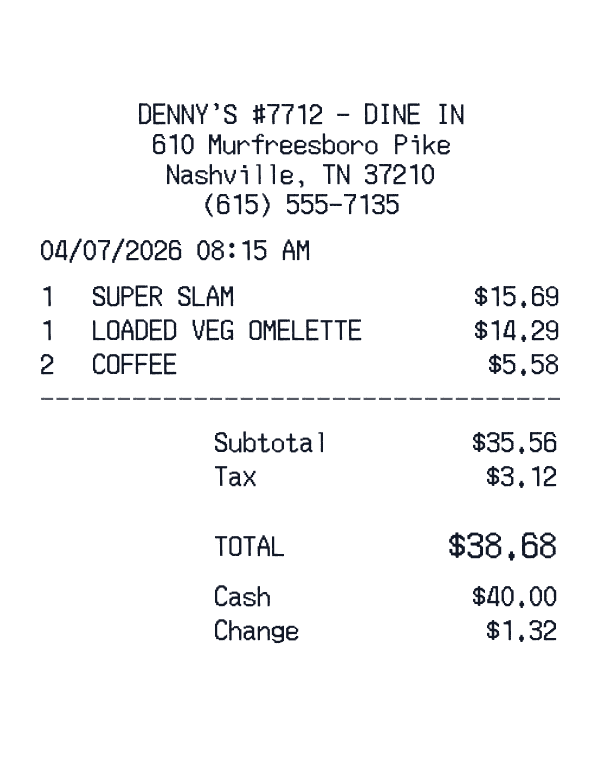
Denny’s Restaurant
Music City dine-in: Grand Slam breakfast build, coffee refills, and cash change.
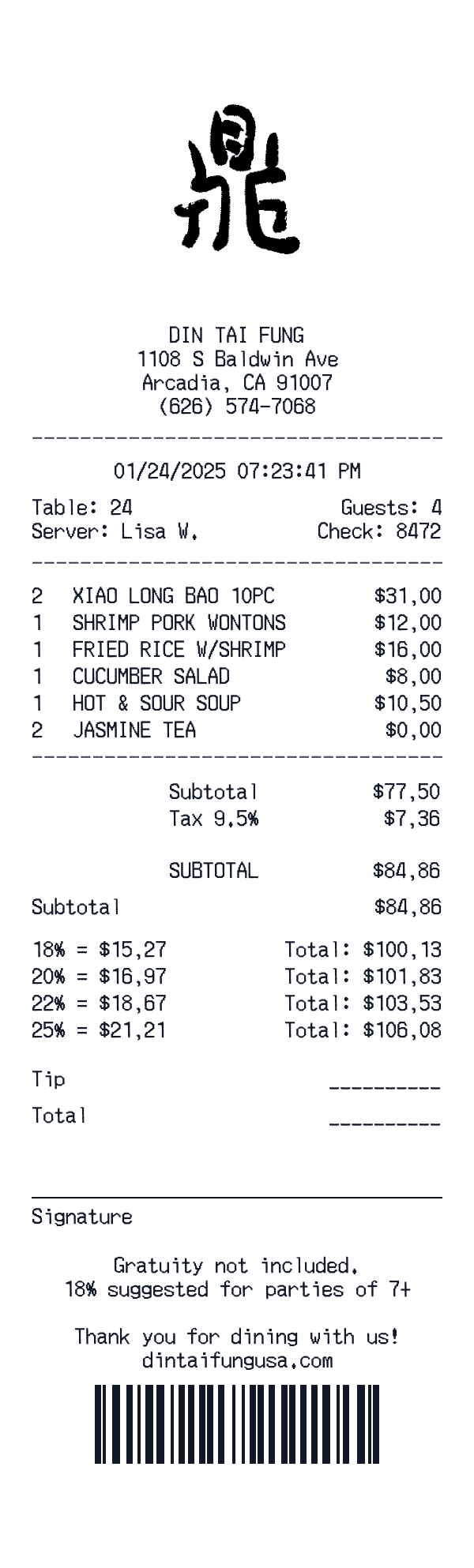
Din Tai Fung
Arcadia flagship check: XLB doubles, tea comped, suggested gratuity block.
Ready to Use This Red Lobster Template?
Open the editor, customize every field, and download your mockup in seconds.
Open Red Lobster Editor