
Design your Save-On-Foods receipt
Free Save-On-Foods receipt template with an editable grocery layout. Customize store details, line items, dates, tax, totals, and payment information for design, testing, or creative projects.
- Add custom logo
- Edit line items
- Choose payment method
- Add/remove receipt elements
- Customize business information
- Choose font
- Customize design and styling
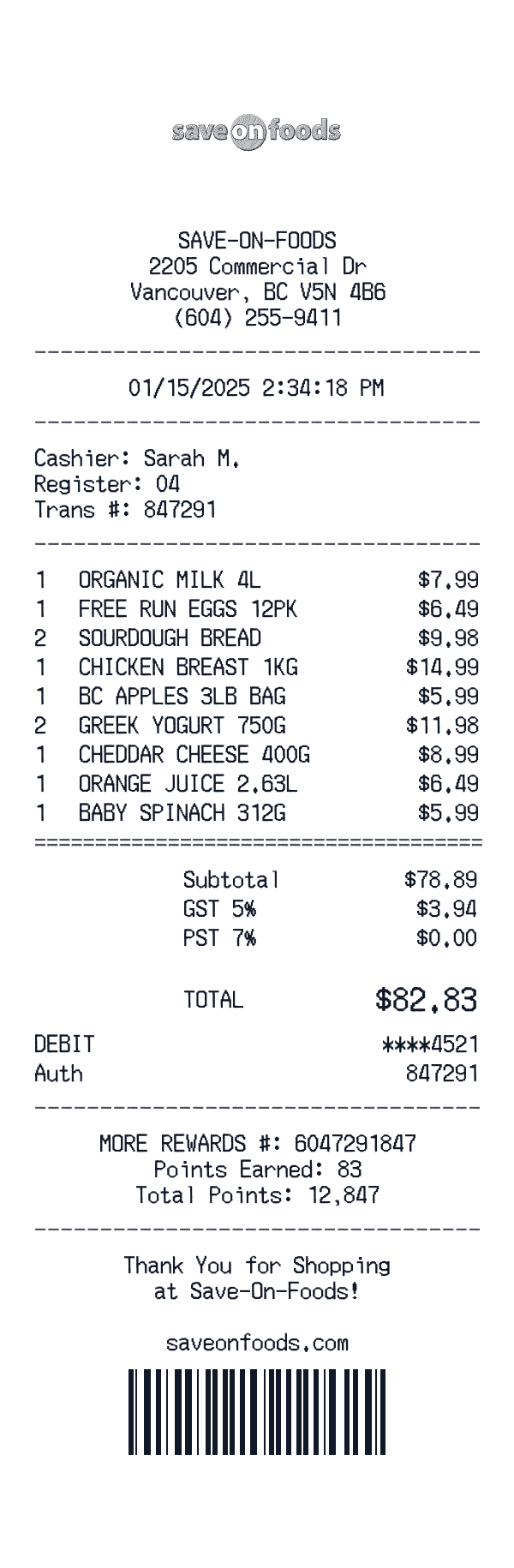
How to Create a Save-On-Foods Receipt
Follow these simple steps to generate your receipt in under 60 seconds
Select the Save-On-Foods supermarket format
Start with a template that includes loyalty card savings, rain checks, and the itemized format Save-On-Foods uses on their receipts.
Enter your purchase details
Add items, quantities, unit prices, any BOGO deals, digital coupons applied, and loyalty member savings.
Download for your project
Export a detailed receipt for your film, game, design mockup, or educational demonstration.
Understanding the Save-On-Foods Receipt Format
A Save-On-Foods receipt follows a specific format that includes transaction details, itemized purchases, and payment information. Here's what you'll find on a typical Save-On-Foods receipt:
Elements on a Save-On-Foods Receipt
Header Section
Save-On-Foods receipts display the store name and location at the top, making it easy to identify where the purchase was made.
- -Store identifier (e.g., "SAVE-ON-FOODS #942")
- -Full store address
- -Store phone number
Items Section
Each line item on a Save-On-Foods receipt shows the product details and price. Items are typically listed with department codes or SKUs.
- -Product name or description
- -Item quantity
- -Price in $ format
Payment Details
Save-On-Foods receipts include detailed payment information for your records, including transaction verification codes.
- -Payment type: Cash
Date & Time
Every Save-On-Foods receipt includes a timestamp showing exactly when the transaction occurred, useful for creative projects and personal records.
- -Transaction date
- -Time of purchase
- -Often includes timezone
Footer & Policies
The bottom of Save-On-Foods receipts often contains important information like return policies, surveys, and promotional offers.
- -Return policy information
- -Survey or feedback codes
- -Promotional messages
Sample Save-On-Foods Receipt Items
Save-On-Foods grocery receipts list items with their descriptions and prices. Weight-based items may show per-pound pricing.
| Item Description | Price |
|---|---|
WESTERN FAM EVOO 750ML | $6.00 |
ORG BABY SPINACH 5OZ | $9.10 |
STONEGROUND SDG LOAF | $12.20 |
Prices shown are examples and may vary by location. Look for loyalty discounts and savings at the bottom of your receipt.
Save-On-Foods Receipt Fields Explained
Understanding what each field on your Save-On-Foods receipt means can help with creative projects, design mockups, and personal records. Here's a quick reference guide:
Save-On-Foods is a trademark of its respective owner. This tool is not affiliated with or endorsed by Save-On-Foods. This template is designed for creative projects, entertainment, and personal use only.
FAQ
Frequently Asked Questions
Everything you need to know about creating Save-On-Foods receipts
Related Templates
More Grocery Receipt Templates
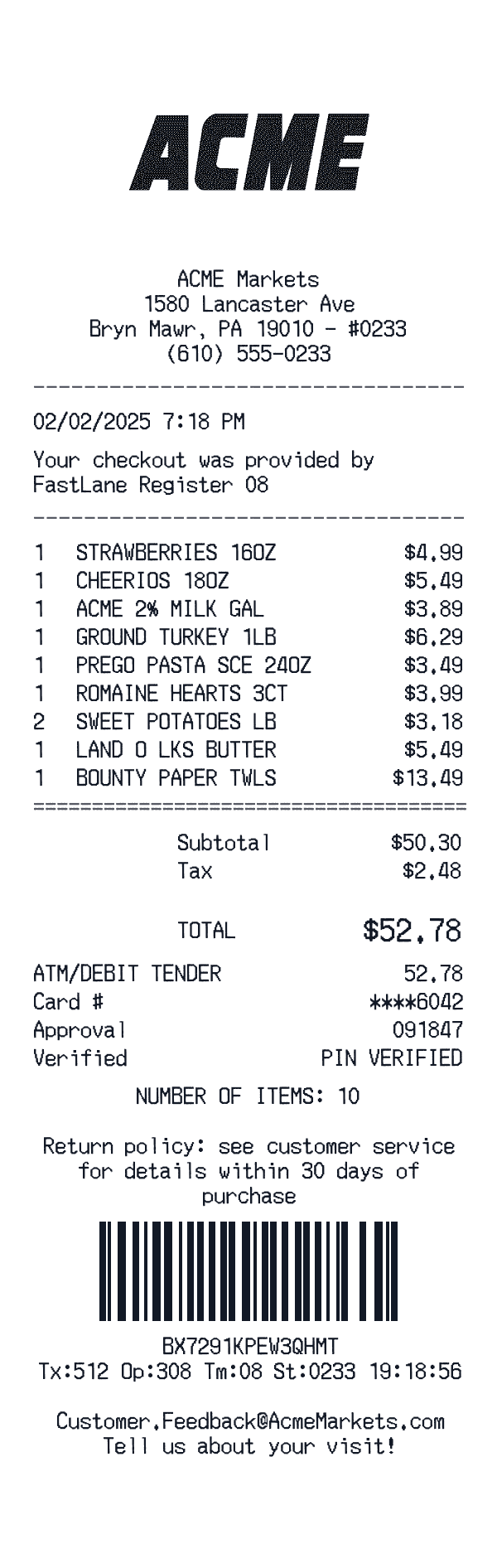
ACME Markets
ACME Markets receipt with meat counter, staples, and contactless Mastercard.
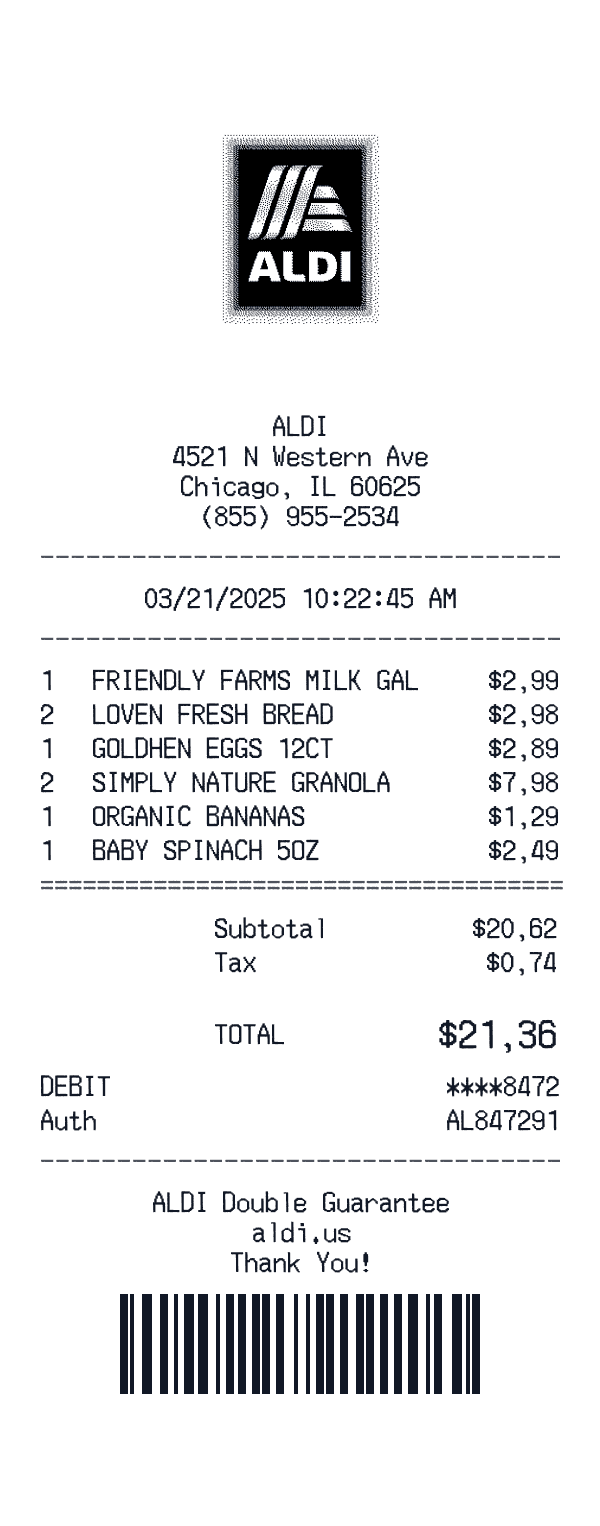
ALDI
ALDI private-brand receipt with multi-item subtotal and debit auth.
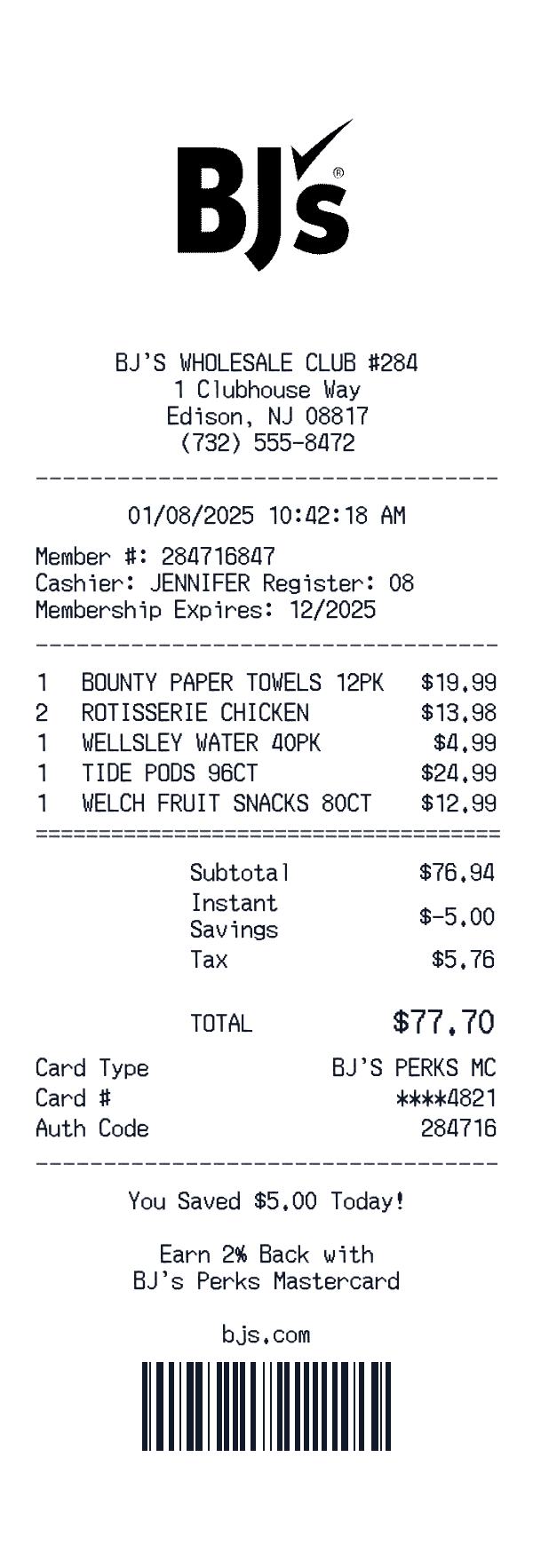
BJ's Wholesale Club
BJ's Wholesale Club membership store receipt.
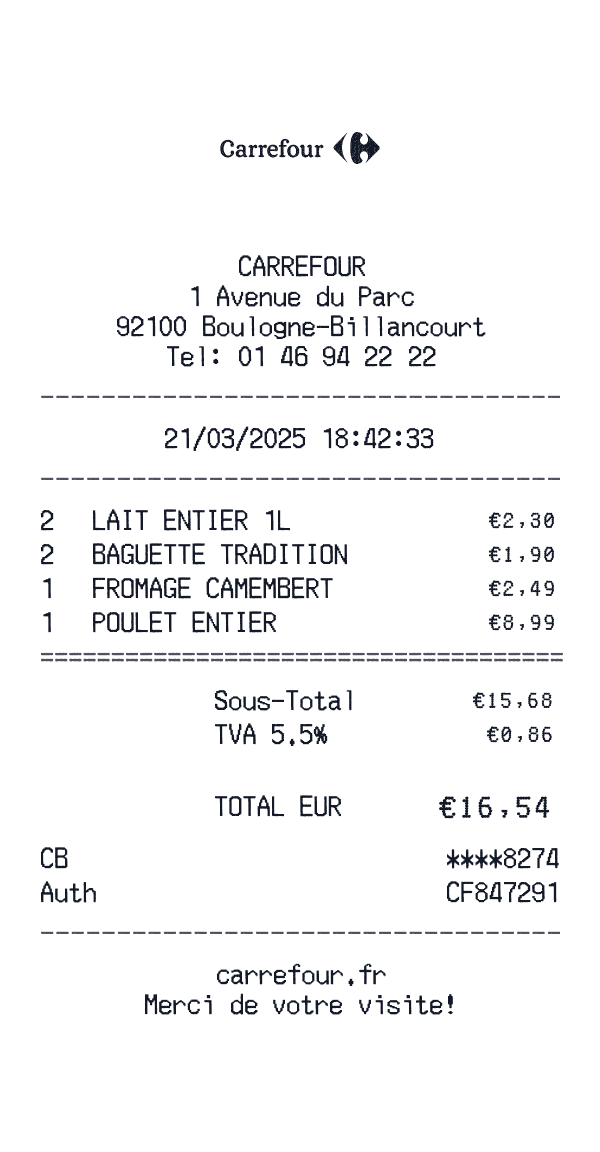
Carrefour
Carrefour supermarket receipt with compact EU-style header, totals, code line, and footer barcode.
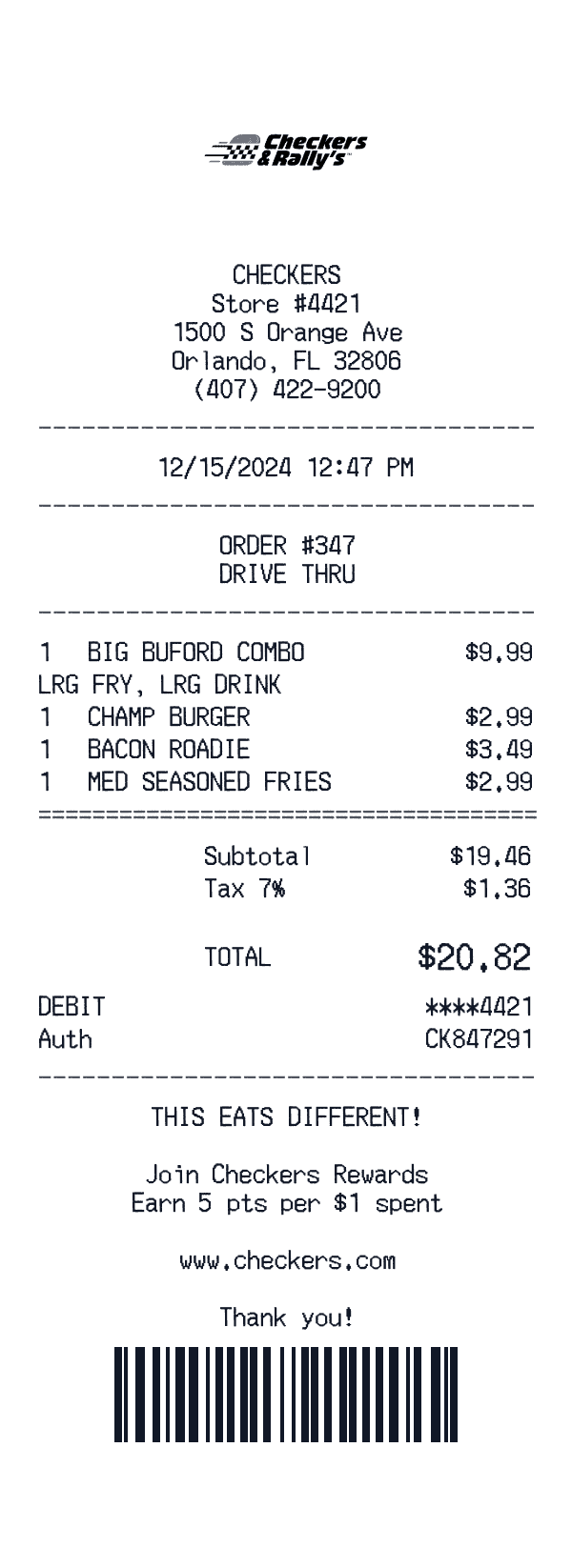
Checkers
Checkers grocery receipt with rewards card savings, VAT totals, and barcode footer.
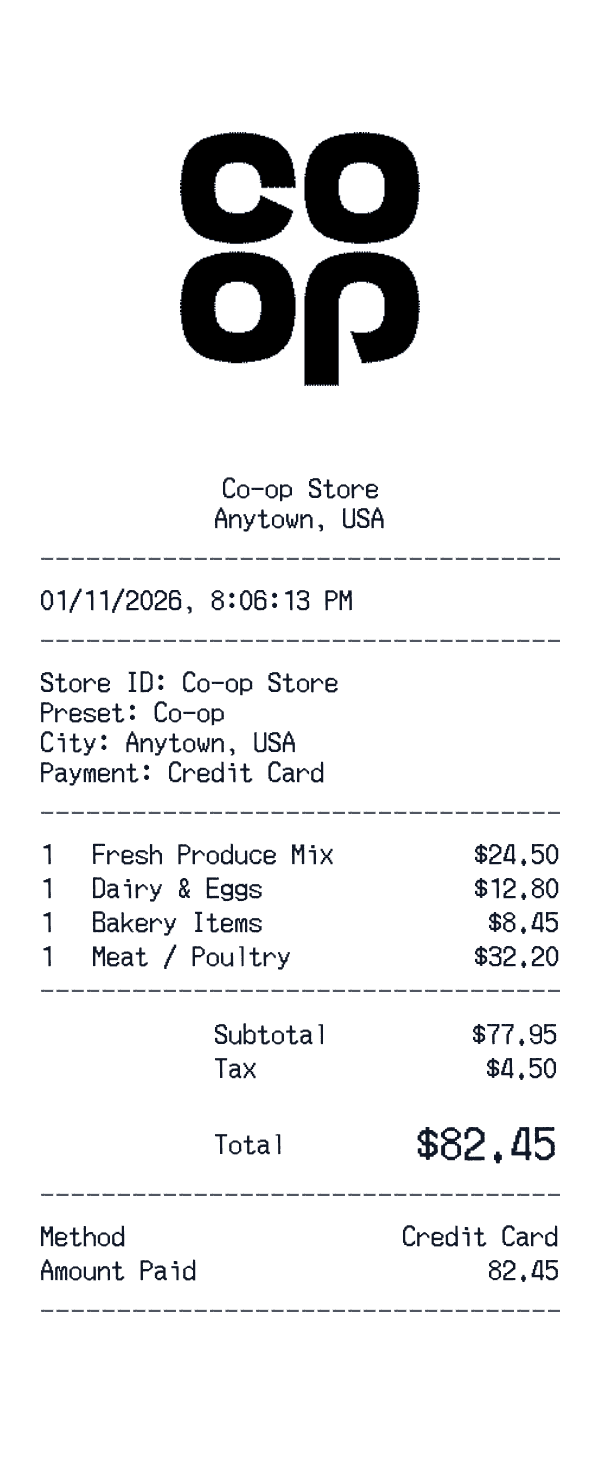
Co-op
Co-op Food store receipt with member pricing, Fairtrade lines, and UK VAT summary.
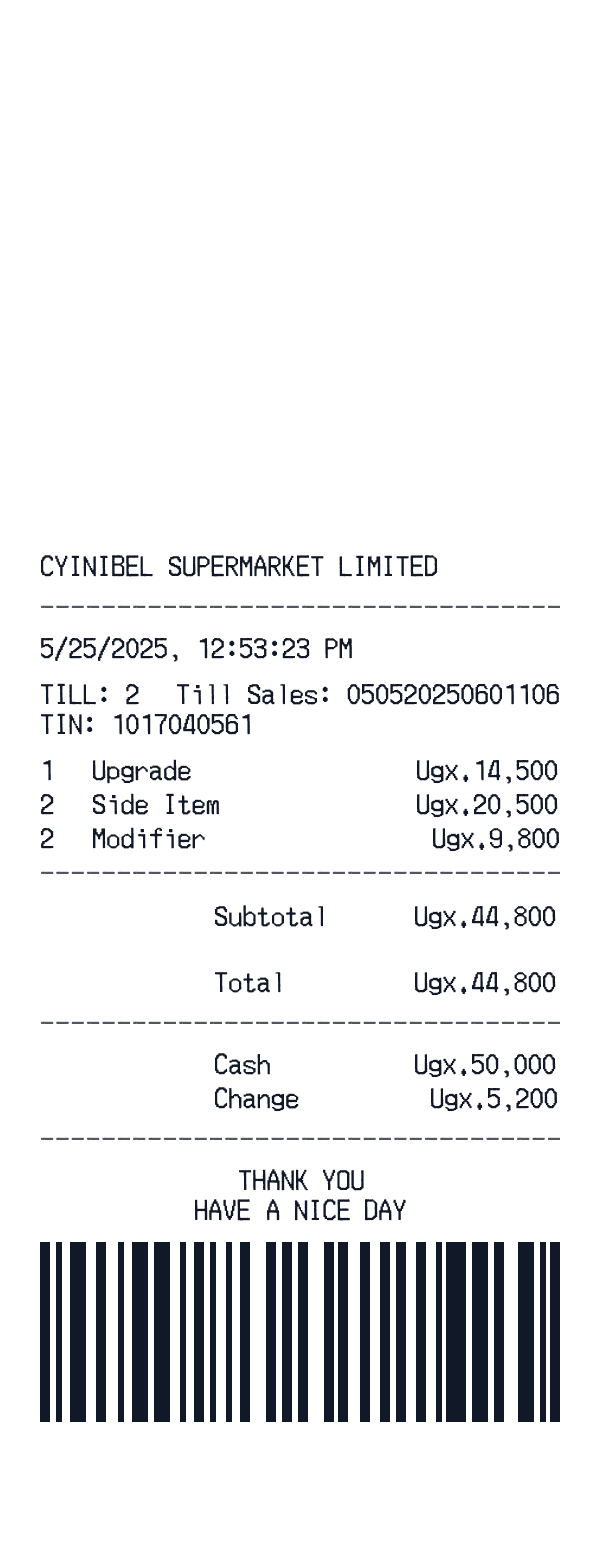
Cynibel Supermarket
Cynibel Supermarket grocery with payment details with barcode footer.
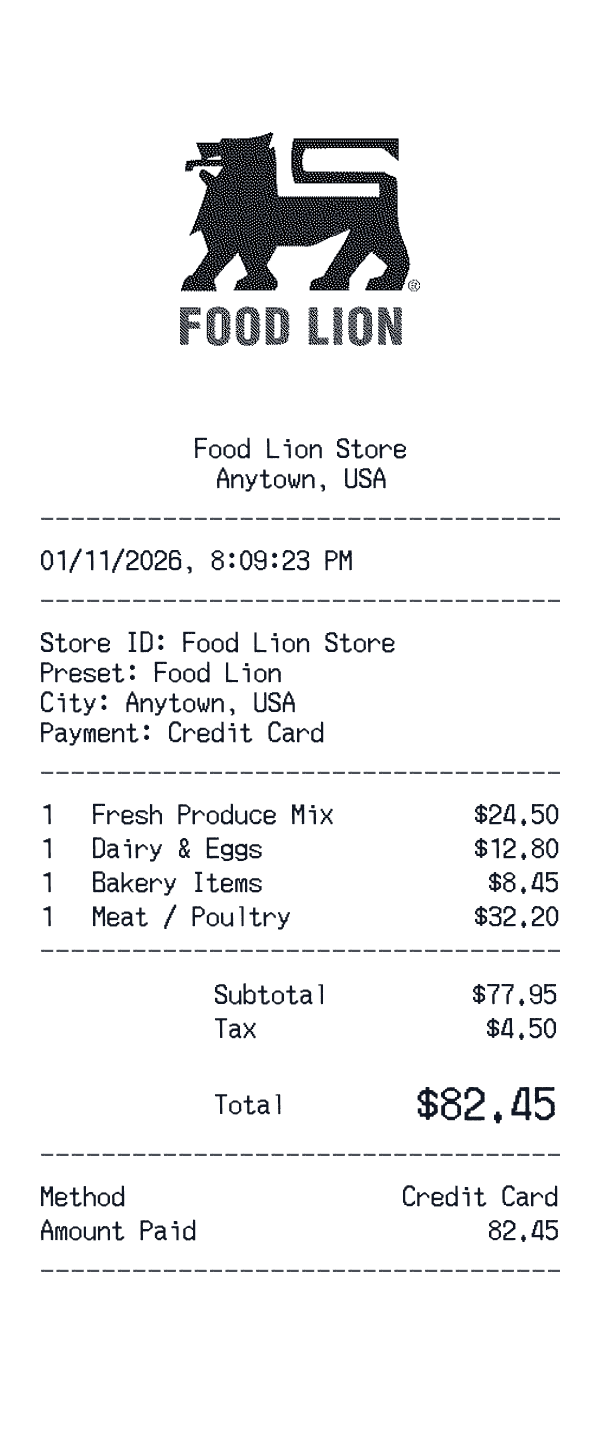
Food Lion
Charlotte MVP card: grocery staples, clipped MVP line, TalkToFoodLion survey code.
Ready to Use This Save-On-Foods Template?
Open the editor, customize every field, and download your mockup in seconds.
Open Save-On-Foods Editor