
Design your Walgreens receipt
Free Walgreens receipt template with an editable pharmacy layout. Customize store details, line items, dates, tax, totals, and payment information for design, testing, or creative projects.
- Add custom logo
- Edit line items
- Choose payment method
- Add/remove receipt elements
- Customize business information
- Choose font
- Customize design and styling
How to Create a Walgreens Receipt
Follow these simple steps to generate your receipt in under 60 seconds
Choose the Walgreens pharmacy template
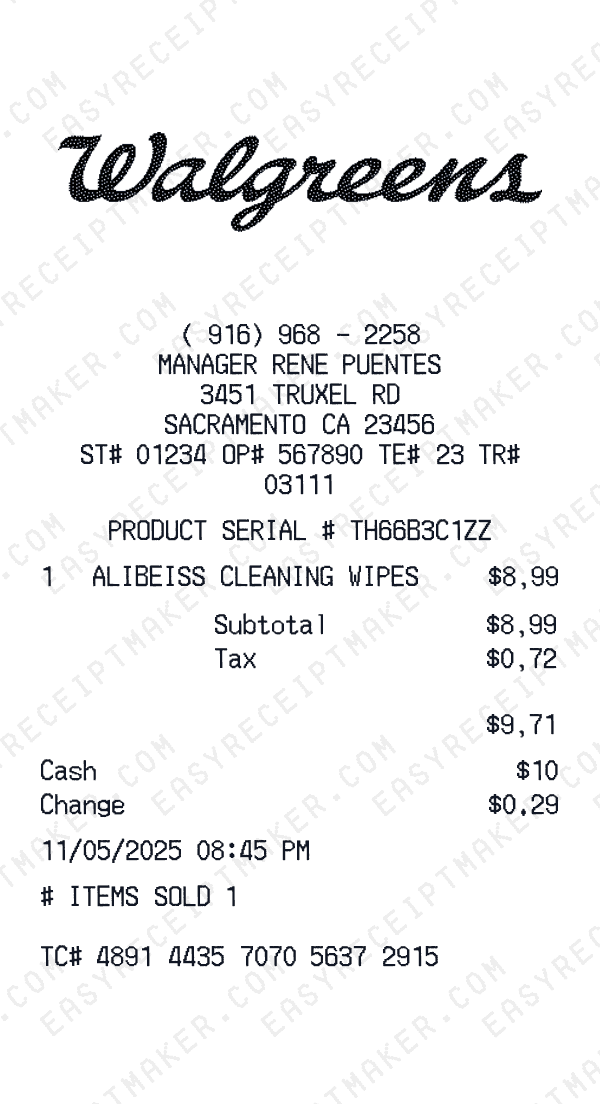
Our template includes the dual-format typical of pharmacy receipts: store purchases and pharmacy/prescription details.
Add medical and store items
Enter prescriptions with copay amounts, OTC medications, health supplies, and any regular store purchases for a professional look.
Export for your project
Download a receipt formatted for your film, educational content, or creative project.
Understanding the Walgreens Receipt Format
A Walgreens receipt follows a specific format that includes transaction details, itemized purchases, and payment information. Here's what you'll find on a typical Walgreens receipt:
Elements on a Walgreens Receipt
Header Section
Walgreens receipts display the store name and location at the top, making it easy to identify where the purchase was made.
- -Full store address
- -Store phone number
- -Transaction codes: ST#, OP#, TE#, TR#
Items Section
Each line item on a Walgreens receipt shows the product details and price. Items are typically listed with department codes or SKUs.
- -Product name or description
- -Item quantity
- -Price in $ format
Payment Details
Walgreens receipts include detailed payment information for your records, including transaction verification codes.
- -Payment type: Cash
Date & Time
Every Walgreens receipt includes a timestamp showing exactly when the transaction occurred, useful for creative projects and personal records.
- -Transaction date
- -Time of purchase
- -Often includes timezone
Footer & Policies
The bottom of Walgreens receipts often contains important information like return policies, surveys, and promotional offers.
- -Return policy information
- -Survey or feedback codes
- -Promotional messages
Walgreens Receipt Transaction Codes
Walgreens receipts use specific codes to track transactions and identify store locations. Here's what they mean:
ST#Store number - identifies the specific store location
Example: ST# 5077
OP#Operator number - identifies the cashier or employee
Example: OP# 2854
TE#Terminal number - identifies the register or POS device
Example: TE# 1429
TR#Transaction number - unique identifier for the purchase
Example: TR# 8423
Sample Walgreens Receipt Items
Walgreens pharmacy receipts list prescription and over-the-counter items with their prices. Standard pharmacy formatting is included.
| Item Description | Price |
|---|---|
NICE IBUPROFEN 200MG 200CT | $8.99 |
Prescription details may be abbreviated. Look for the Rx symbol or 'RX' prefix on prescription items.
Walgreens Receipt Fields Explained
Understanding what each field on your Walgreens receipt means can help with creative projects, design mockups, and personal records. Here's a quick reference guide:
Walgreens is a trademark of its respective owner. This tool is not affiliated with or endorsed by Walgreens. This template is designed for creative projects, entertainment, and personal use only.
FAQ
Frequently Asked Questions
Everything you need to know about creating Walgreens receipts
Related Templates
More Pharmacy Receipt Templates
Boots
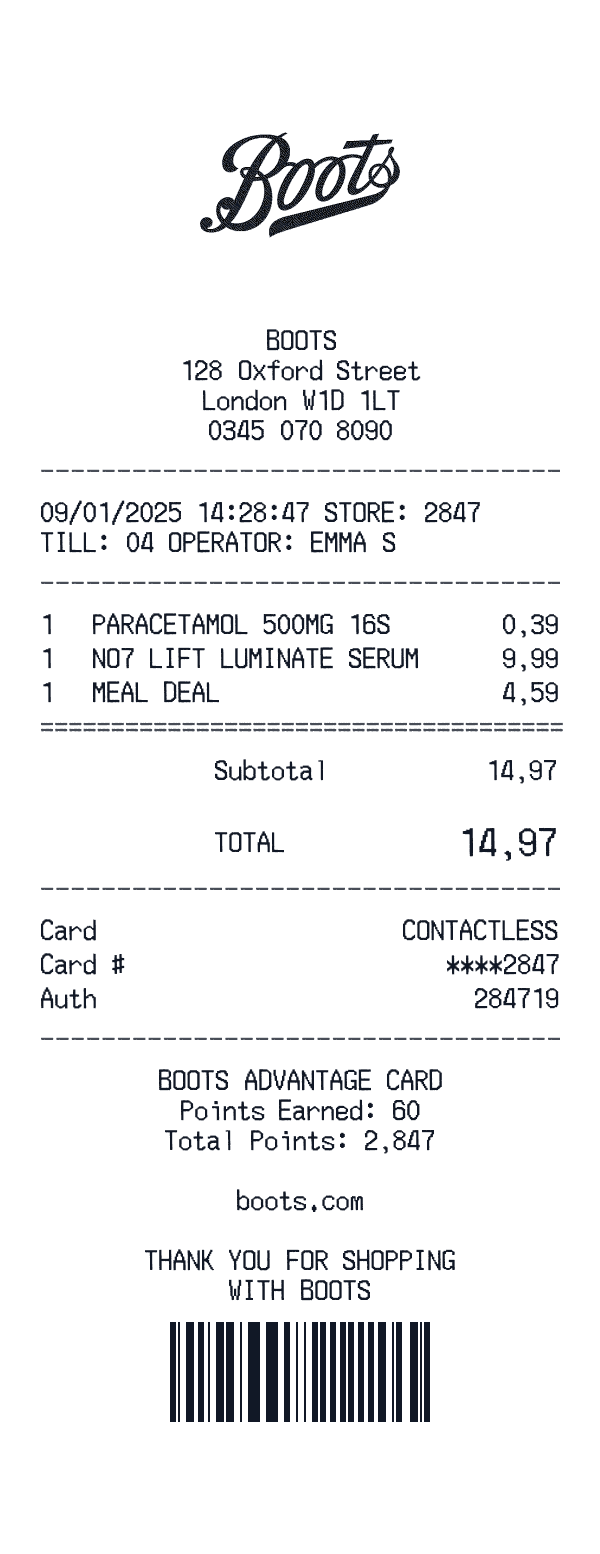
Boots pharmacy wellness screening printout with BMI guidance and in-store follow-up messaging.
Chemist Warehouse
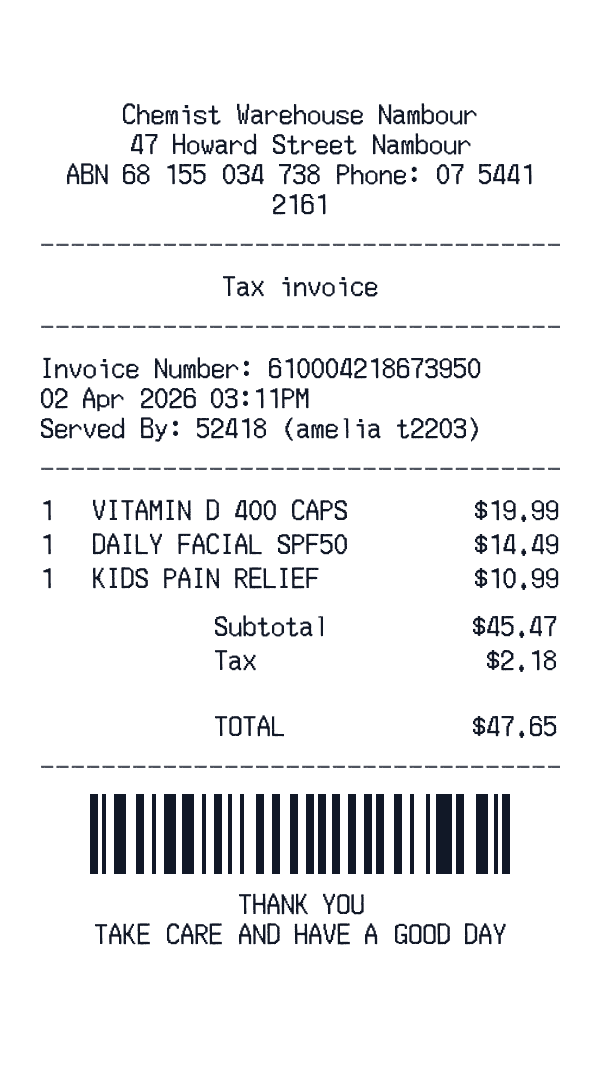
Chemist Warehouse pharmacy tax invoice with invoice metadata, item totals, and barcode footer.
Clinix Medicine Superstore
Clinix Medicine Superstore — Rx-adjacent retail lines with tax and card auth.
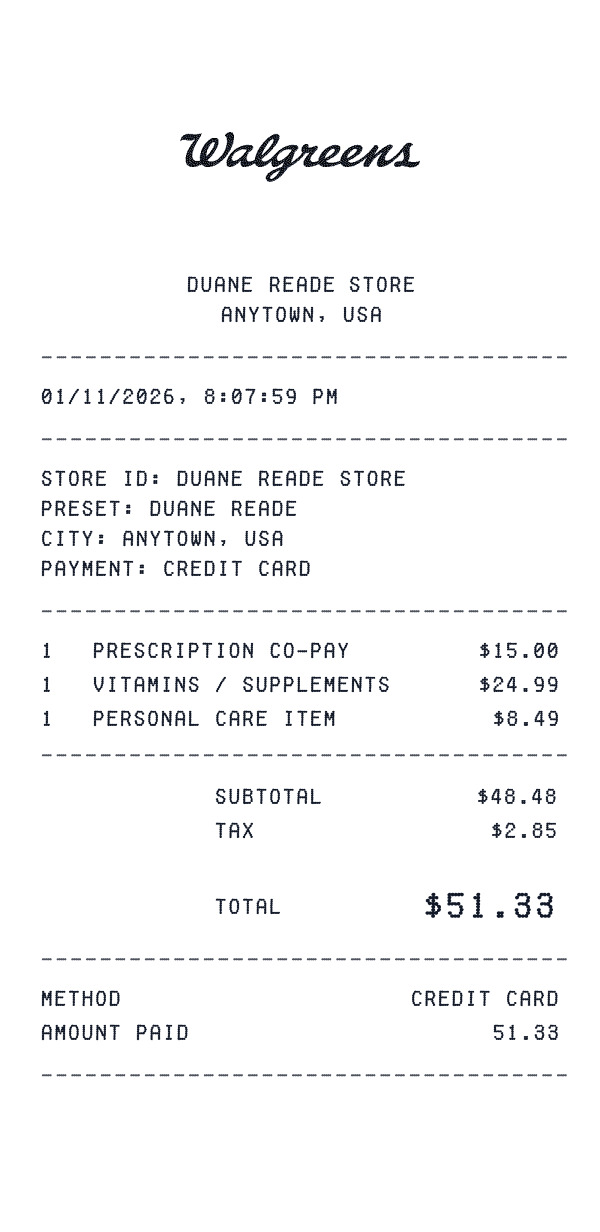
Duane Reade
NYC drugstore slip: beauty and essentials, NY state + NYC tax, contactless Mastercard, Balance Rewards stub.
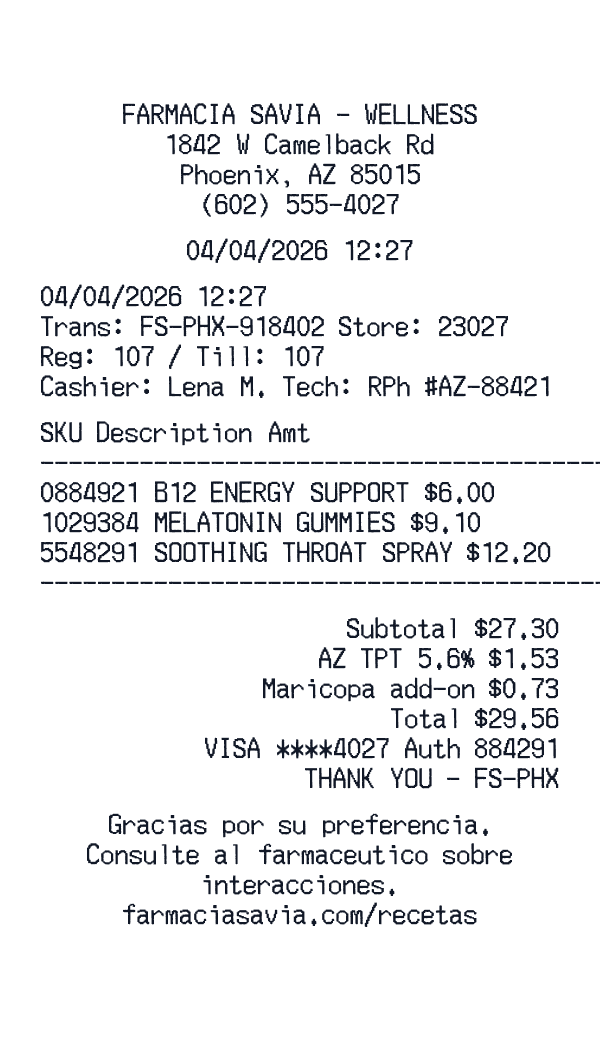
Farmacia Savia
Farmacia Savia pharmacy with transaction details with clean footer.
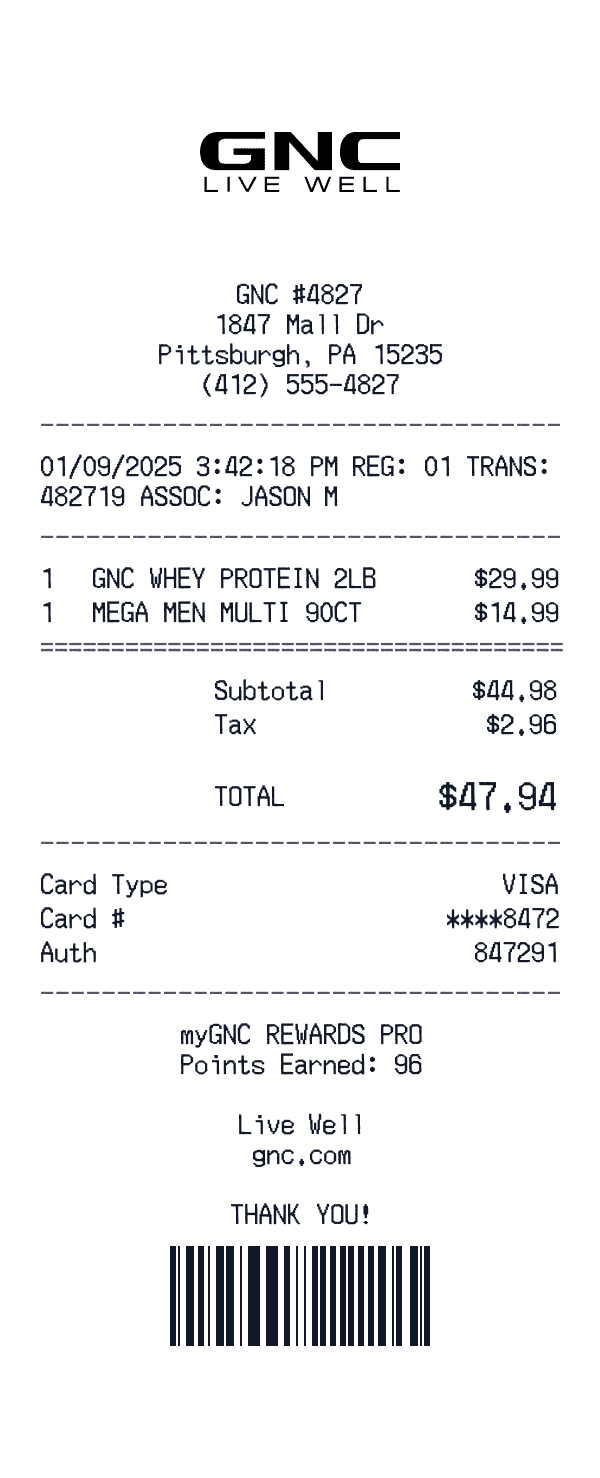
GNC
GNC Live Well receipt with supplement SKUs, register echo, and rewards banner.
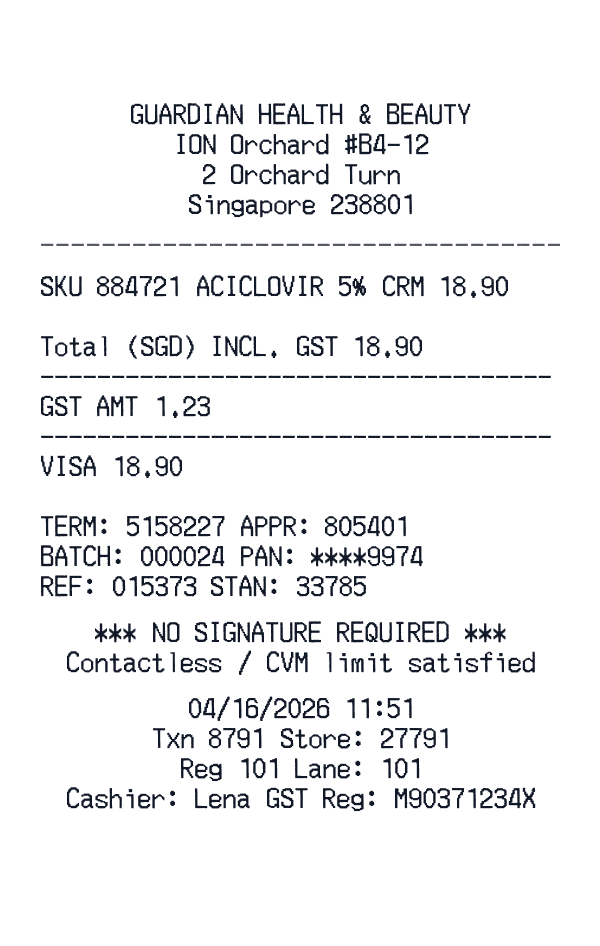
Guardian Health & Beauty
Guardian (Singapore) pharmacy slip with GST-inclusive totals and terminal trace.
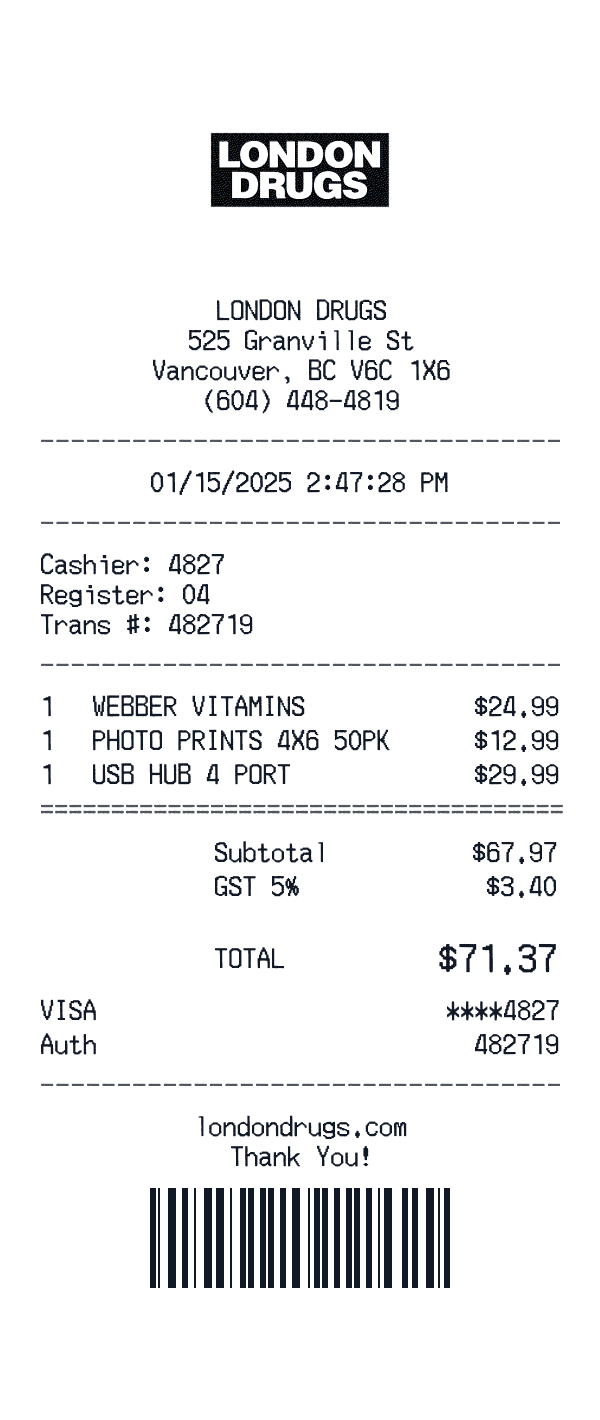
London Drugs
London Drugs pharmacy receipt with BC store address, Interac debit line, and wellness SKU mix.
Ready to Use This Walgreens Template?
Open the editor, customize every field, and download your mockup in seconds.
Open Walgreens Editor