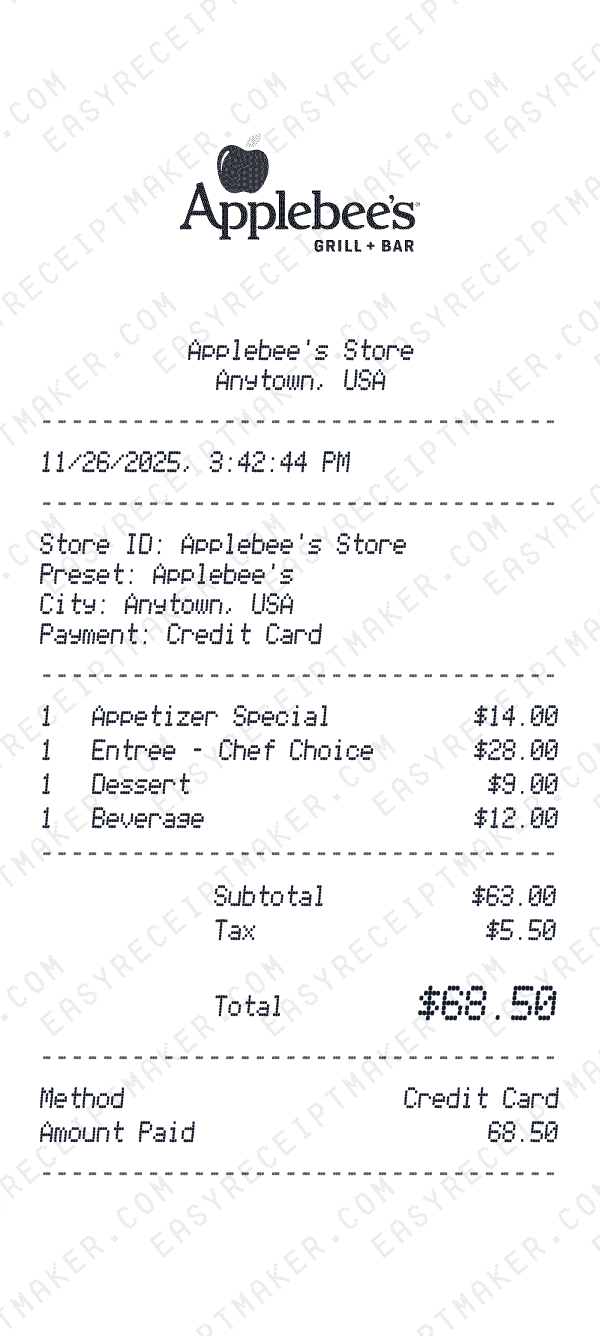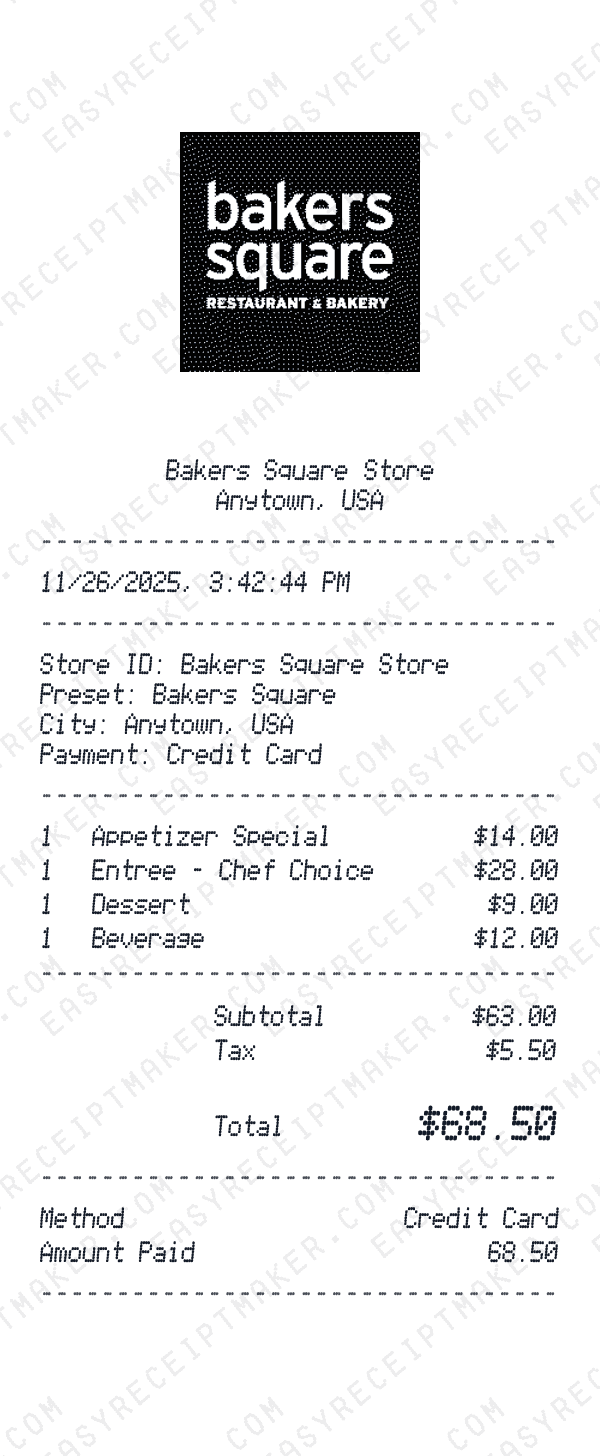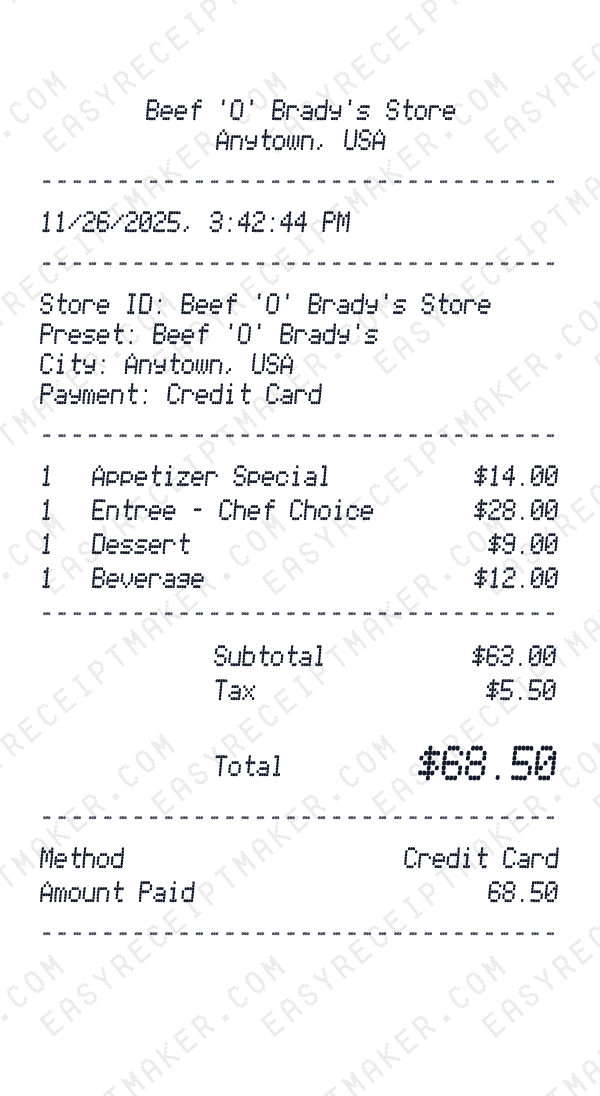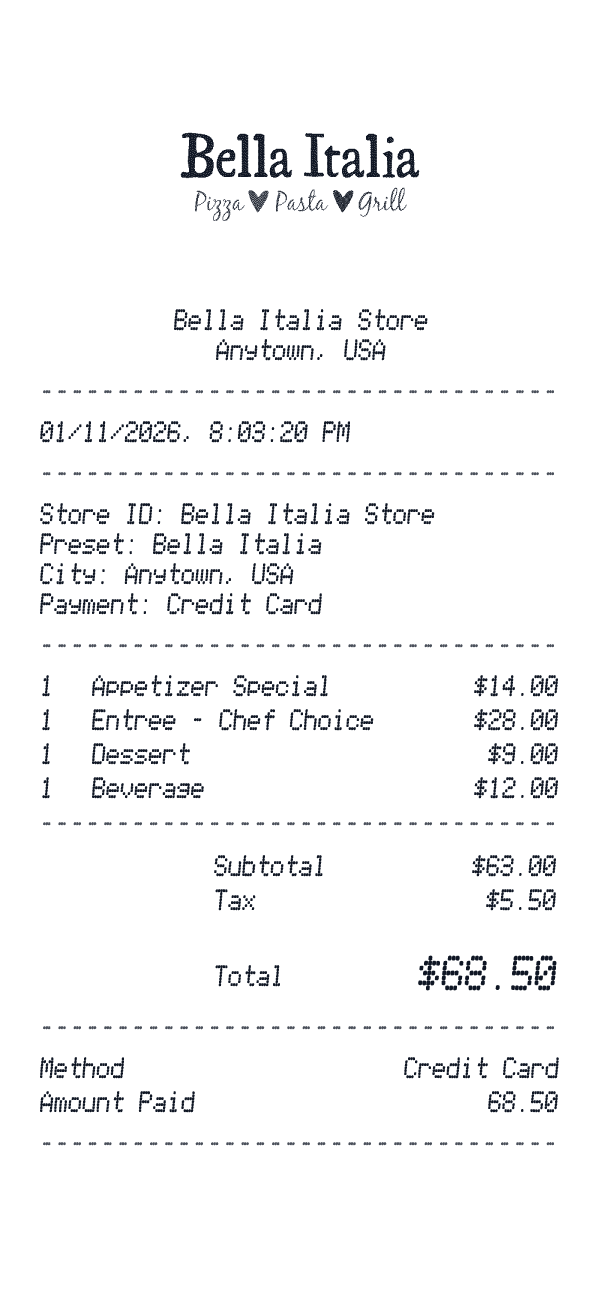
Restaurant Receipt Generator

Create professional restaurant receipts with tip lines, suggested gratuity percentages, table numbers, server information, and fully itemized food and drink orders.

Choose a template
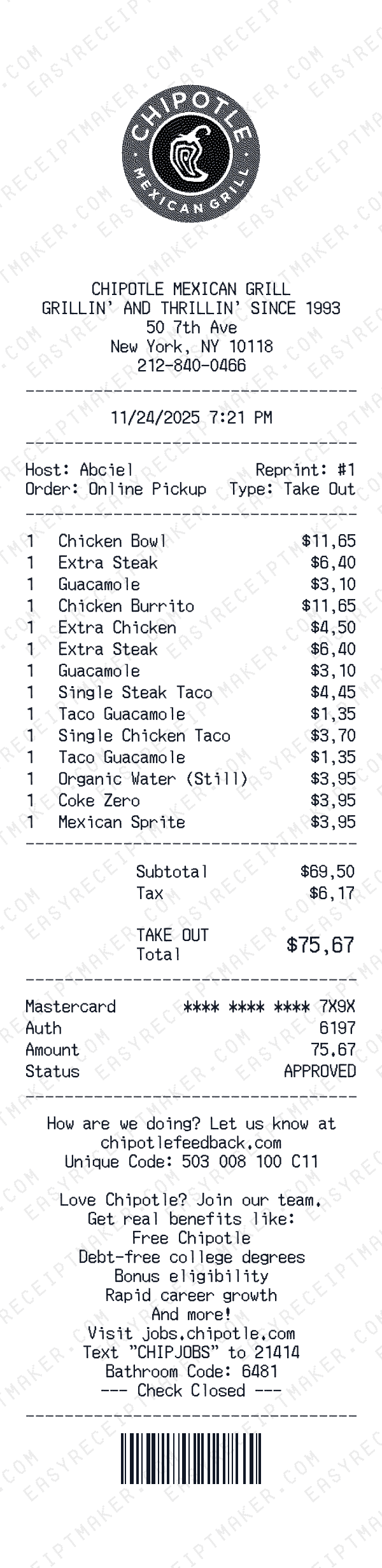
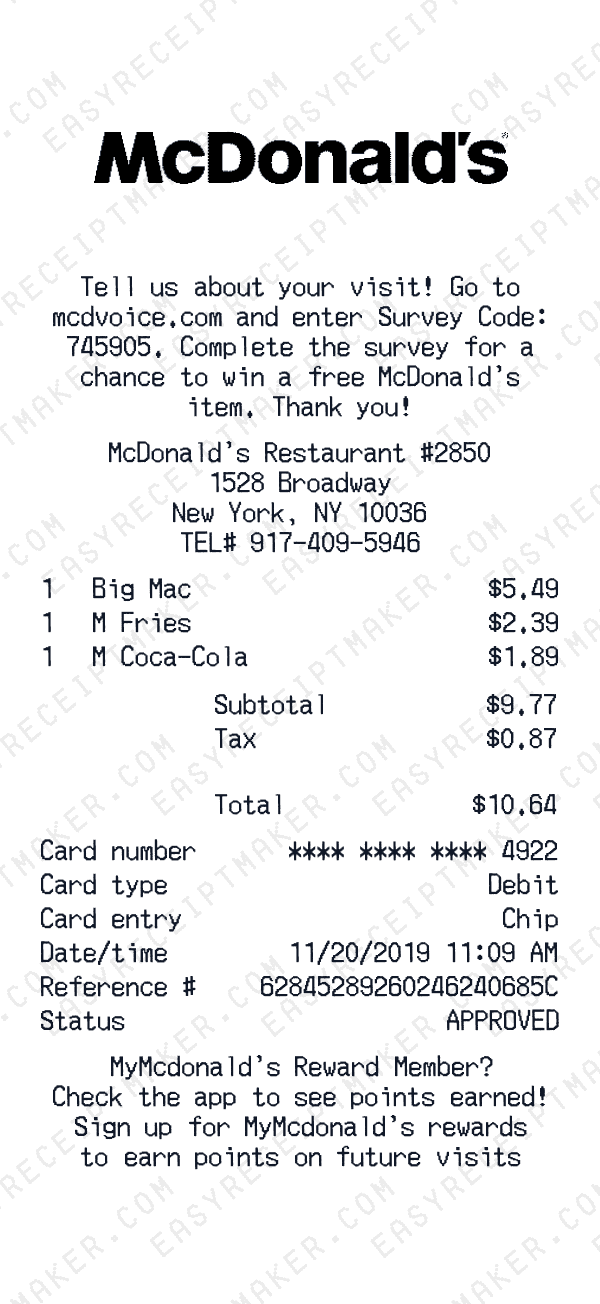
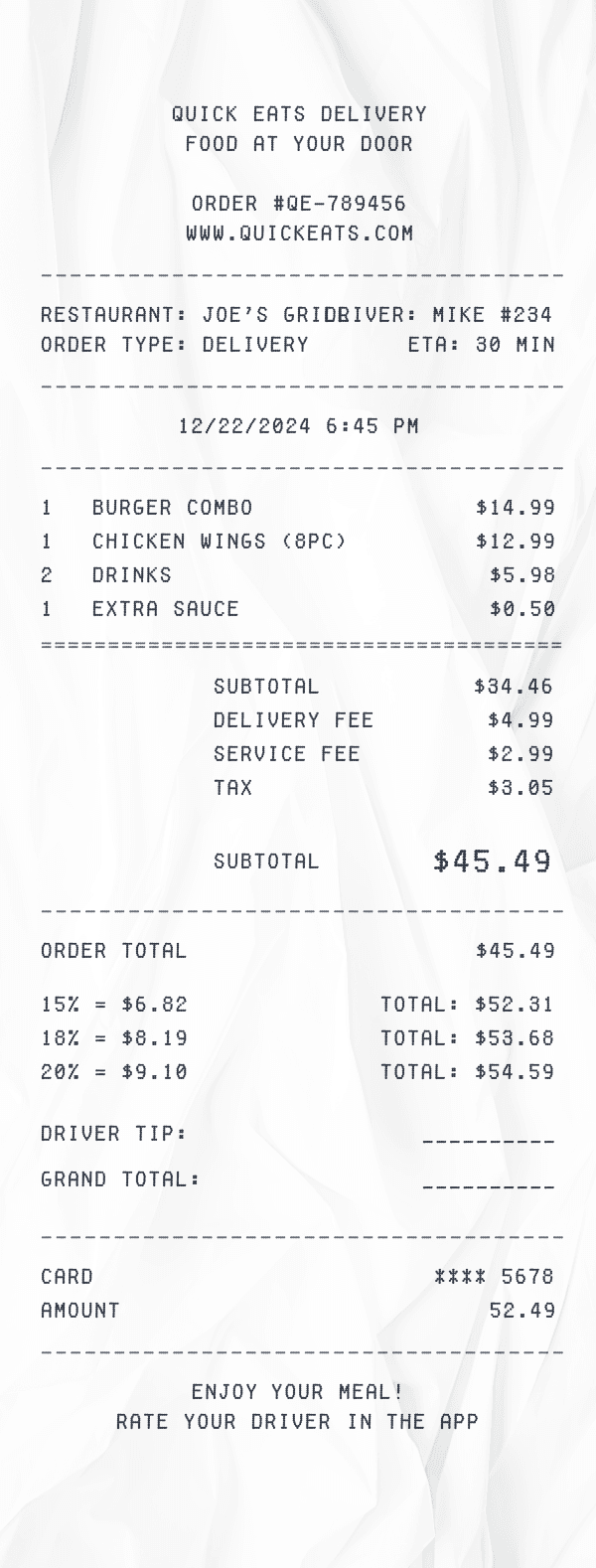
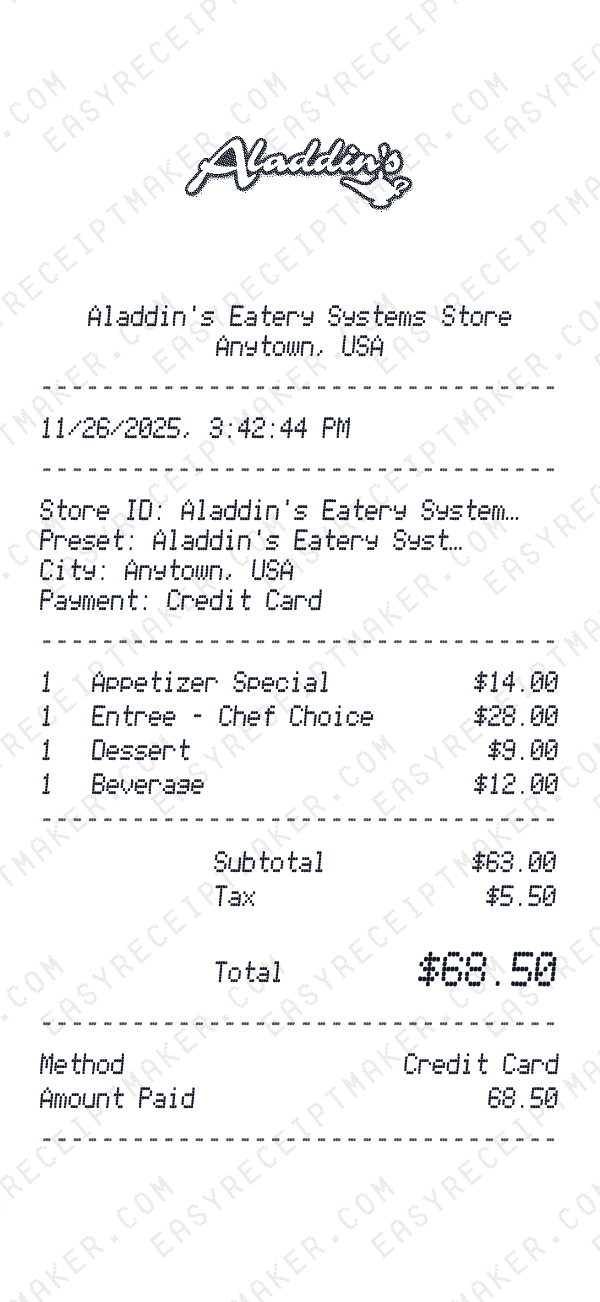
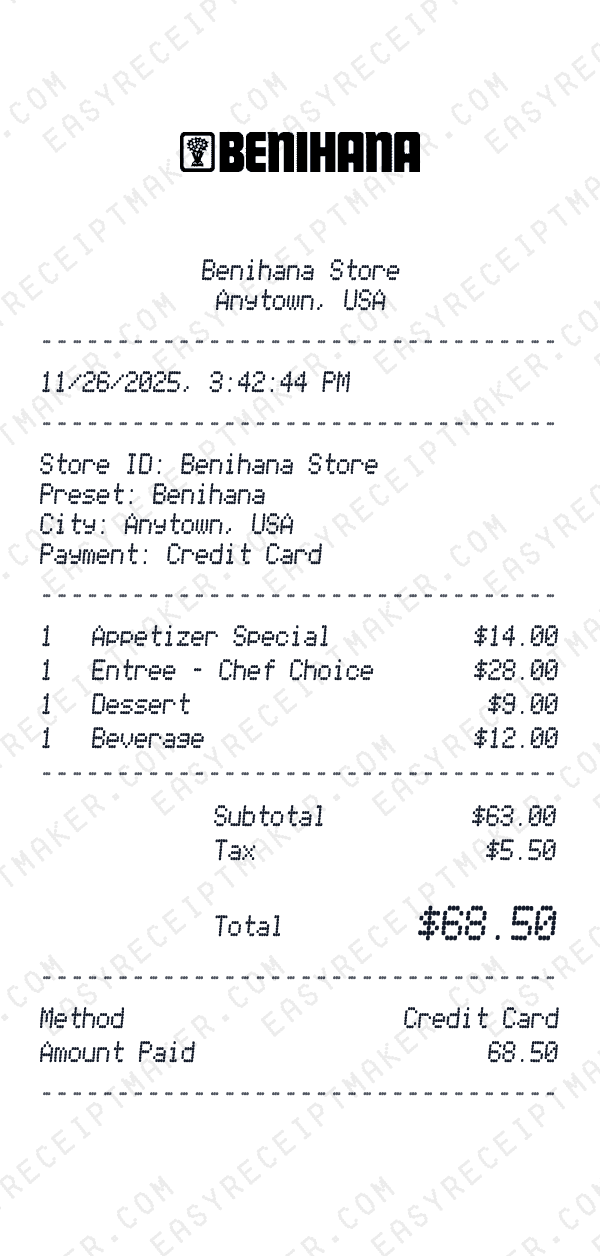
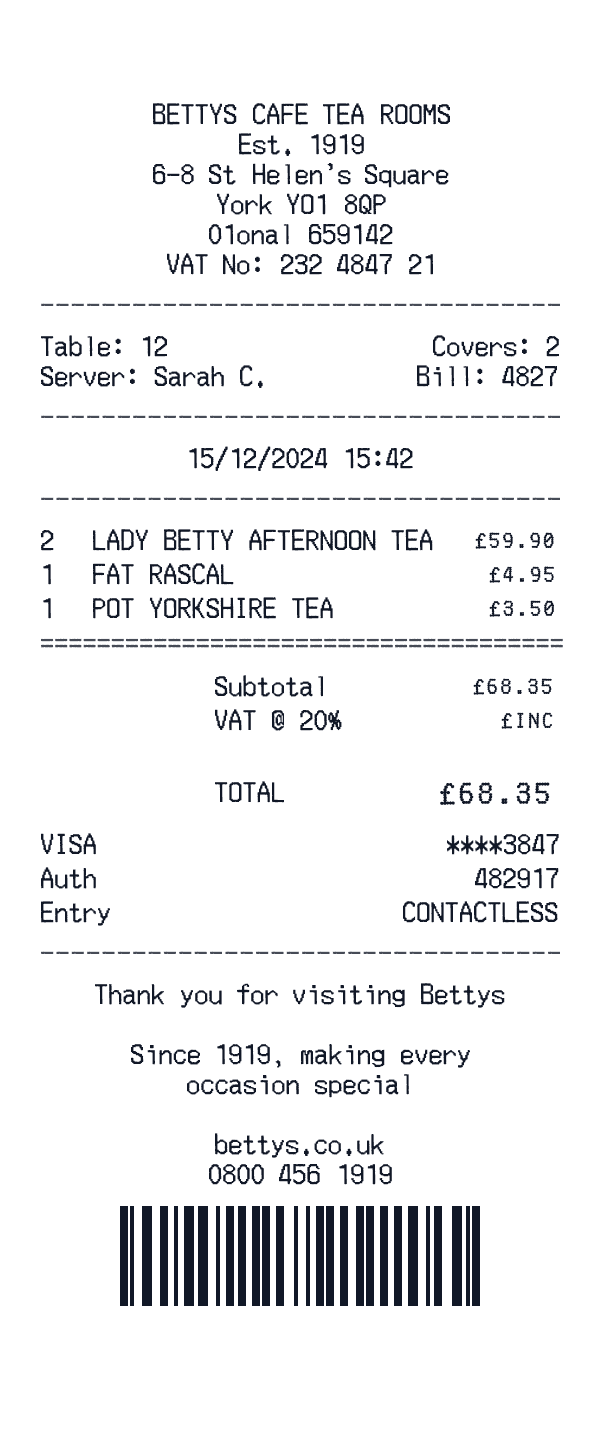
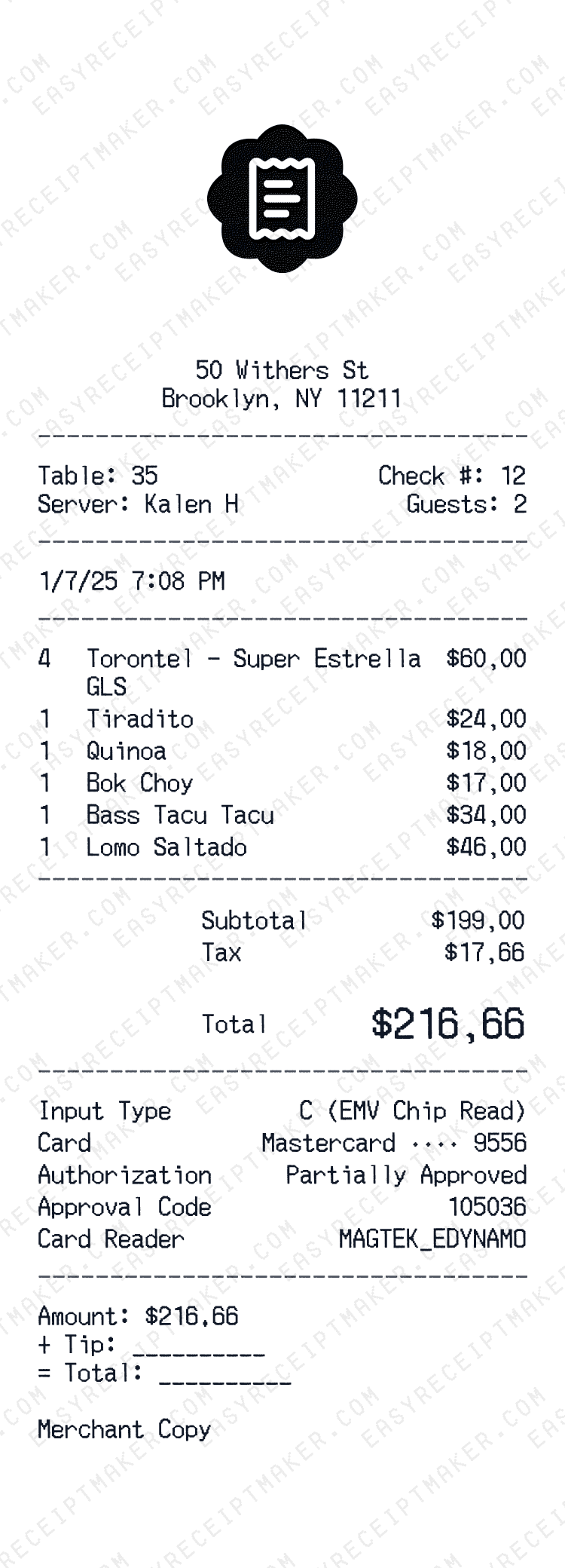
Restaurant receipt preview

Professional Restaurant Receipts with Tip Lines

Our restaurant receipt generator creates authentic dining receipts complete with tip lines, suggested gratuity calculations, and all the details you'd expect from a professional establishment. Whether you're running a fine dining restaurant, casual cafe, or food truck, this tool helps you create polished customer receipts.

Key Features for Restaurant Receipts

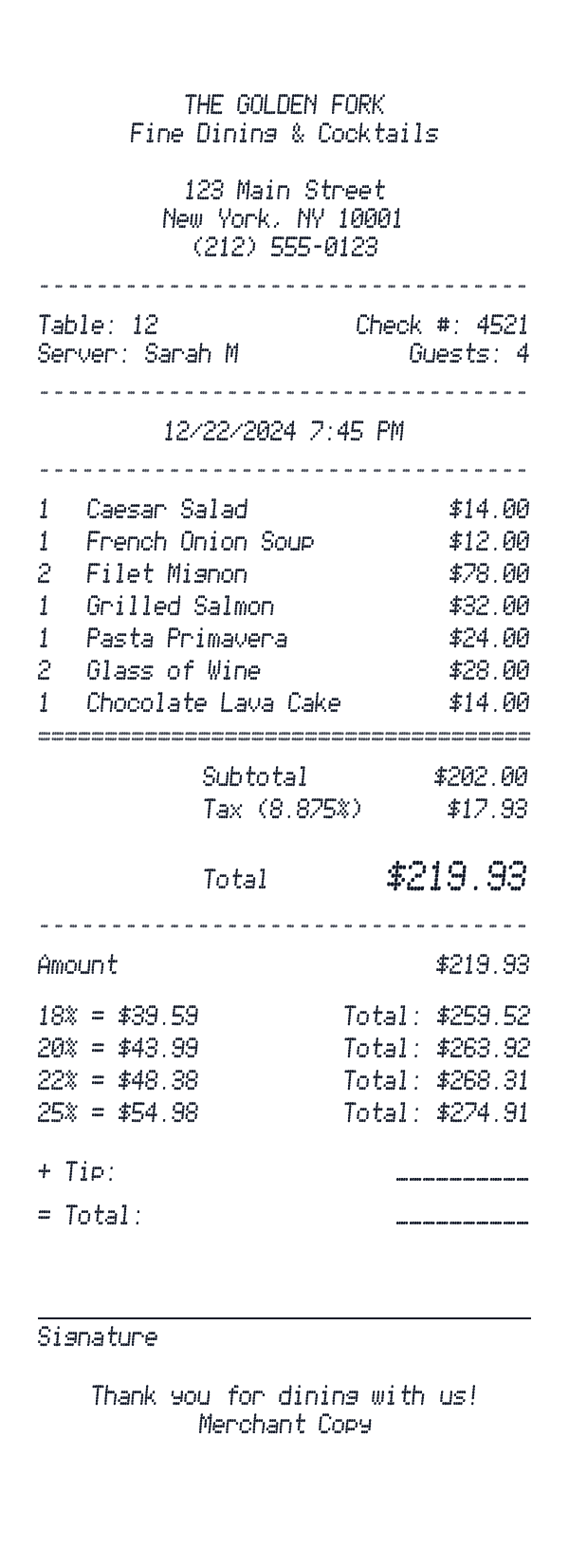
  • Tip & Signature Section: Add suggested tip percentages (15%, 18%, 20%, 22%), blank tip line for write-in amounts, total line, and signature line—exactly like real restaurant receipts.
  • Table & Server Info: Include table number, check number, server name, number of guests, and transaction time.
  • Itemized Menu Items: List each dish, drink, or add-on with quantities and prices. Group appetizers, entrees, desserts, and beverages.
  • Tax Calculation: Manually enter sales tax amounts based on your local rate.
  • Payment Details: Show card type, last four digits, authorization code, and approval status.

How to Create a Restaurant Receipt

1. Add your restaurant info: Enter your restaurant name, address, phone number, and optionally add your logo. This establishes your brand at the top of every receipt.

2. Set table details: Add the table number, server name, check number, and number of guests using the two-column info section.

3. Enter menu items: Add each item ordered— appetizers, entrees, sides, drinks, and desserts. Include modifiers like "Extra Cheese" or "No Onions" as separate line items.

4. Configure the tip section: Use our new Tip & Signature section to add suggested tip percentages. The calculator allows you to manually enter tip amounts and totals for each percentage.

5. Download and print: Export as a high-resolution PNG, perfect for printing on thermal receipt paper or attaching to expense reports.

Restaurant Receipt Use Cases

  • Business meal documentation: Replace lost receipts for expense reports with accurate itemization.
  • Training materials: Create sample receipts for staff training without using real customer data.
  • Menu pricing analysis: Mock up receipts with different price points to analyze profitability.
  • POS system testing: Generate test receipts before implementing a new point-of-sale system.
  • Event catering: Create detailed receipts for catering orders and private events.

Supported Restaurant Types

Our generator works for any type of food service establishment:

  • Fine dining restaurants
  • Casual dining and family restaurants
  • Fast food and quick service
  • Cafes and coffee shops
  • Bars and pubs
  • Food trucks and pop-ups
  • Catering services
  • Hotel restaurants and room service

Start with our restaurant receipt template above or browse other dining-related templates. Customize every field to match your establishment's style and download instantly.
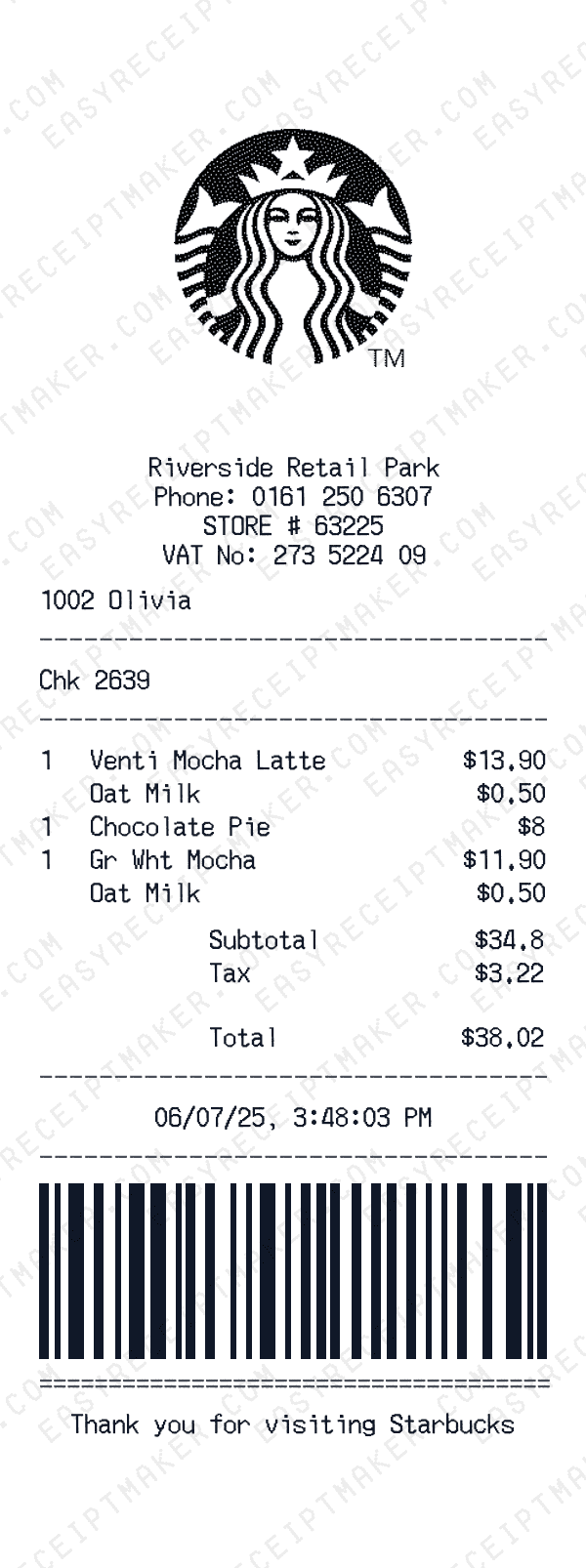
Restaurant Receipts

Use EasyReceiptMaker responsibly for:

  • Rebuild misplaced receipts when a reimbursable purchase, audit, or warranty request needs proof.
  • Turn shoeboxes of paper slips into searchable digital files for bookkeeping, tax prep, and compliance.
  • Draft mock receipts for client proposals, brand presentations, UX/UI design work, or onboarding packs.
  • Stay on top of household budgets by categorizing spending and exporting detailed receipt summaries.

Why people trust EasyReceiptMaker

AI-assisted editing
Generate believable line items, totals, or descriptions with AI, then fine-tune every field before exporting the finished receipt.
Custom branding controls
Upload logos, update payment details, tweak store headers, and localize addresses for any country or region.
High-resolution exports
Download crisp PNG files, duplicate presets, and re-open drafts without losing your layout or typography choices.

Templates

Templates inspired by real world purchases

These EasyReceiptMaker examples mimic real-world purchase patterns so your receipts feel authentic. Open any card to auto-populate the builder, then dial in every line item before exporting. Browse more receipt examples.

Guide

How it works in three steps

Whether you start from a preset or blank canvas, EasyReceiptMaker walks you through a clear workflow. AI suggestions stay optional—you decide what looks right before you hit export.

Step 1
Choose from 900+ templates

Start with a pre-made template from hundreds of brands and categories. Or begin with a blank canvas if you prefer to build from scratch.

Step 2
Customize with AI or manual controls

Type in store info, currencies, tips, and taxes yourself, or let the AI template builder suggest realistic items, totals, and multi-line descriptions you can edit freely.

Step 3
Save, export, and reuse templates

Download crisp PNG files, save your custom builds as templates for future use, or duplicate a preset to reuse it for recurring clients, departments, or reimbursements.

FAQ

Frequently asked questions

Everything you need to know about legality, AI controls, and how EasyReceiptMaker fits into your workflow. Still curious? Open the in-app chat and our team will guide you.

Lukas B.

Still have questions?

Can't find the answer you're looking for? I'm happy to help.

Get in touch
For Developers

Need to generate receipts programmatically?

Our REST API lets you generate receipts from Zapier, n8n, Make.com, or your own code. 100 requests/min, instant public URLs.

Explore API

Ready to create your receipt?

Start generating professional receipts in seconds. Choose a template, customize the details, and download your receipt instantly.

Choose a template