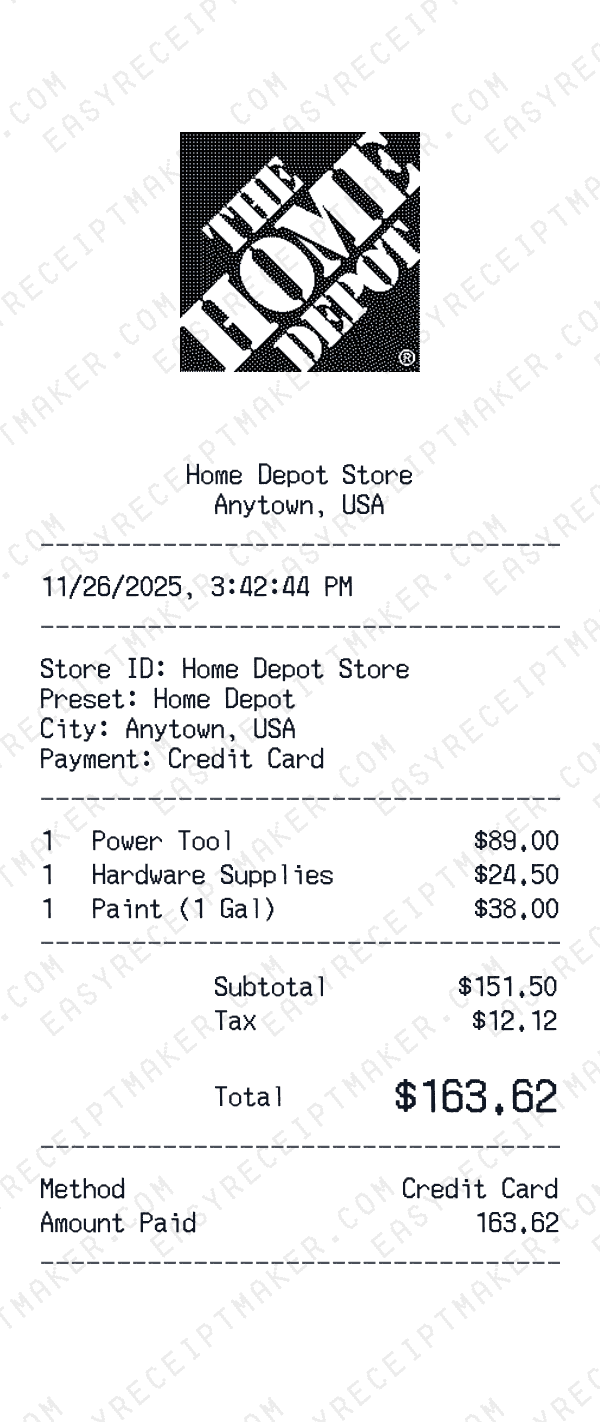
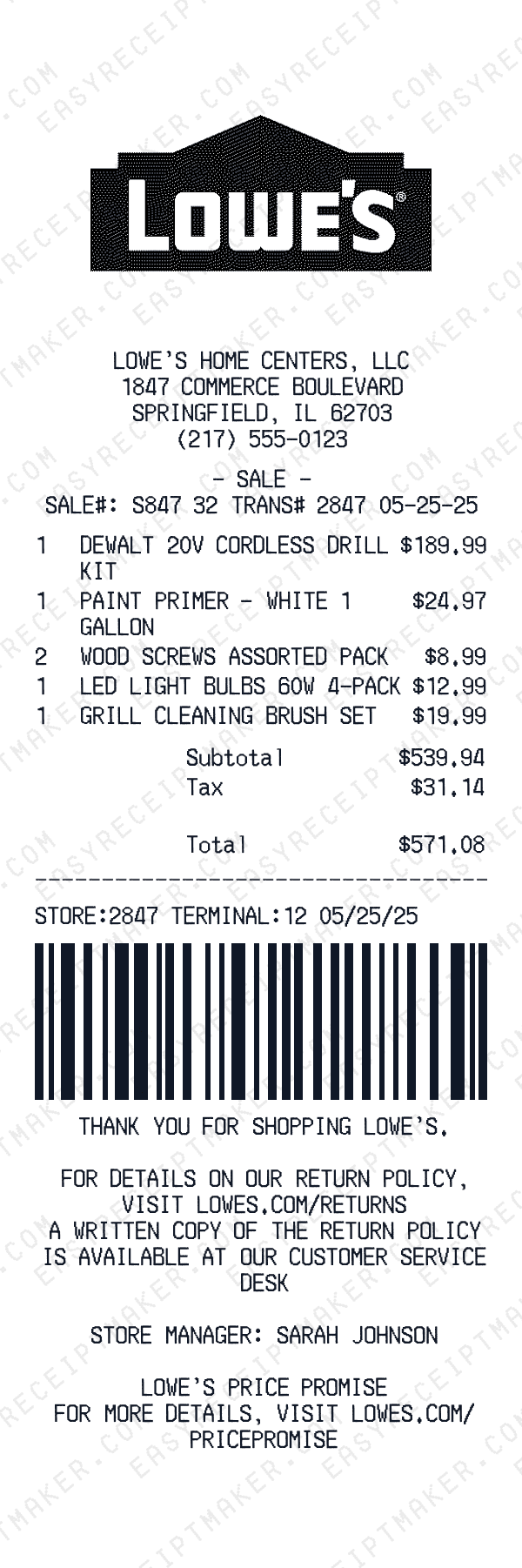
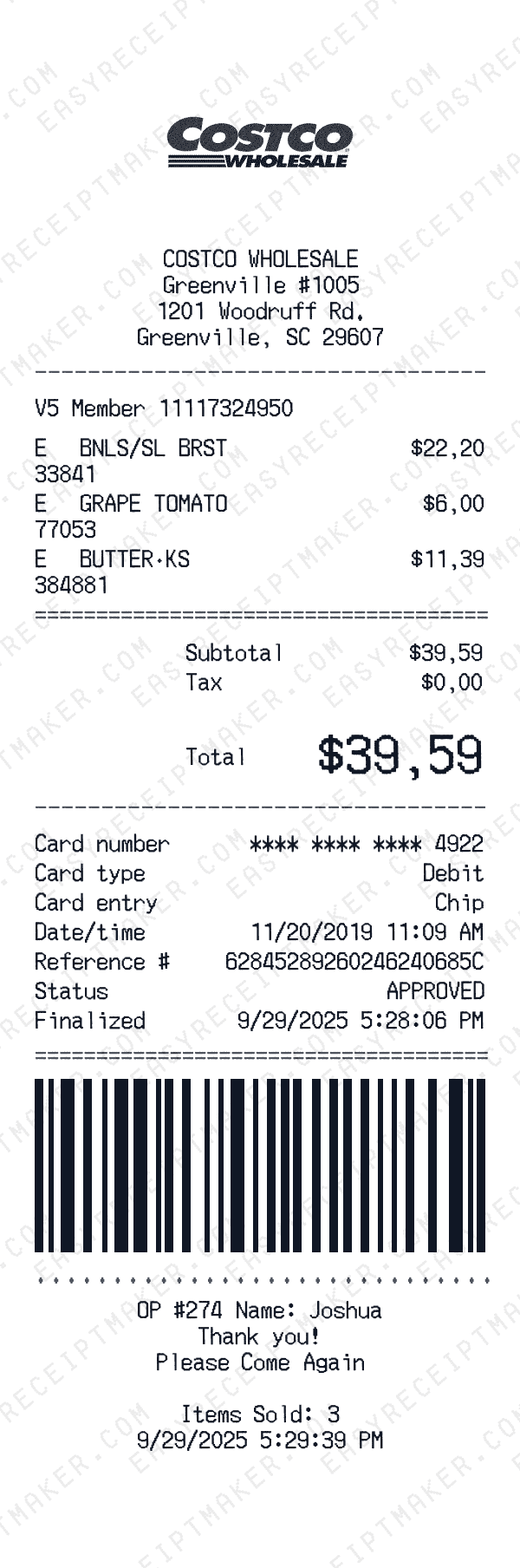
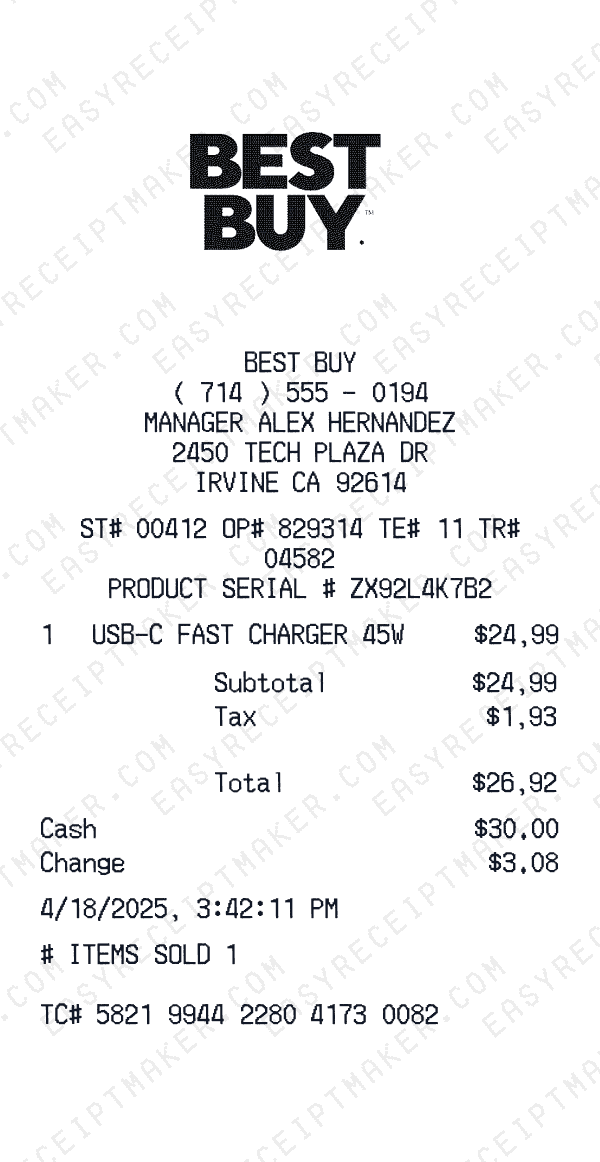
Downloadable sales receipt templates that feel real
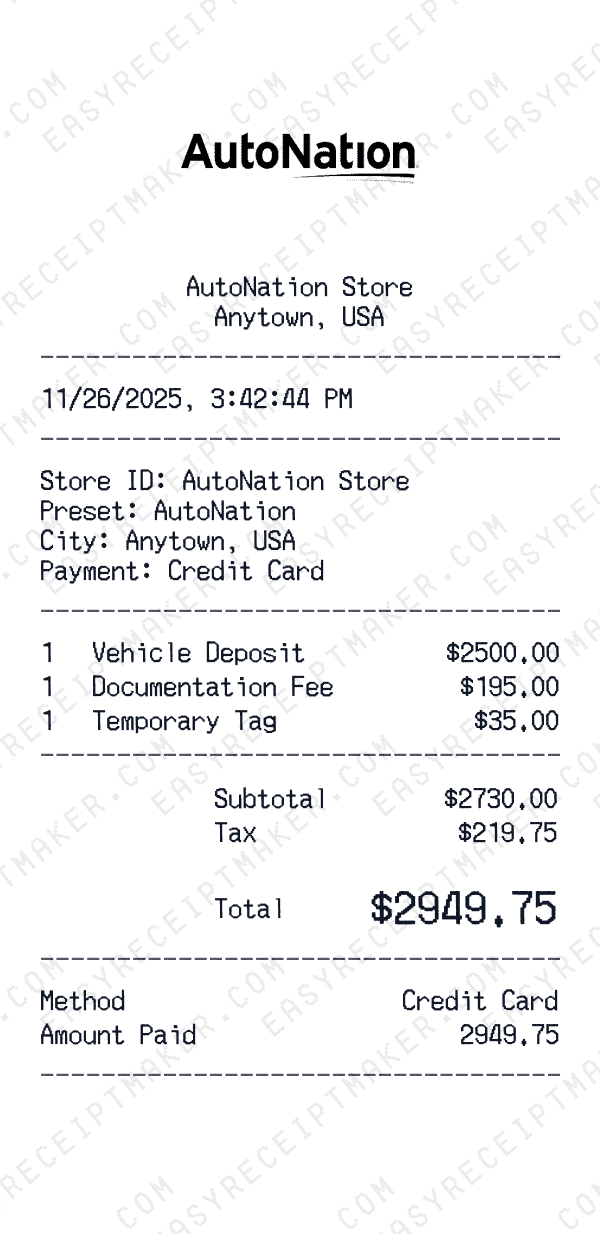
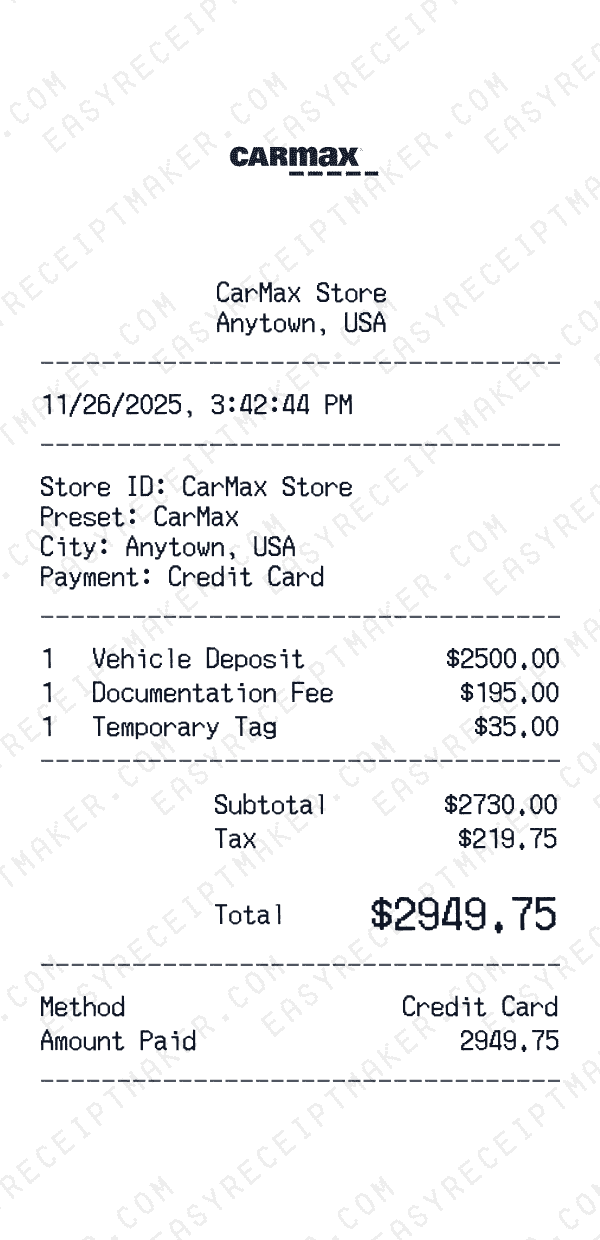
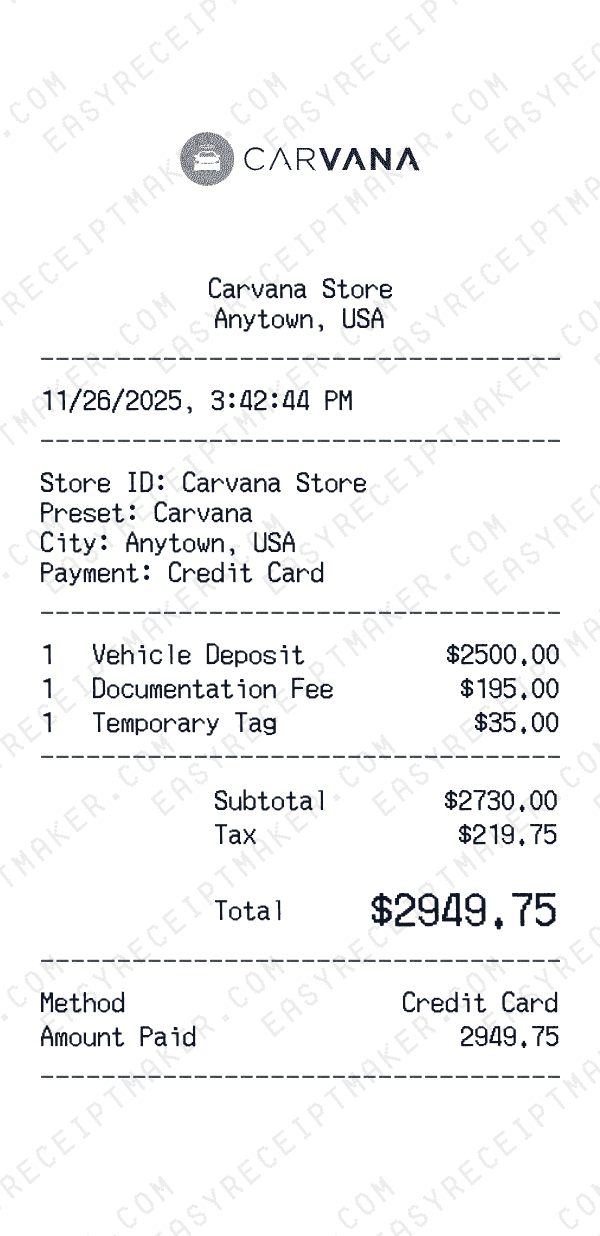
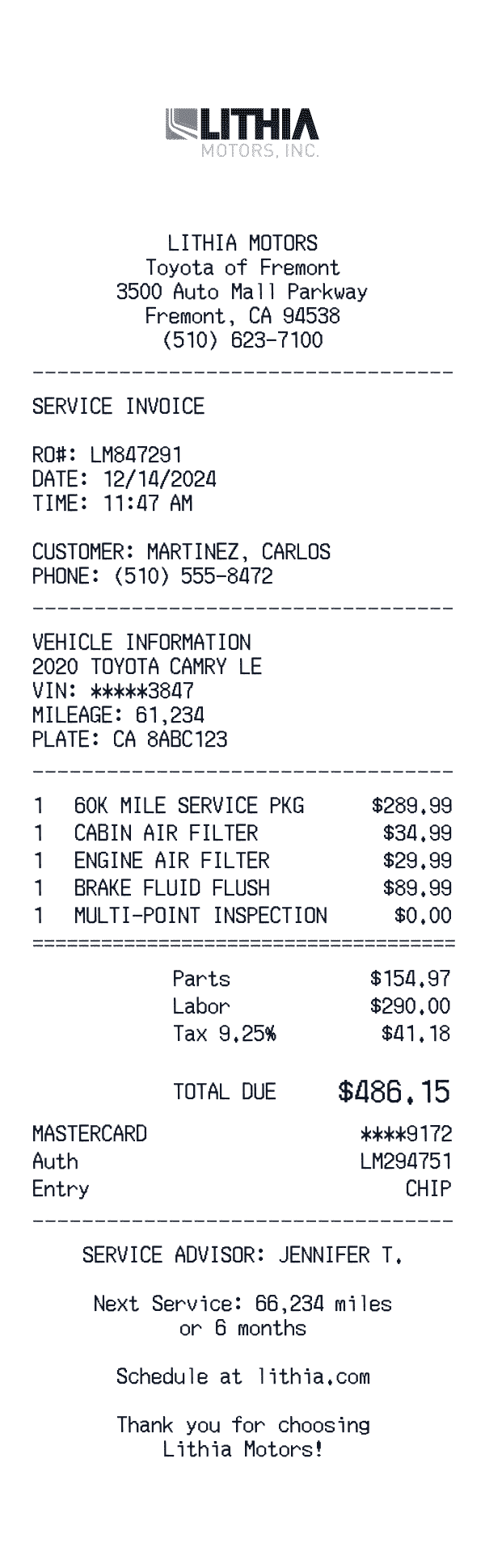
When you need a clean sales receipt for a past purchase, a static, generic template often looks too simple or obviously homemade. Our printable sales receipt template is designed to mirror the look and feel of real receipts from well-known retailers. The typography, spacing, and alignment are tuned to resemble standard register output so your final PDF looks professional on screen and on paper.
You can edit the store name, address, city, and contact details to match your organization or the vendor you are recreating. Then, update the date, time, and receipt number so the final document lines up with your internal records. Instead of manually hacking together layouts, you start from a dialed-in receipt sample and only change what you need.
Flexible enough for any receipt format
The same sales receipt template can cover a wide range of scenarios: design mockups, creative projects, personal records, and film props. Because the template is itemized, you can show each product or service separately with its price. You can also include tax lines, discounts, and fees so the receipt looks completely authentic.
If you are running a small business, this template doubles as a simple business receipt template for offline sales. You can print a stack of blank receipts and fill them out by hand, or edit and export a fresh file whenever you log a new transaction. For corporate teams, the template helps standardize the way employees submit receipts, reducing confusion for finance and accounting.
How this printable receipt template works
Start by choosing the layout that best matches your use case: retail, service, or mixed. The template includes fields for store information, customer details, items, tax, and total. You can keep it simple—just a few line items and a final amount—or add more depth with SKUs, purchase order numbers, and internal notes. The structure keeps everything aligned so your sales receipt PDF stays legible and organized.
Once your information is in place, you can export the receipt as a PDF or high-resolution image. This makes it easy to attach to an email, save to your project folder, or store in your digital filing system. Because the format is consistent, you can quickly scan each receipt and find the information you need without digging through unstructured documents.
Best practices for realistic-looking receipts
A realistic sales receipt clearly shows three elements: the merchant name, what was purchased, and the total amount. Whenever you use this template, make sure the store or business name is easy to read at the top, followed by a concise description of the products or services. Include the tax breakdown and any additional fees so the total looks authentic.
If you are using the template for creative projects, consider adding details that make the receipt feel lived-in and authentic. For example, realistic timestamps, register numbers, and cashier IDs help the receipt look like it came from an actual transaction. Clear labels combined with a professional sales receipt layout create documentation that looks convincing for film sets, theater productions, and design presentations.