
Design your Sonic Drive-In receipt
Free Sonic Drive-In receipt template with an editable fast food layout. Customize store details, line items, dates, tax, totals, and payment information for design, testing, or creative projects.
- Add custom logo
- Edit line items
- Choose payment method
- Add/remove receipt elements
- Customize business information
- Choose font
- Customize design and styling
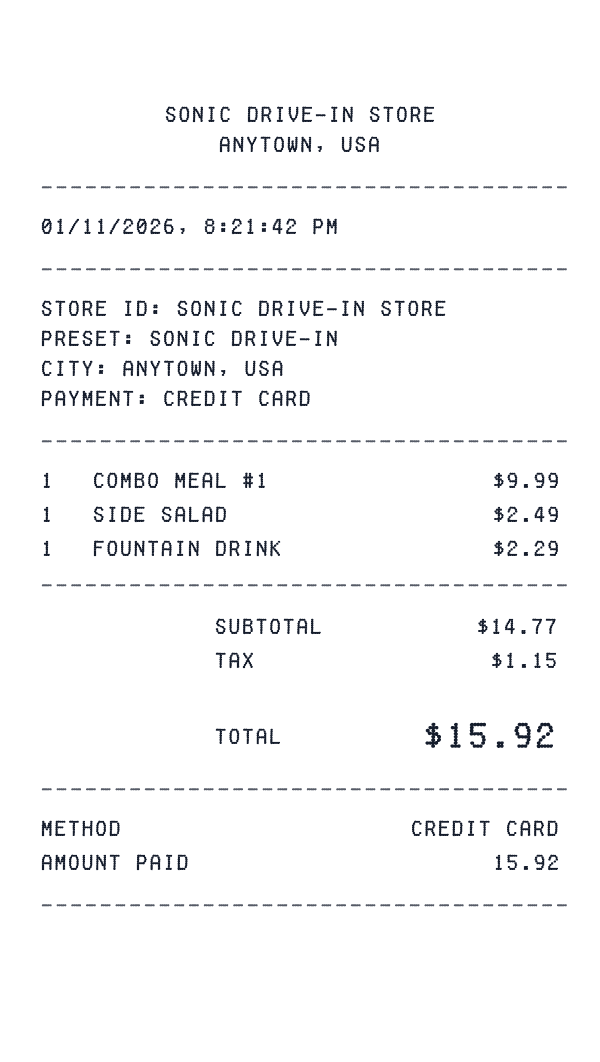
How to Create a Sonic Drive-In Receipt
Follow these simple steps to generate your receipt in under 60 seconds
Pick the Sonic Drive-In restaurant template
Our template includes combo meals, à la carte items, and the thermal paper style typical of quick-service restaurants.
Build your order
Add combo meals, individual items, size upgrades, and any customizations (no pickles, extra sauce). Include drink sizes and sides.
Export for your creative project
Download a receipt formatted for film props, game design, or marketing mockups.
Understanding the Sonic Drive-In Receipt Format
A Sonic Drive-In receipt follows a specific format that includes transaction details, itemized purchases, and payment information. Here's what you'll find on a typical Sonic Drive-In receipt:
Elements on a Sonic Drive-In Receipt
Header Section
Sonic Drive-In receipts display the store name and location at the top, making it easy to identify where the purchase was made.
- -Store identifier (e.g., "SONIC DRIVE-IN #0414")
- -Full store address
- -Store phone number
Items Section
Each line item on a Sonic Drive-In receipt shows the product details and price. Items are typically listed with department codes or SKUs.
- -Product name or description
- -Item quantity
- -Price in $ format
Payment Details
Sonic Drive-In receipts include detailed payment information for your records, including transaction verification codes.
- -Payment type: Cash
Date & Time
Every Sonic Drive-In receipt includes a timestamp showing exactly when the transaction occurred, useful for creative projects and personal records.
- -Transaction date
- -Time of purchase
- -Often includes timezone
Footer & Policies
The bottom of Sonic Drive-In receipts often contains important information like return policies, surveys, and promotional offers.
- -Return policy information
- -Survey or feedback codes
- -Promotional messages
Sample Sonic Drive-In Receipt Items
See how menu items appear on Sonic Drive-In receipts. Combo meals and customizations are typically listed as separate line items.
| Item Description | Price |
|---|---|
SONIC CHEESEBURGER COMBO | $9.79 |
MOZZARELLA STICKS | $4.49 |
MED CHERRY LIMEADE | $2.30 |
Modifiers like 'NO ONION' or 'EXTRA CHEESE' may appear as separate lines with $0.00 or additional charges.
Sonic Drive-In Receipt Fields Explained
Understanding what each field on your Sonic Drive-In receipt means can help with creative projects, design mockups, and personal records. Here's a quick reference guide:
Sonic Drive-In is a trademark of its respective owner. This tool is not affiliated with or endorsed by Sonic Drive-In. This template is designed for creative projects, entertainment, and personal use only.
FAQ
Frequently Asked Questions
Everything you need to know about creating Sonic Drive-In receipts
Related Templates
More Fast Food Receipt Templates
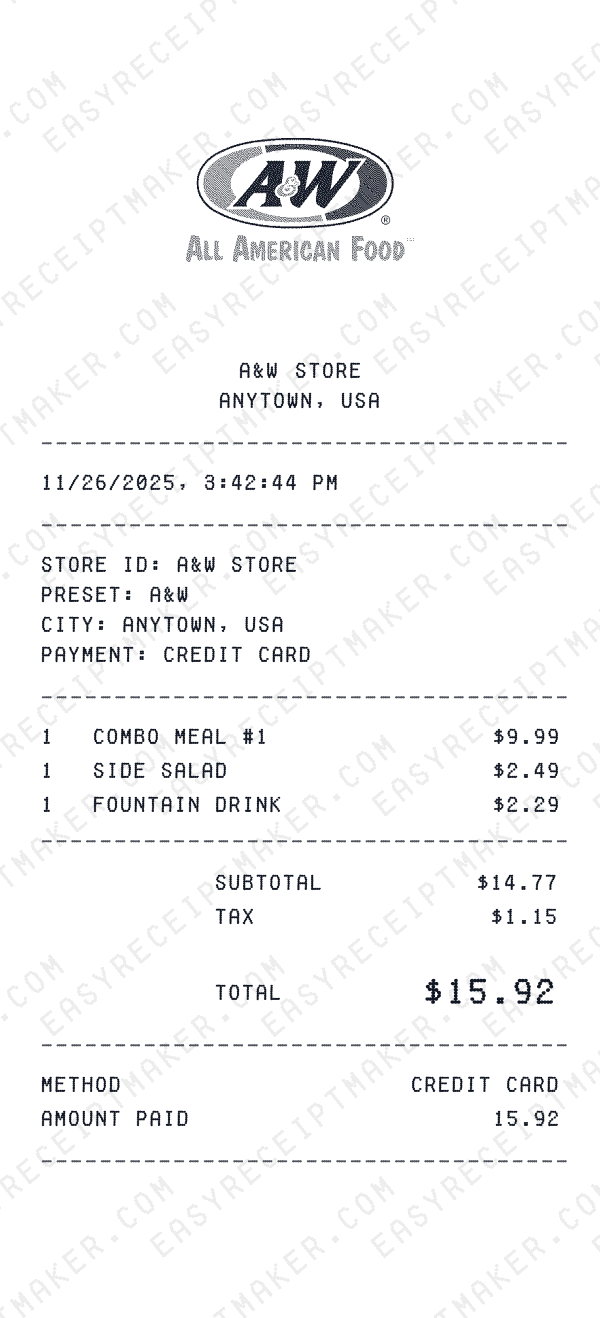
A&W
Root beer country: Papa Burger combo, cheese curds, float, drive-thru totals and cash change.
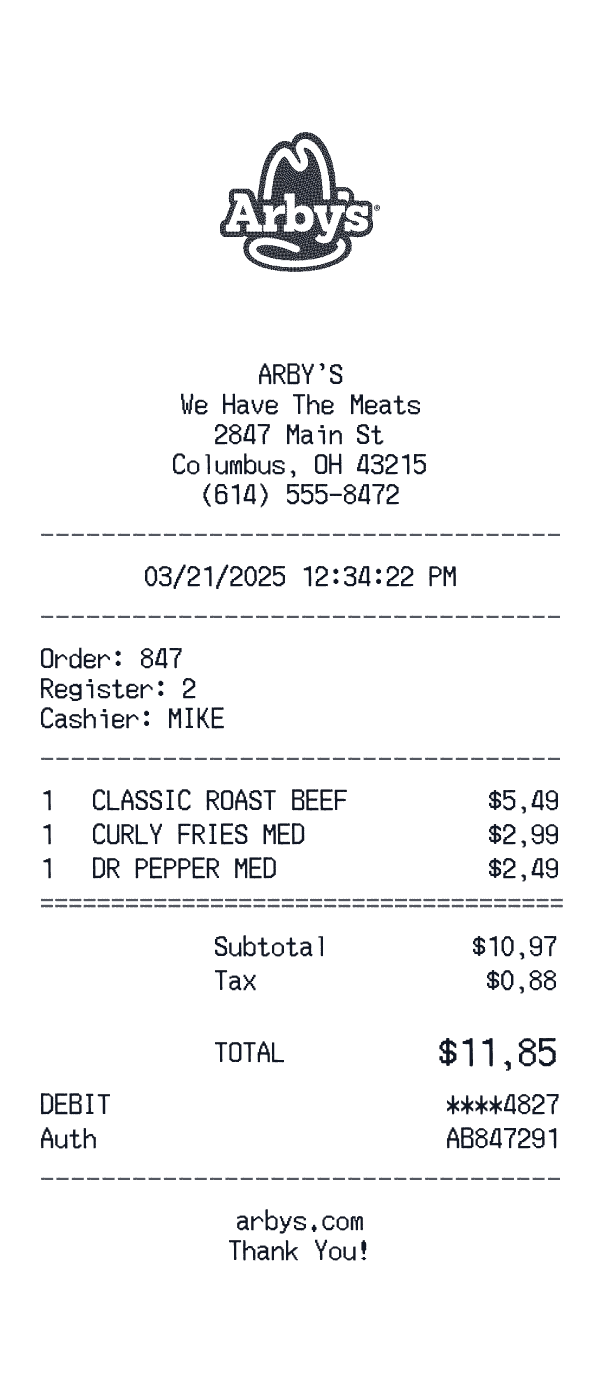
Arby's
Drive-thru combo tape: Classic Beef, curly fries, Dr Pepper, debit auth.
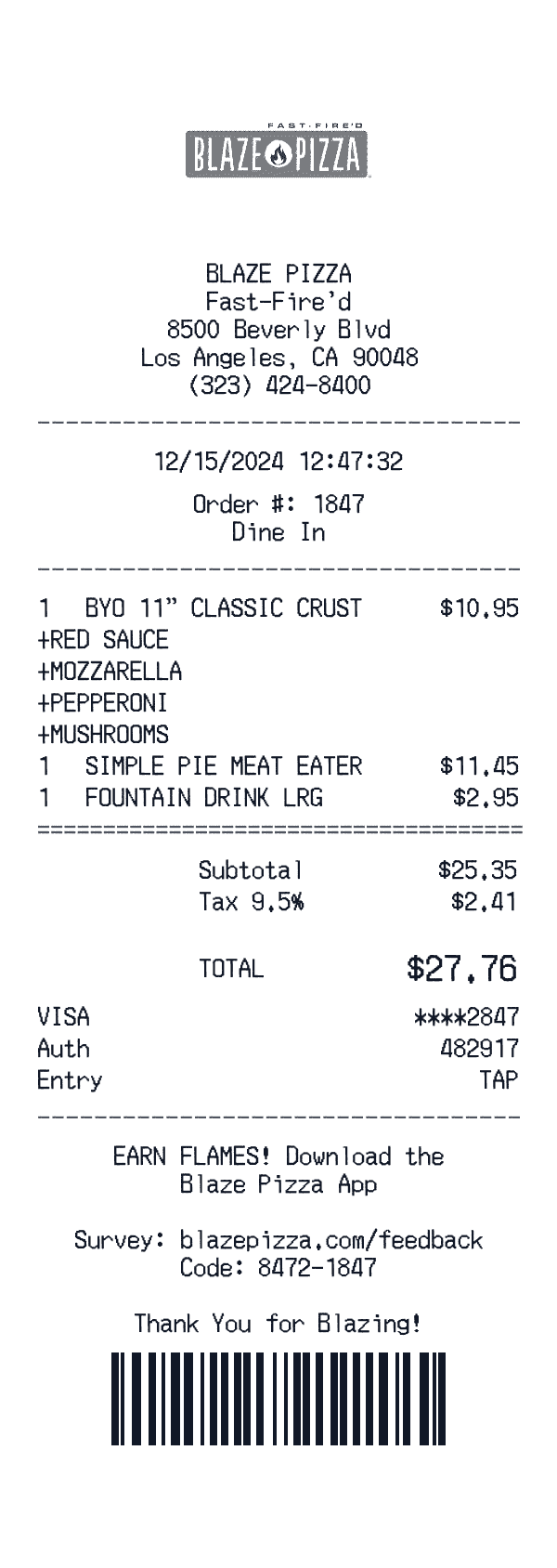
Blaze Pizza
Blaze Pizza fast-fired artisanal pizza receipt.
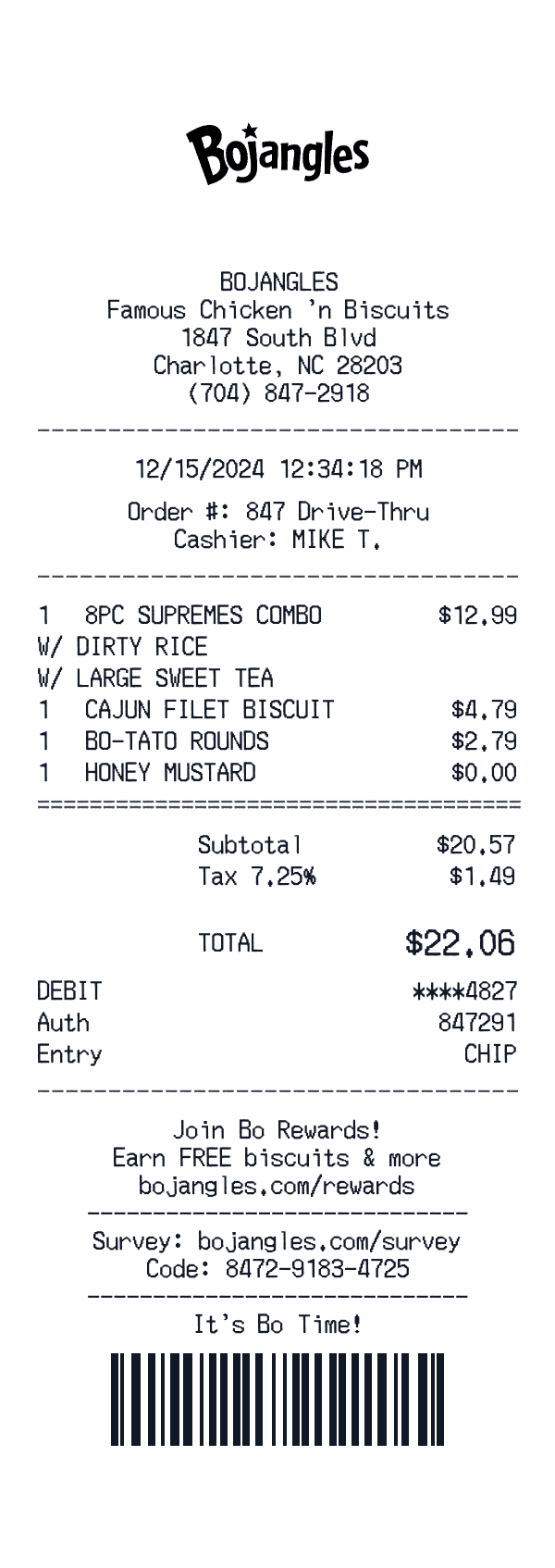
Bojangles
Bojangles fried chicken restaurant receipt.
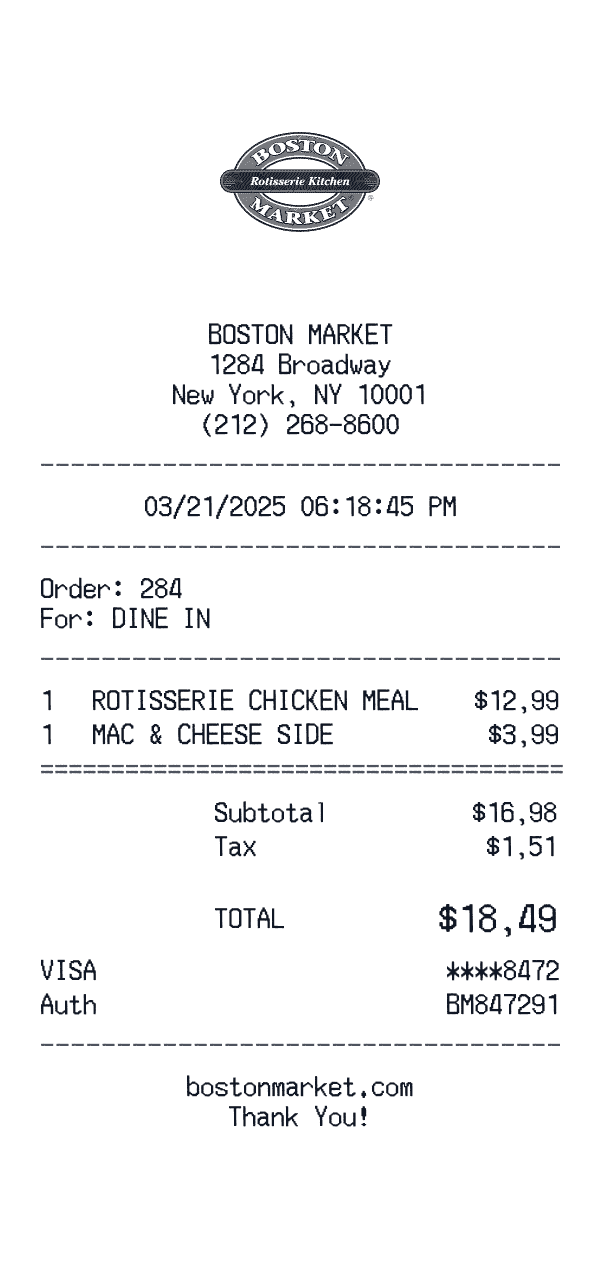
Boston Market
Boston Market rotisserie receipt.
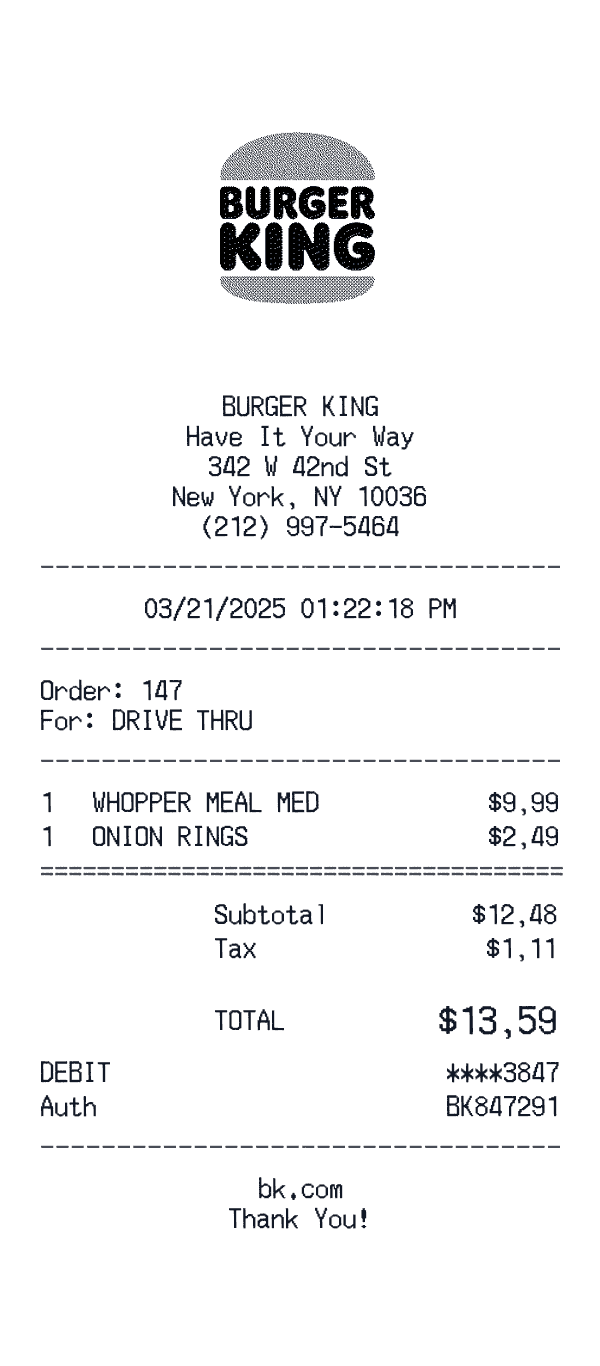
Burger King
Burger King fast food receipt.
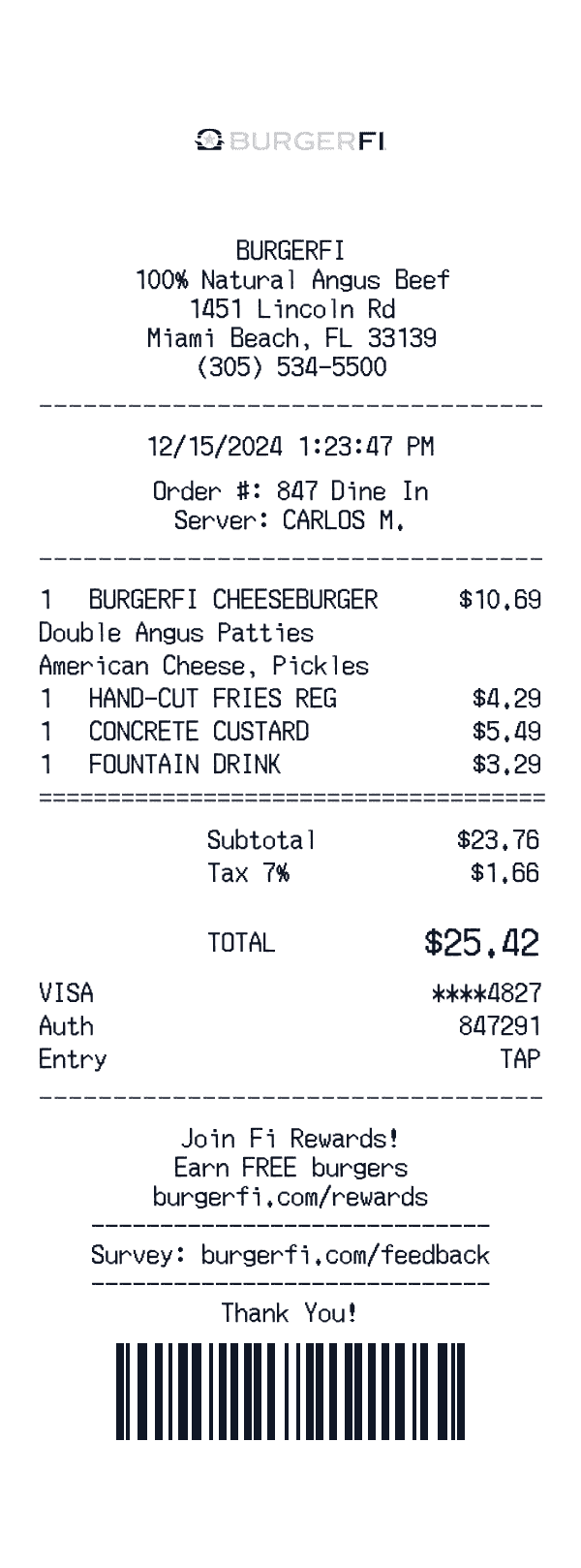
BurgerFi
BurgerFi premium burger restaurant receipt.
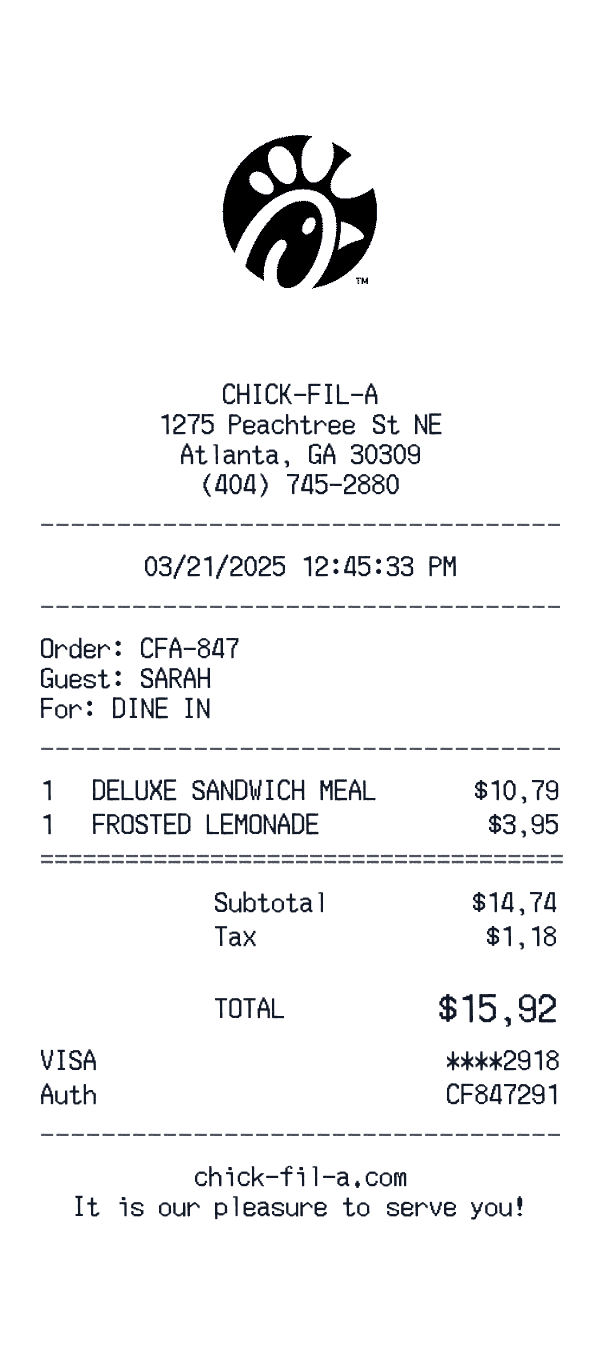
Chick-fil-A
Chick-fil-A restaurant receipt.
Ready to Use This Sonic Drive-In Template?
Open the editor, customize every field, and download your mockup in seconds.
Open Sonic Drive-In Editor