Receipt templates designed for printing
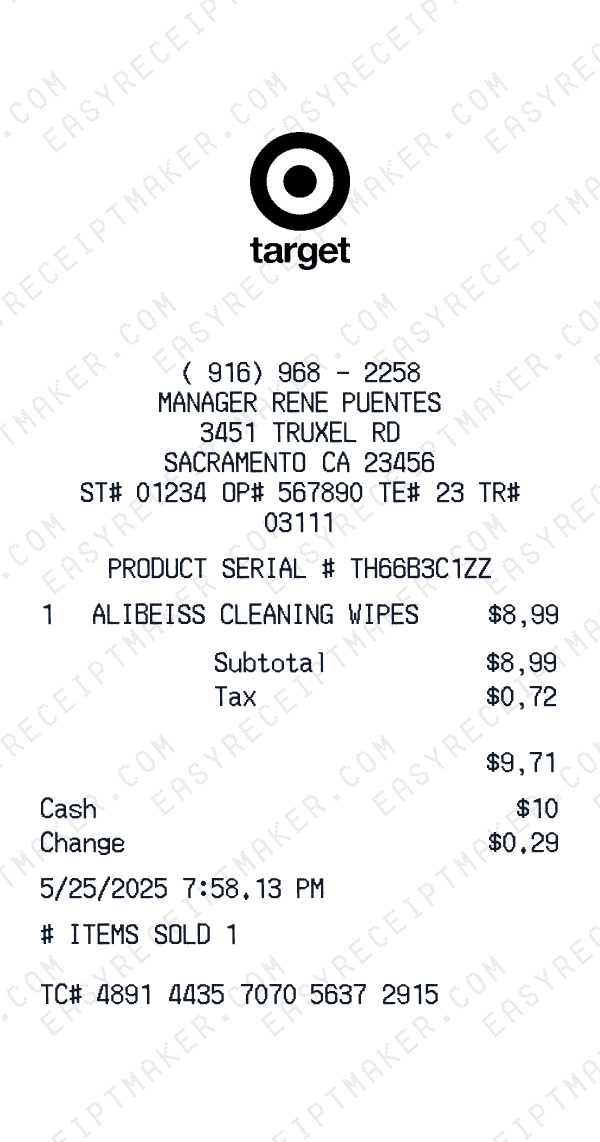
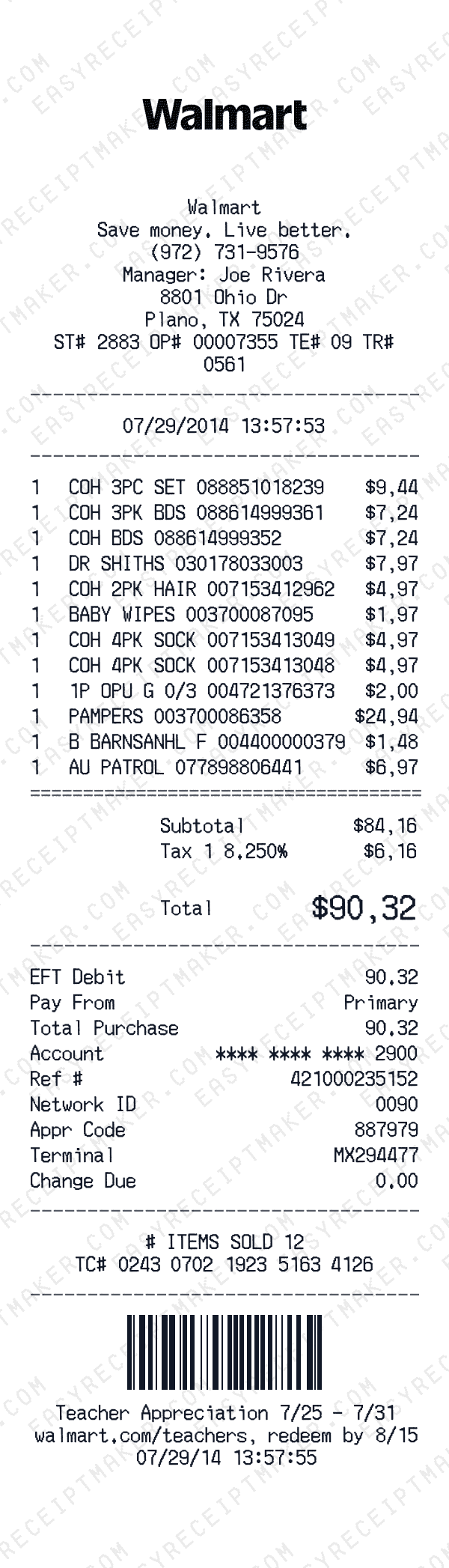
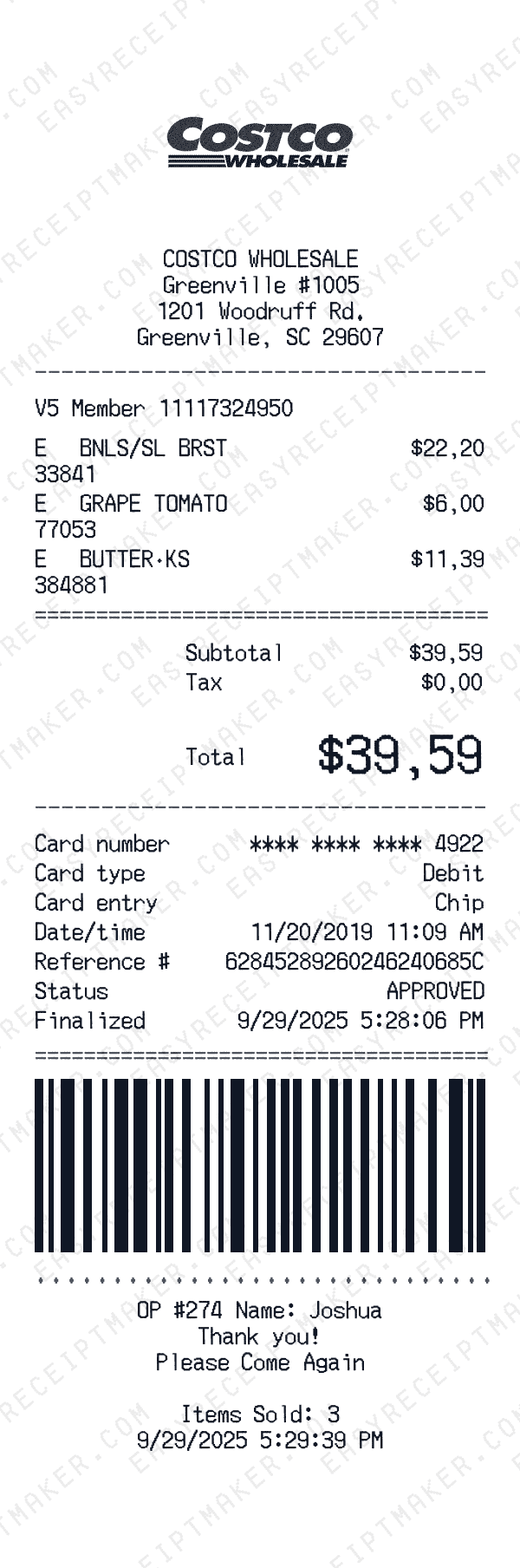
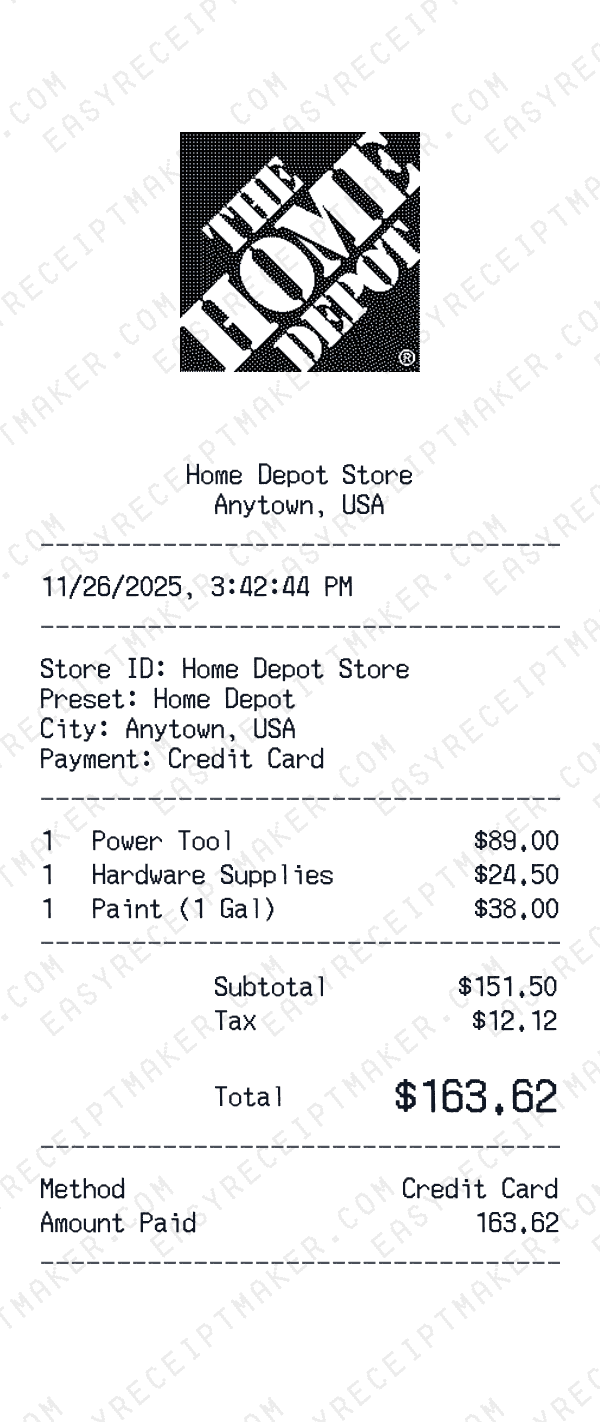
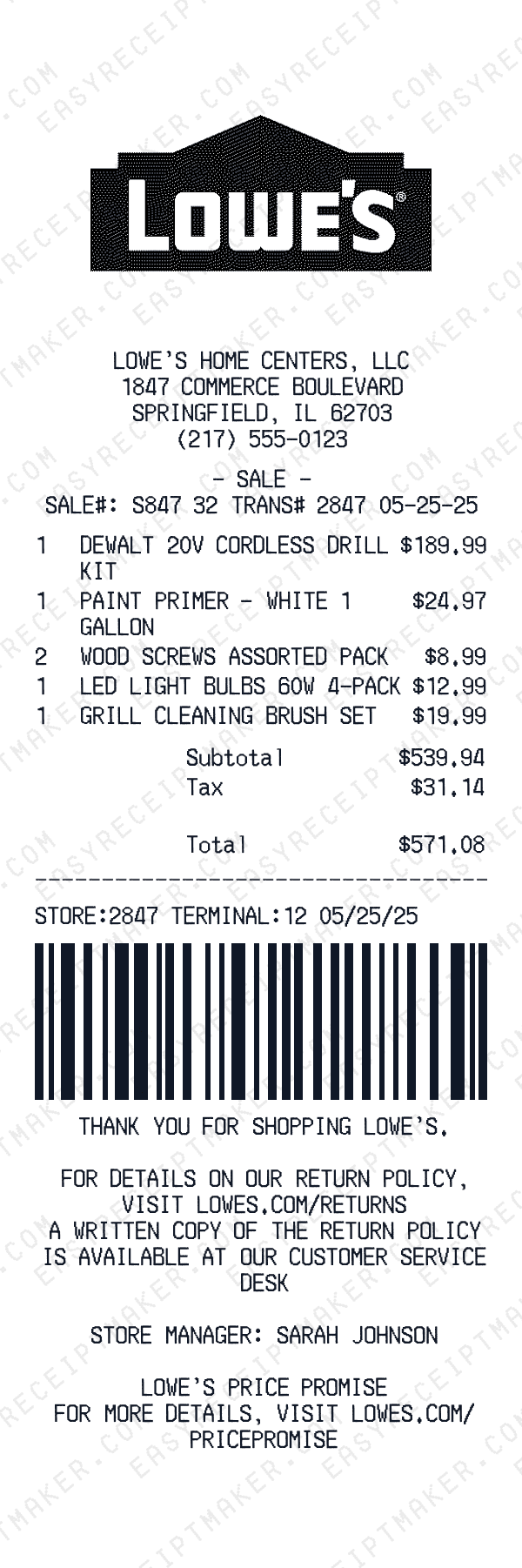
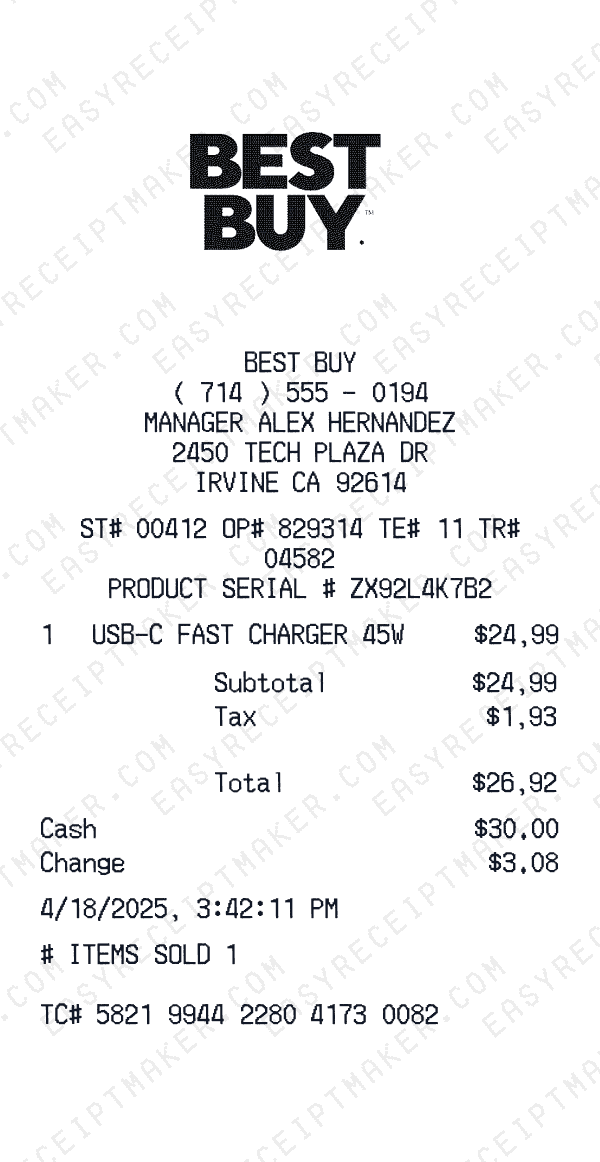
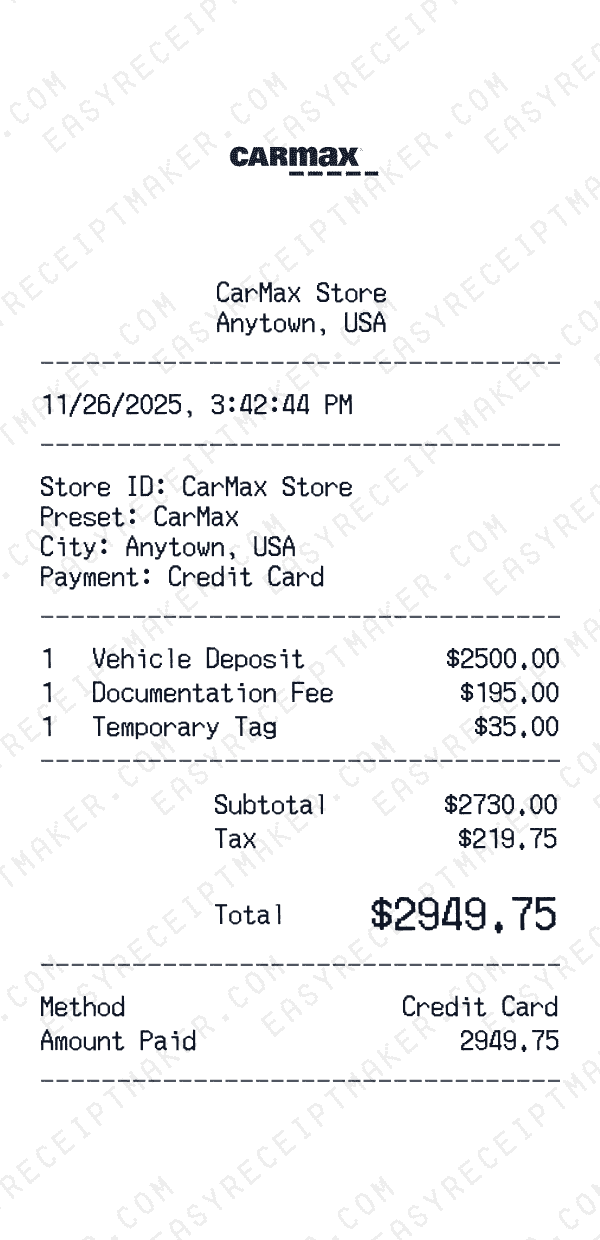
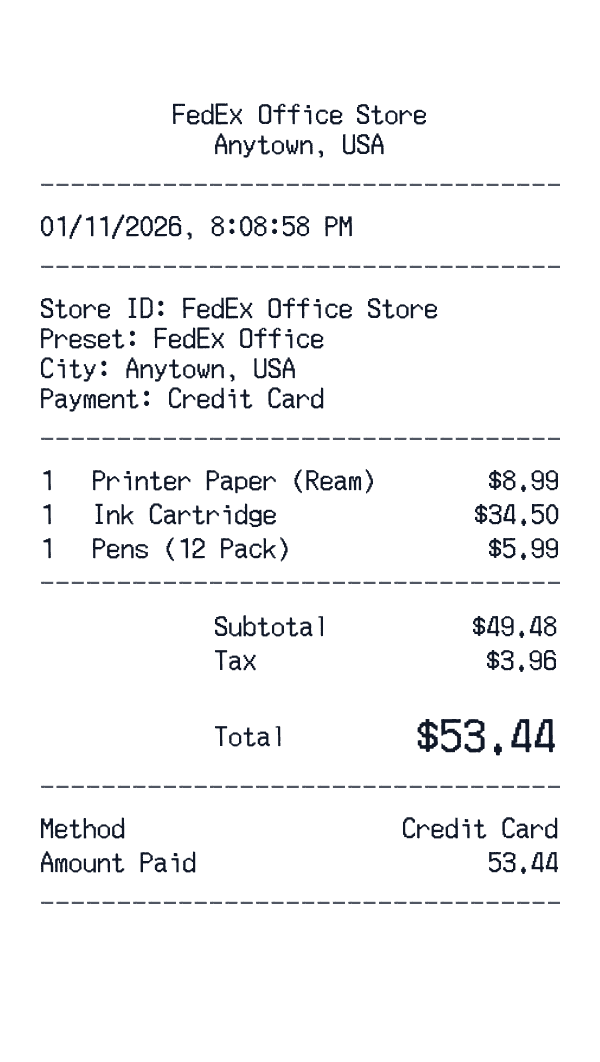
Our printable receipt templates are specifically optimized for paper output. Unlike screen-only formats that look blurry when printed, our templates export at high resolution (300+ DPI) to ensure crisp text, clean lines, and readable barcodes on any printer. Whether you're using a standard inkjet, laser printer, or thermal receipt printer, the output looks professional.
Each template uses fonts and spacing calibrated for print. The thermal receipt fonts we use are designed to be legible at small sizes, and our layouts account for typical printer margins. The result is a crisp, professional printout suitable for creative projects and personal use.
Print on any paper type
Our templates work with multiple paper formats. Print on standard letter paper (8.5" x 11") for filing and documentation. Use thermal receipt paper rolls (typically 3.125" or 80mm wide) for authentic-looking register receipts. Or print on cardstock for durable receipts that won't fade or tear.
The exported images scale cleanly to any size. Print a full-page version for easy reading, or scale down to actual receipt size for your creative projects. The high resolution ensures quality at any scale.
Why print receipts in 2025?
Despite the shift to digital, printed receipts remain a common format. Our printable receipt templates are great for creative projects that require physical paper receipts—film props, theater productions, escape rooms, and more.
Create your receipt online with easy customization, then print a professional result. Our templates produce high-quality printed receipts that look polished and professional for any creative project.
Tips for printing receipts
For best results, use your printer's highest quality setting. If printing on thermal paper, adjust your printer settings for the narrower width. For standard paper, consider printing multiple receipts per page to save paper, or print at actual receipt size for filing with other documentation.
Our templates export as PNG images, which are compatible with all printers and operating systems. Simply open the downloaded file and print, or insert it into a document if you need to add notes or combine multiple receipts.