What is a receipt template?
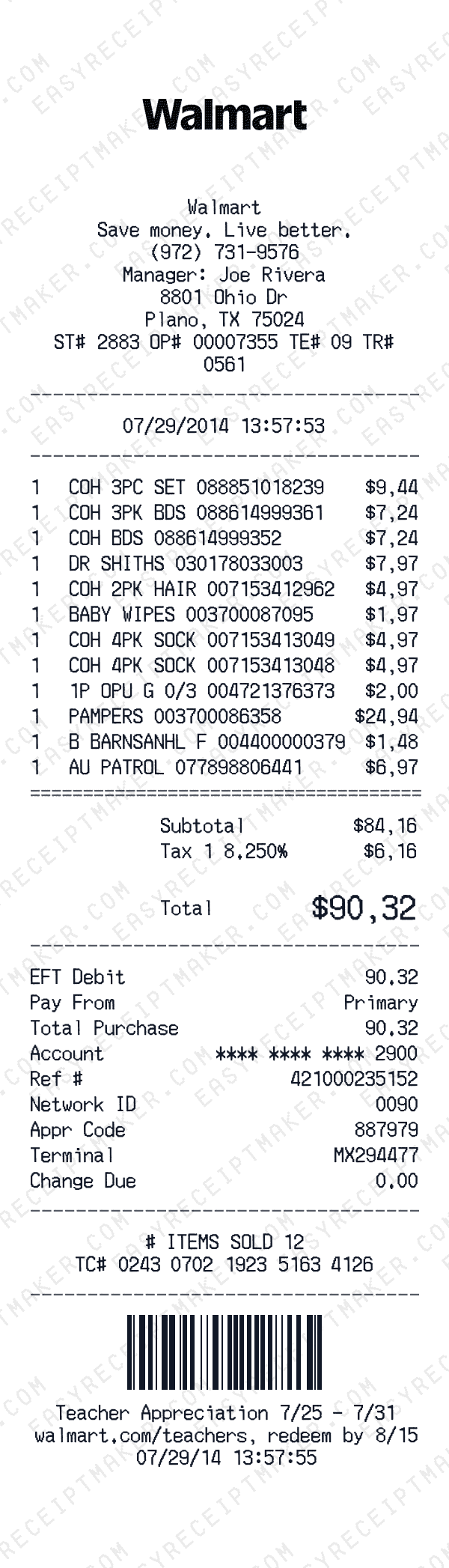
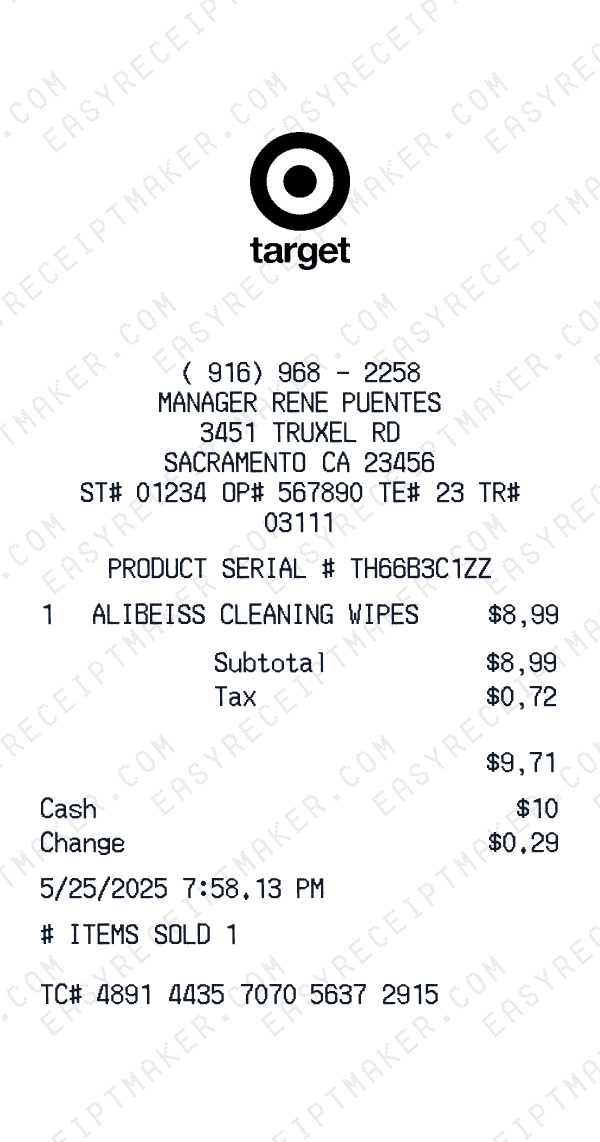
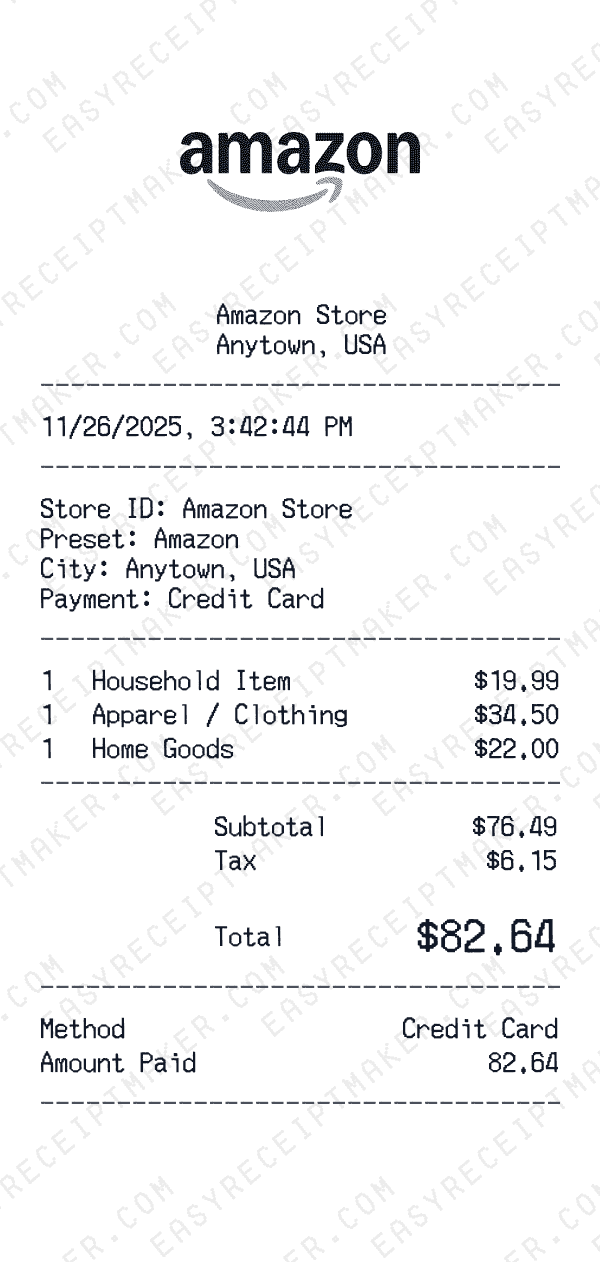
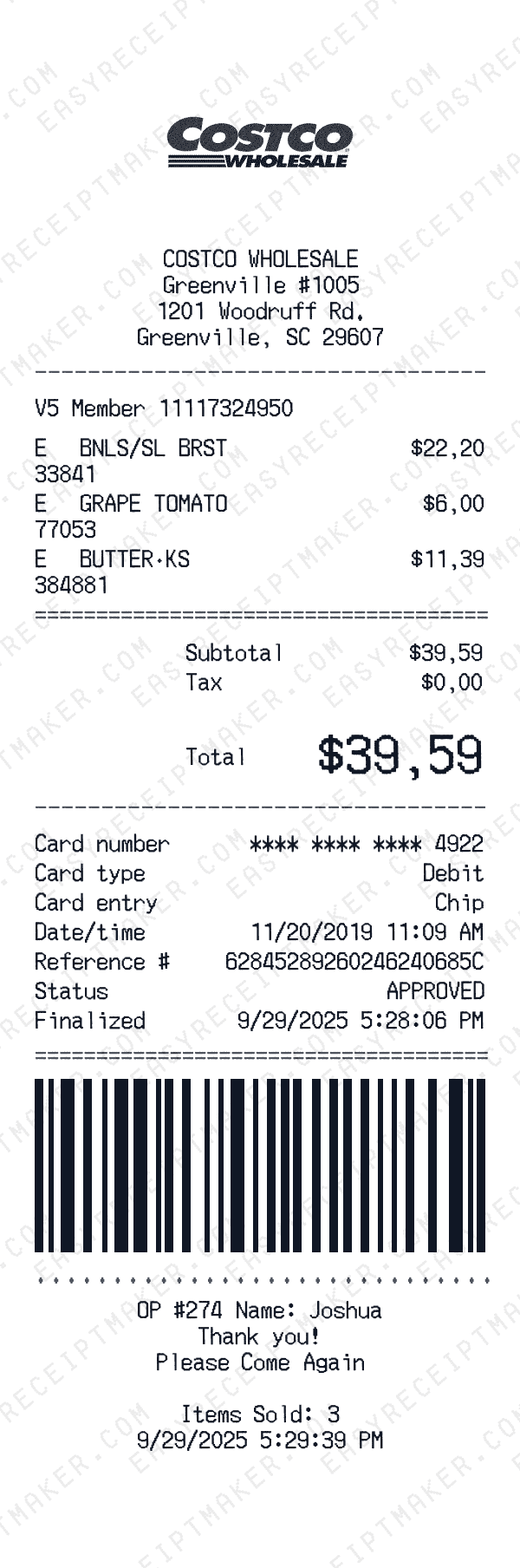
A receipt template is a pre-designed document format that contains all the standard elements of a purchase receipt: business name, address, itemized products or services, prices, taxes, and payment details. Instead of creating receipts from scratch in Word or Excel, you start with a professionally designed template that mirrors what real businesses use.
Our receipt templates are inspired by common retail receipt formats. Each template includes a professional layout, fonts, and structure. Whether you need to create a receipt for a creative project, film prop, or design mockup, our templates give you a head start.
Why use an online receipt template instead of Word or Excel?
Traditional receipt templates in Word or Excel require manual formatting, formula setup, and constant adjustments. Every time you need a new receipt, you're copying cells, fixing alignment issues, and recalculating totals. Our online receipt template handles all of this automatically—you just enter the data and the template does the rest.
Our templates also look significantly more realistic than spreadsheet-based alternatives. We use thermal receipt fonts, proper spacing, barcodes, and authentic layouts that match what customers actually receive from businesses. This level of detail matters when you're creating receipts for creative projects, design presentations, or personal records.
Types of receipt templates available
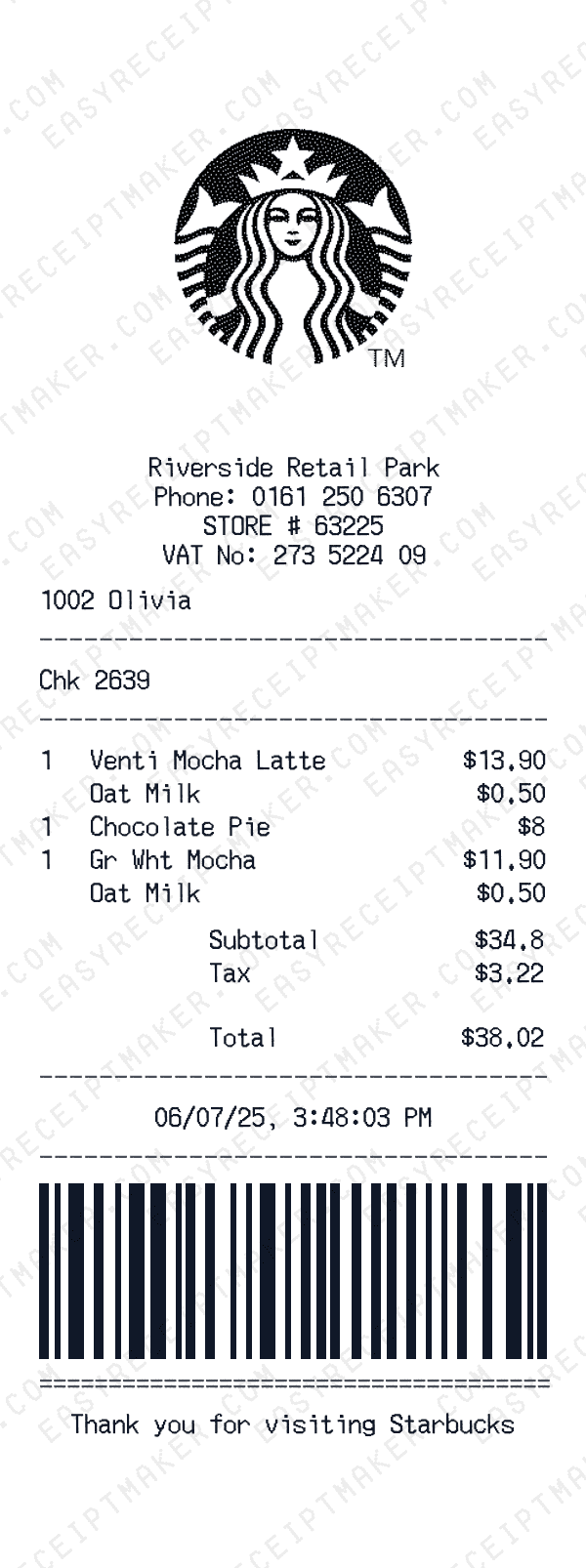
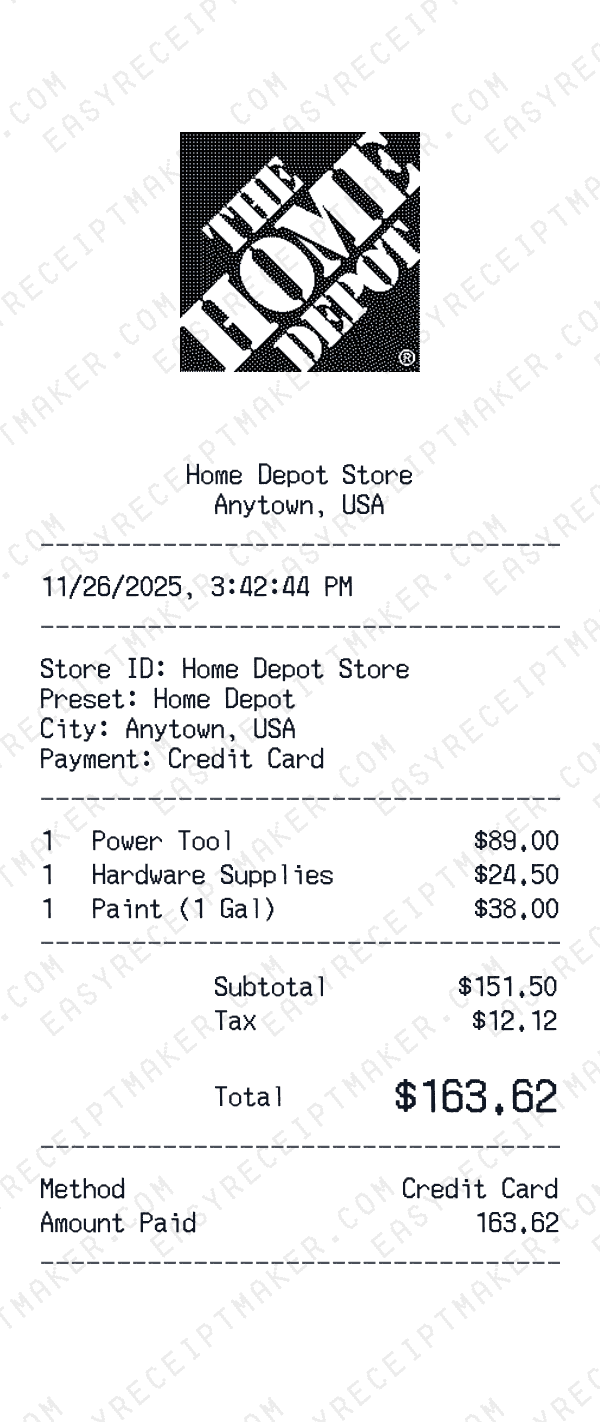
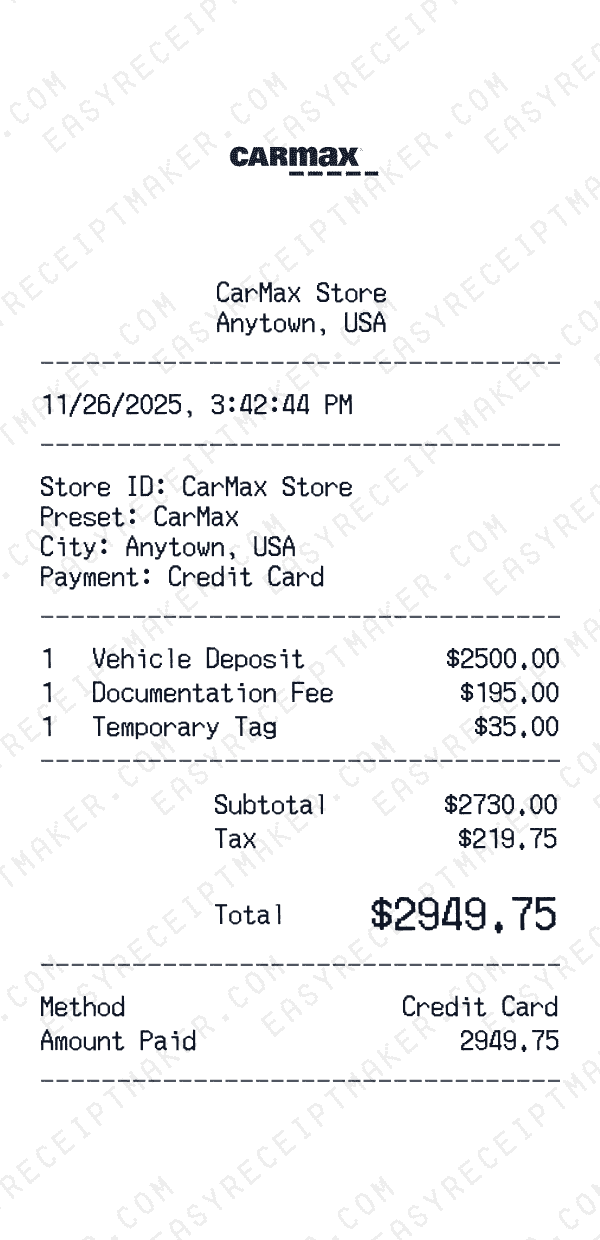
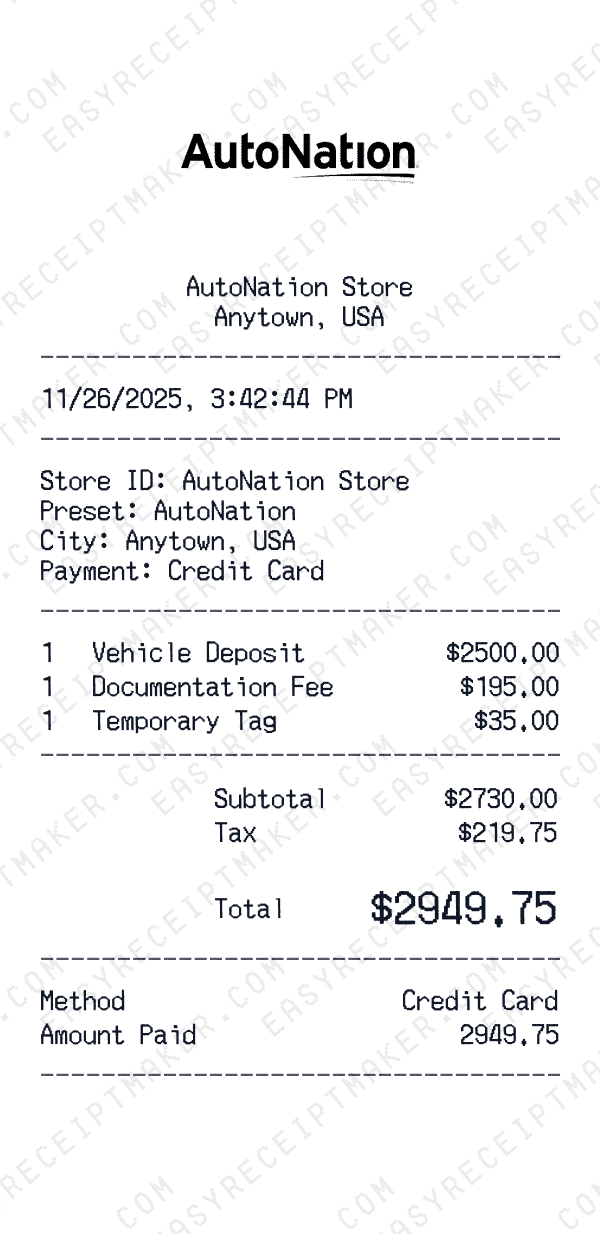
We offer receipt templates organized by category: retail stores (Walmart, Target, Best Buy), restaurants (McDonald's, Starbucks, Chipotle), gas stations (Shell, Chevron, BP), hotels (Marriott, Hilton, Holiday Inn), and many more. Each template is customizable—change the store name, add your own items, adjust taxes, and modify payment details.
Beyond brand-specific templates, we also offer generic formats: sales receipts, cash receipts, service receipts, donation receipts, and rental receipts. These work well when you need a professional-looking document but don't need to match a specific store's format.
How to use our receipt templates
Getting started is simple: browse our template gallery, select a template that matches your needs, and click to customize. You'll see a live preview of your receipt as you edit the store information, line items, prices, and payment details. You can manually enter subtotals, taxes, and totals to match your records.
When you're satisfied with the result, export your receipt as a high-resolution PNG image. You can then print it, attach it to emails, or save it for your personal records. The entire process takes less than two minutes.
Common uses for receipt templates
Receipt templates serve many creative and entertainment purposes. Film and TV productions use them for authentic props. Escape room designers incorporate them into puzzles. UI/UX designers use them for app mockups and presentations. Event planners use them for themed parties and games.
Whatever your use case, our templates help you create clean, professional receipts quickly for creative and personal projects.