Create thermal-style register receipts with real-world details
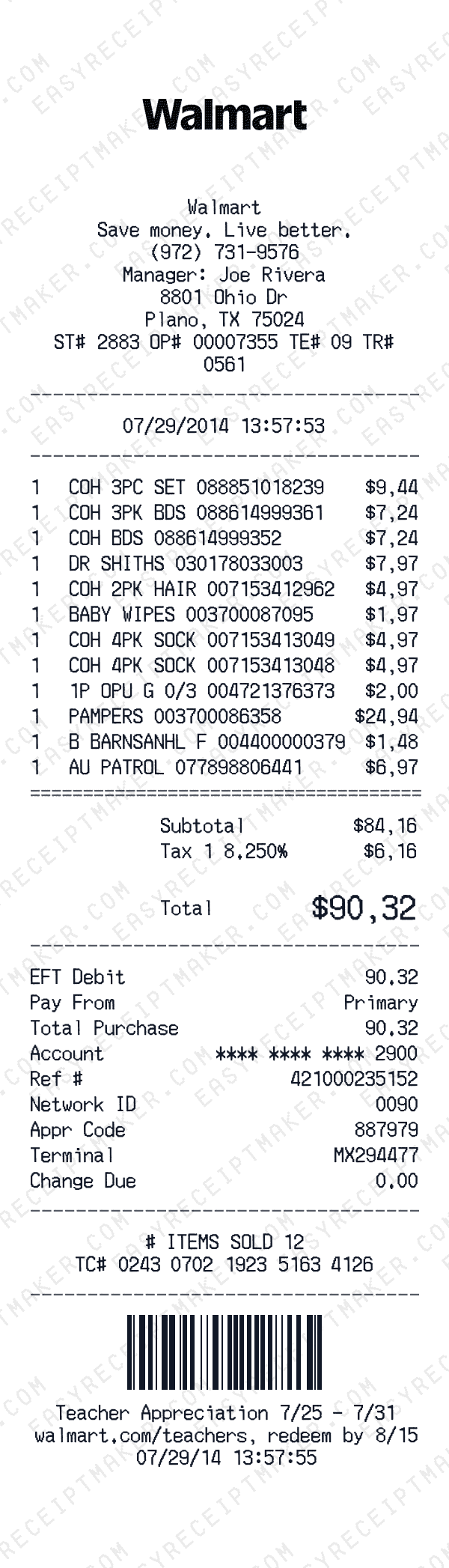
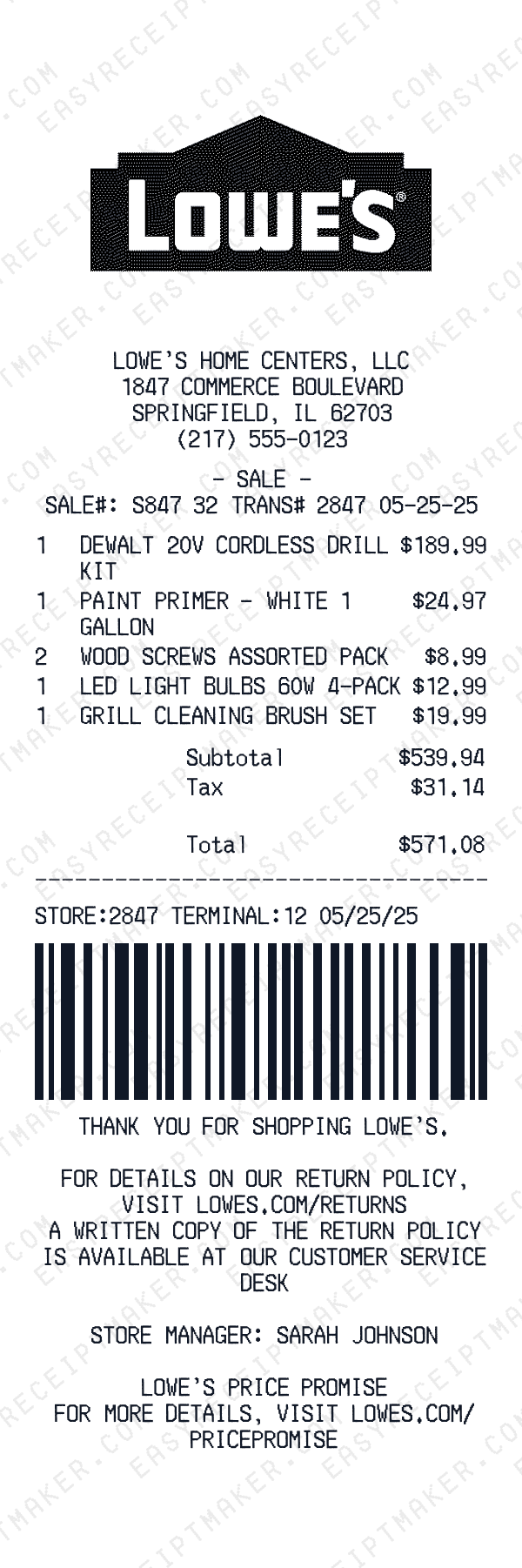
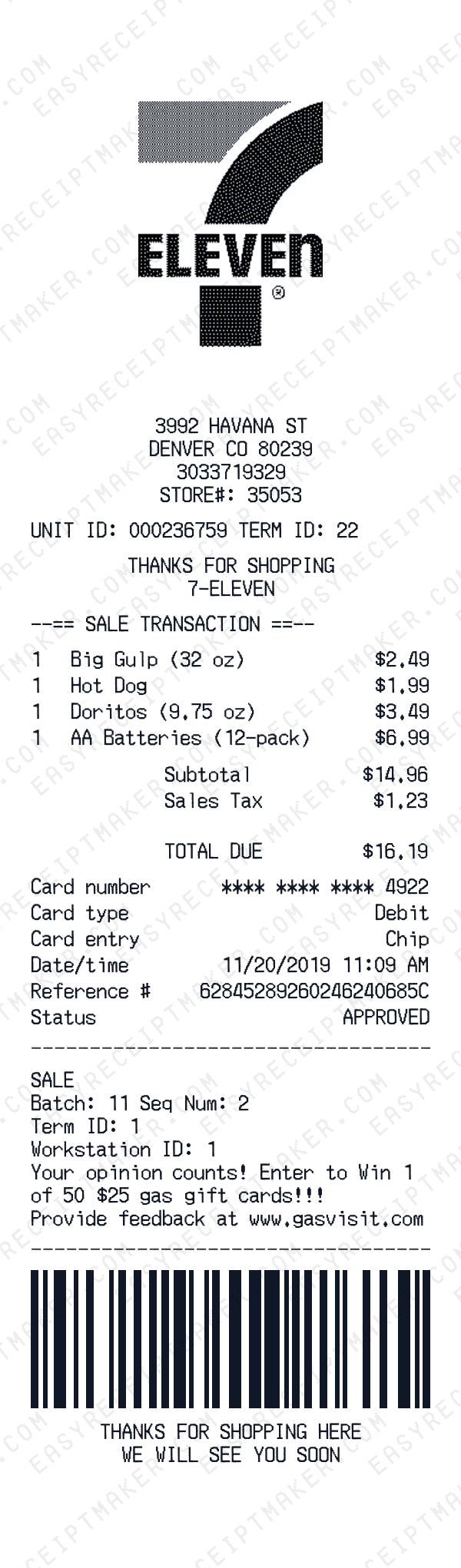
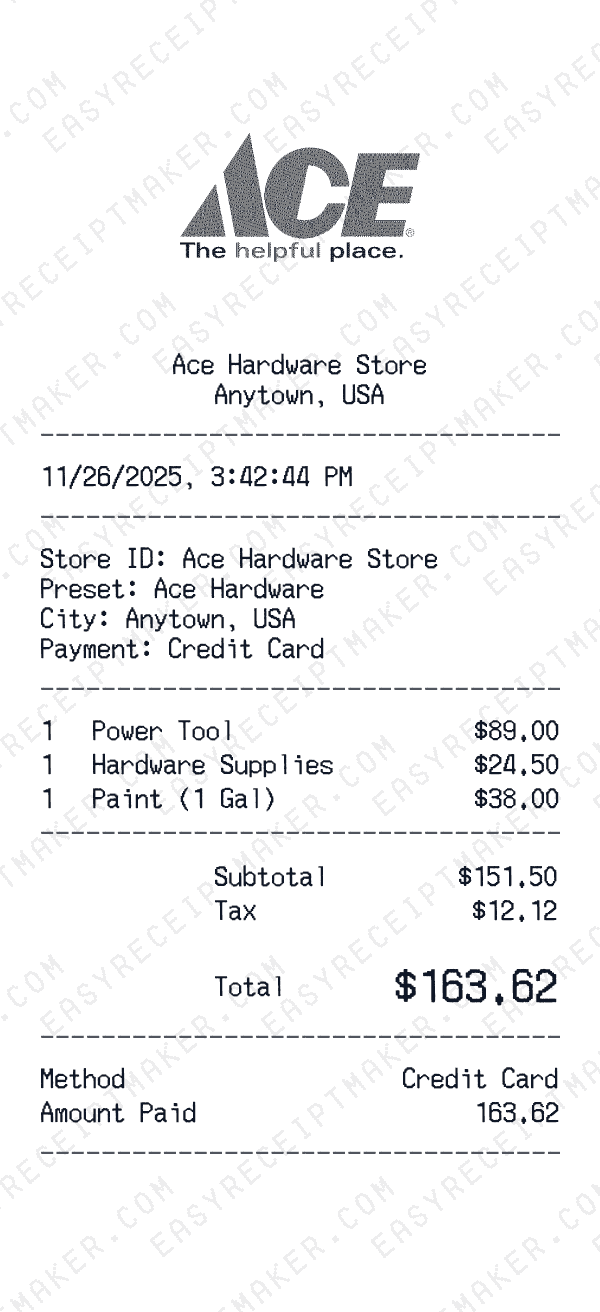
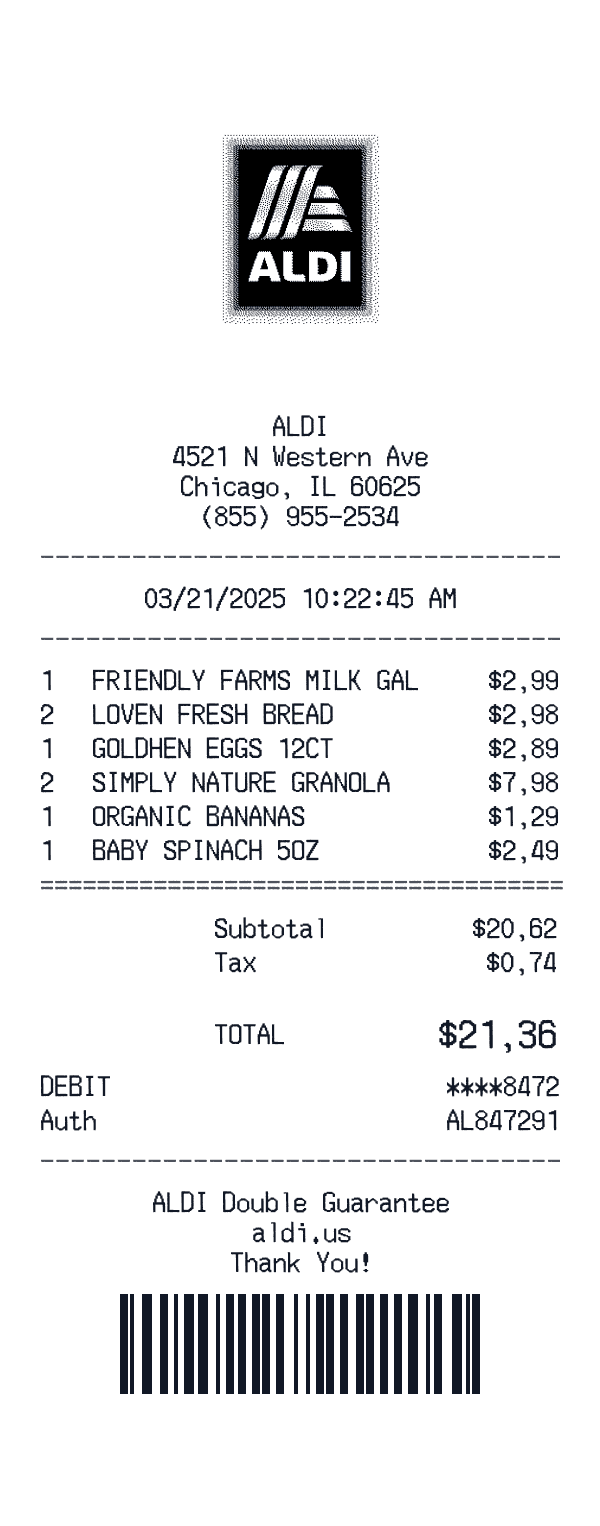
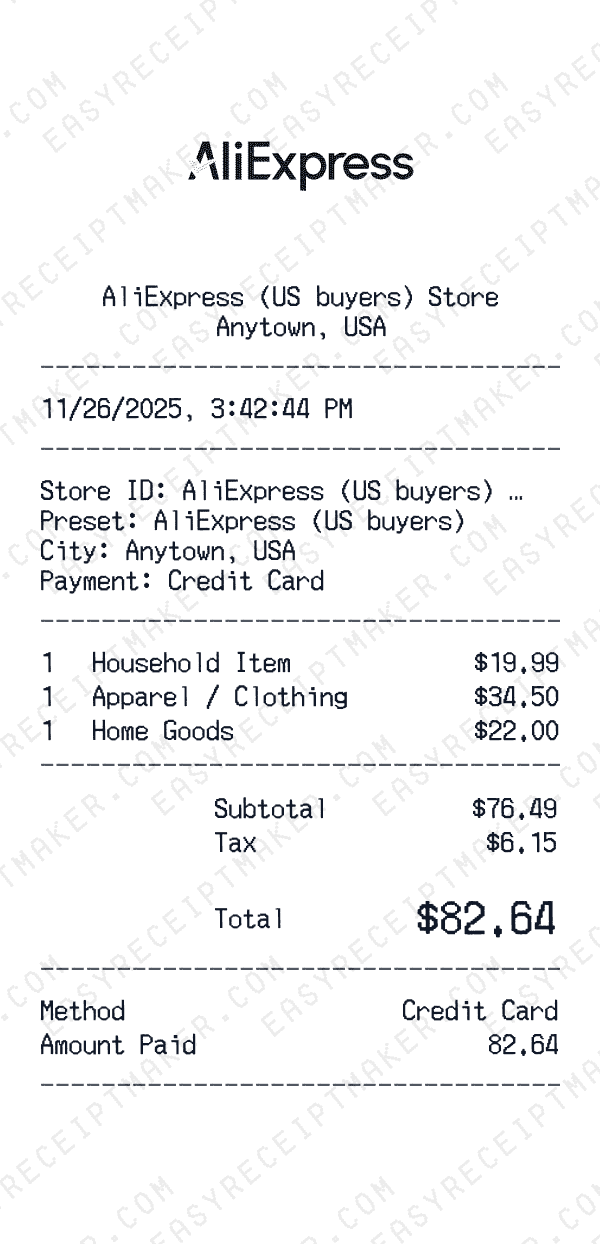
Register receipts have a very specific visual language: narrow columns, monospaced fonts, and dense rows of item data. Our register receipt template is designed to mimic that style closely, so the receipts you create look like they were printed on a thermal roll straight from a point‑of‑sale terminal. You can add barcodes, loyalty messages, and policy text to match the experience customers expect at the checkout counter.
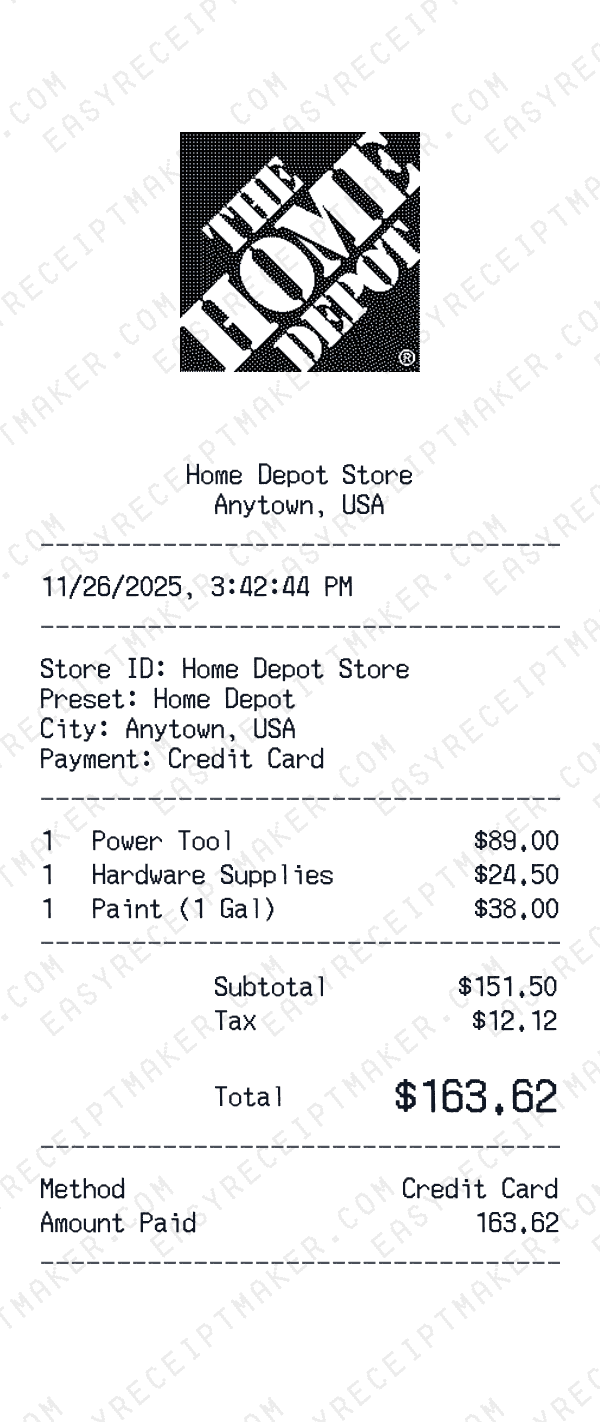
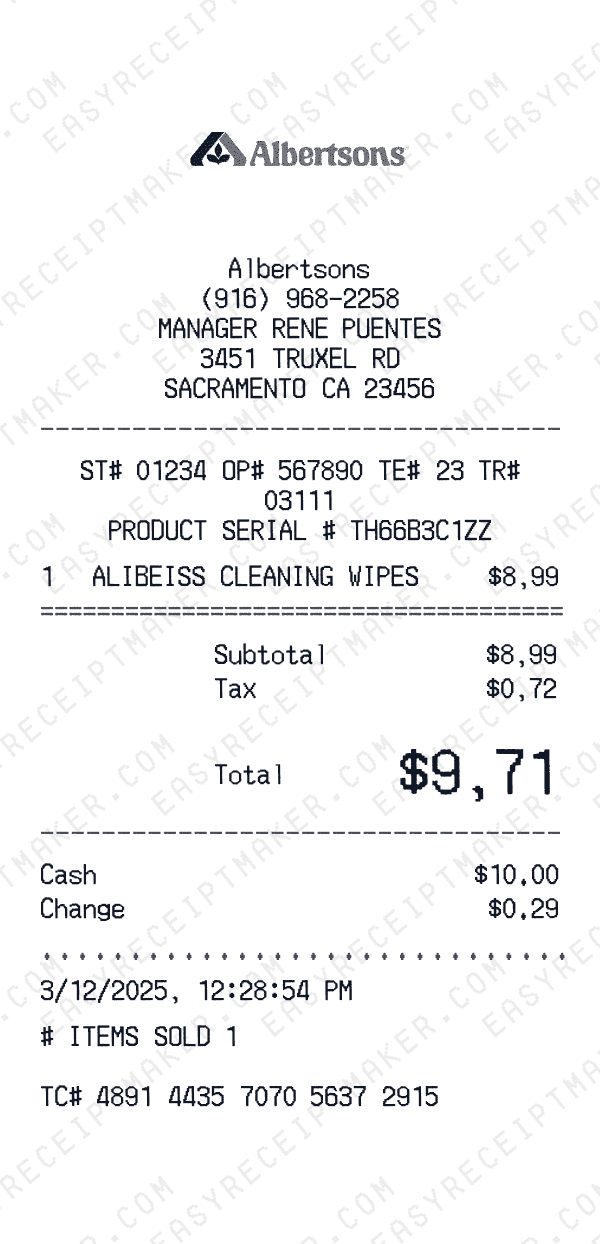
Because the template is flexible, you can use it for supermarkets, big‑box retailers, convenience stores, and specialty shops. Each register receipt can show store ID, terminal ID, and cashier information alongside product lines and totals, making it useful for both customer copies and internal QA documentation.
Useful for QA, training, and creative projects
Retail teams often need sample register receipts when testing new POS workflows or training staff. Instead of capturing low‑resolution photos of real receipts, you can generate clean, customizable samples with this template. These receipts can be used in onboarding materials, SOP documents, or user testing sessions where you want to show exactly how a transaction will appear on paper.
The ability to generate polished receipt samples is valuable for training materials, design mockups, and creative projects where you need a professional-looking receipt format.
Customize barcodes, loyalty offers, and footer messages
Modern register receipts include more than just transaction details—they're also a marketing surface. With this template, you can add barcode rows for loyalty cards, survey links, or coupon codes at the bottom of the receipt. You can also include short promotional messages, such as limited‑time discounts or reminders to download a mobile app.
These elements make the register receipt feel complete and help you test messaging layouts before deploying them at scale. For example, you might experiment with different wording for loyalty program invites and see which version is easier for customers to understand.
How to use the register receipt template effectively
Begin by entering store details like name, address, store number, and contact information. Then, add each item purchased with an easily recognizable description and price. Group related items together—groceries, home goods, pharmacy, or electronics—to mimic the way real receipts are structured. Include tax, discounts, and any applicable fees so the total aligns with the underlying transaction.
Next, add optional fields such as cashier ID, terminal ID, and reference numbers for card payments. Decide whether you want to show a barcode image or a placeholder row that can be scanned externally. Finally, fill out the footer with return policies, loyalty program information, or simple thank‑you text. When you are done, download the register receipt as an image or embed it in training and documentation wherever you need realistic POS output.