Why grocery receipts matter beyond the checkout
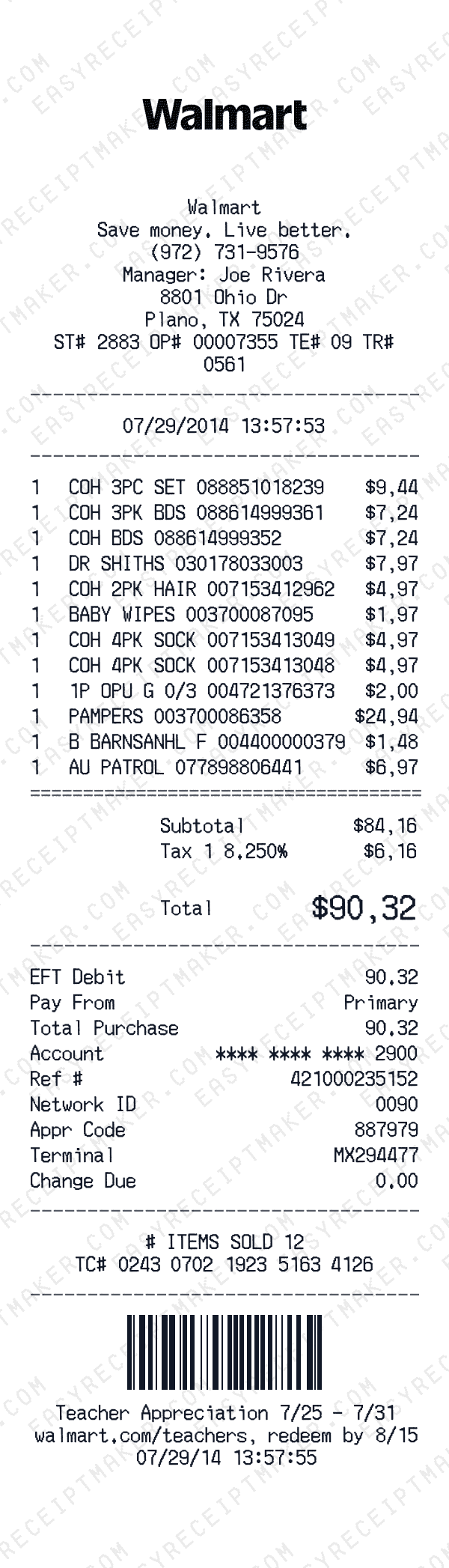
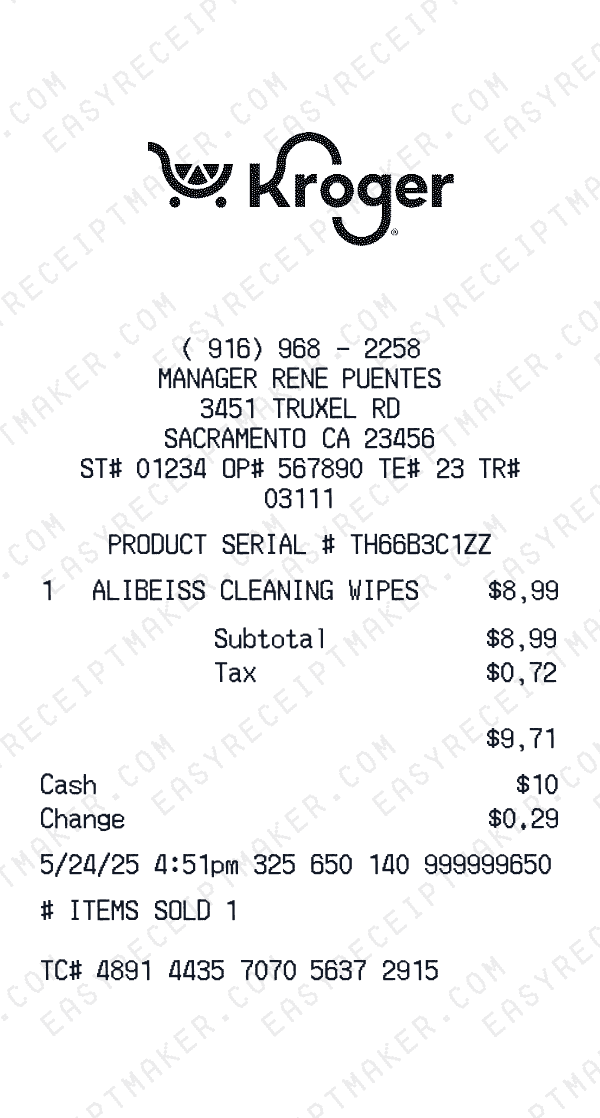
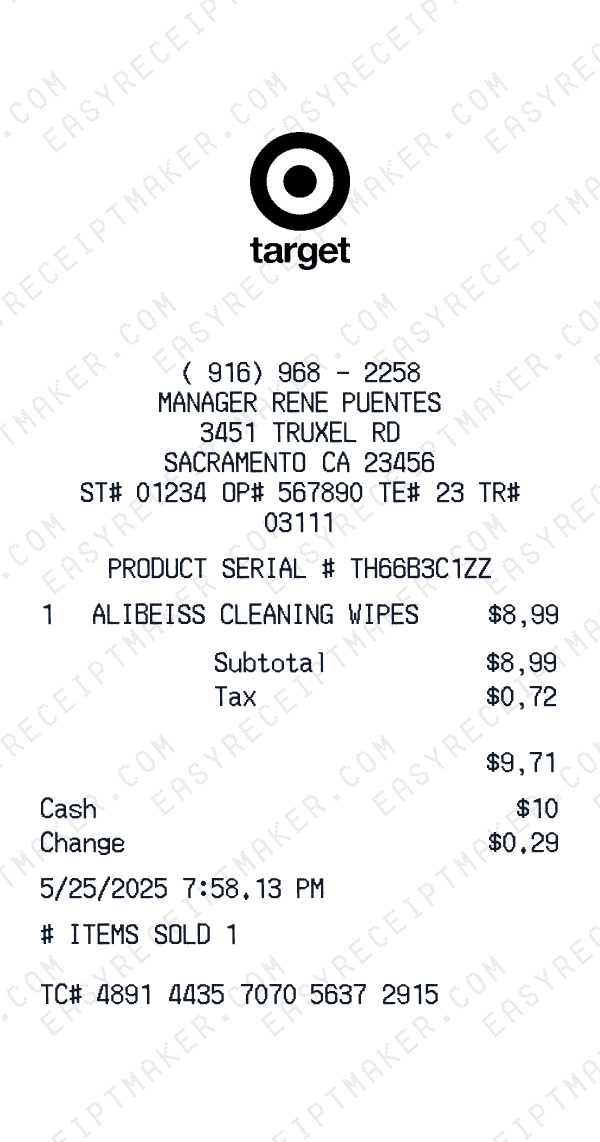
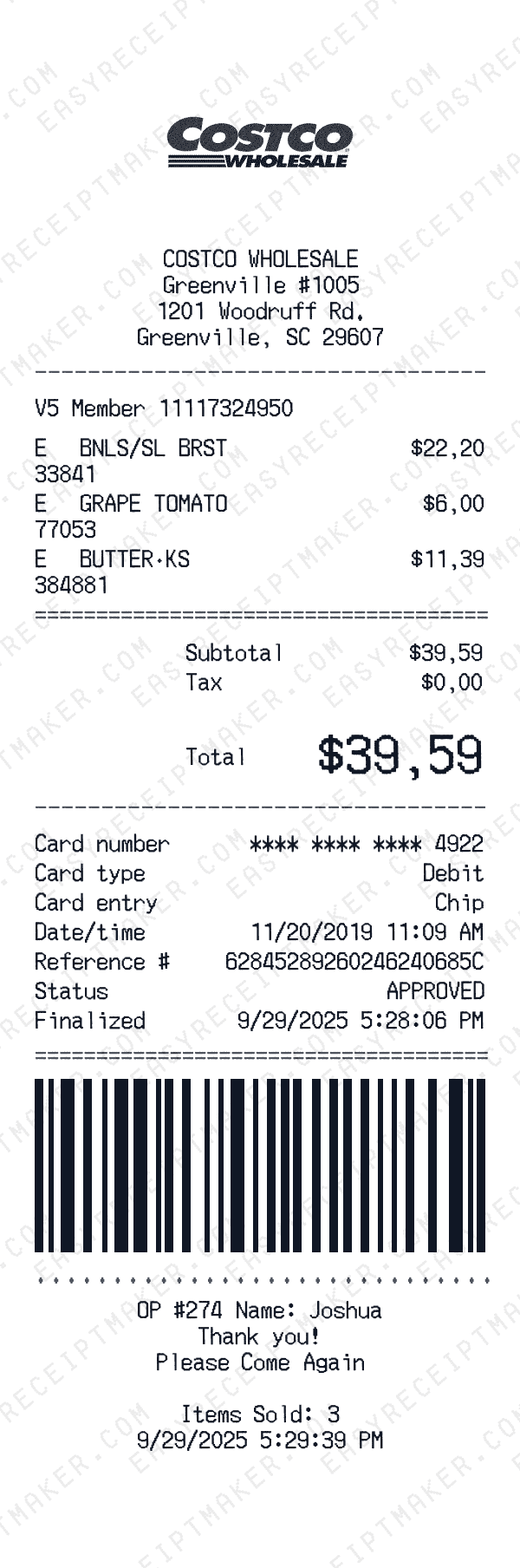
Grocery receipts are among the most recognizable everyday documents. That faded thermal paper from your weekly shopping trip tells a story about daily life and consumption patterns. Grocery receipts are useful for budget tracking, personal record-keeping, and creative projects. Whether you're organizing your spending, creating film props, or documenting purchases for personal use, a clear grocery receipt is valuable.
Grocery receipts have a distinctive format. Supermarkets print on thermal paper that creates that authentic look. The receipts are often long, showing many items in detailed lists. Creating realistic grocery receipts for creative projects or personal use helps maintain organized documentation with that familiar supermarket aesthetic.
Understanding grocery receipt structure
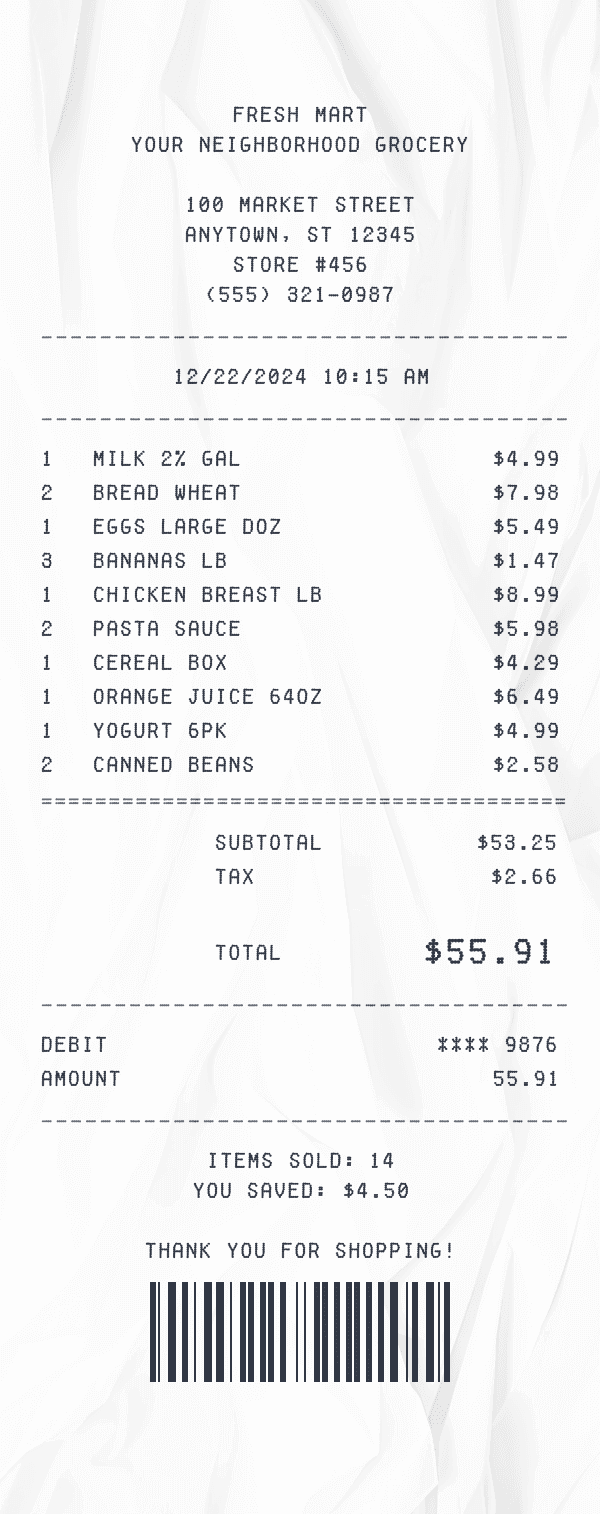
Grocery receipts have a distinctive structure that reflects how supermarkets categorize and tax products. Items are typically organized by department—produce, dairy, meat, frozen, bakery, household, etc.—with department codes or letters marking each section. Taxable items (household goods, prepared foods in some states) are marked differently from non-taxable groceries (raw food items). Loyalty discounts, digital coupons, and sale prices appear as separate lines showing your savings.
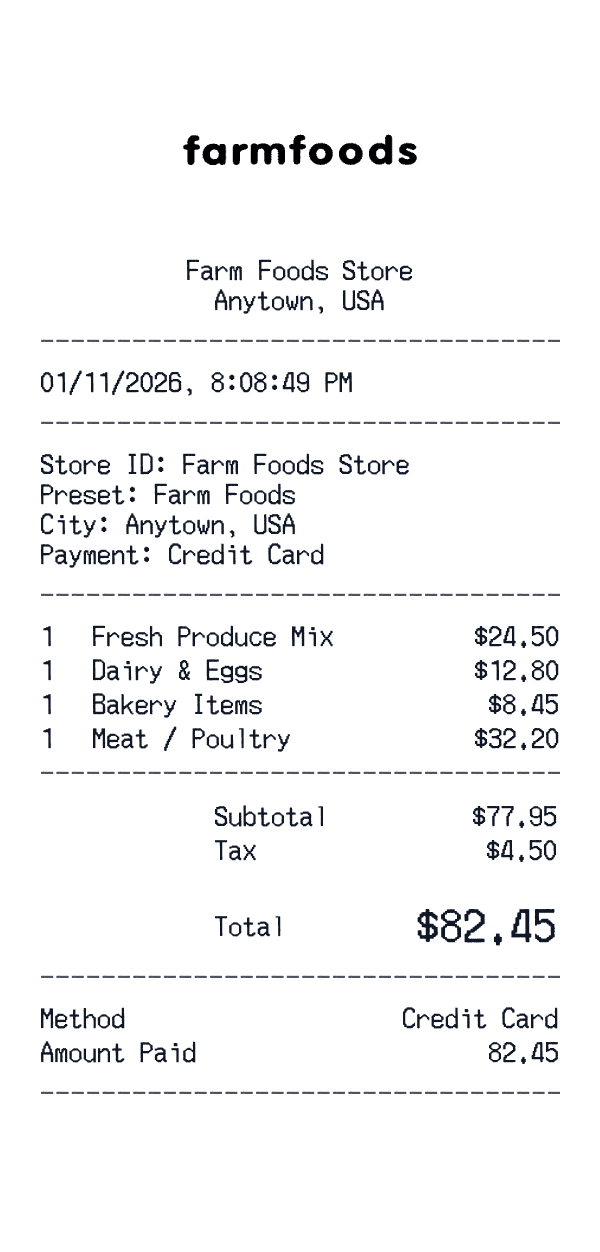
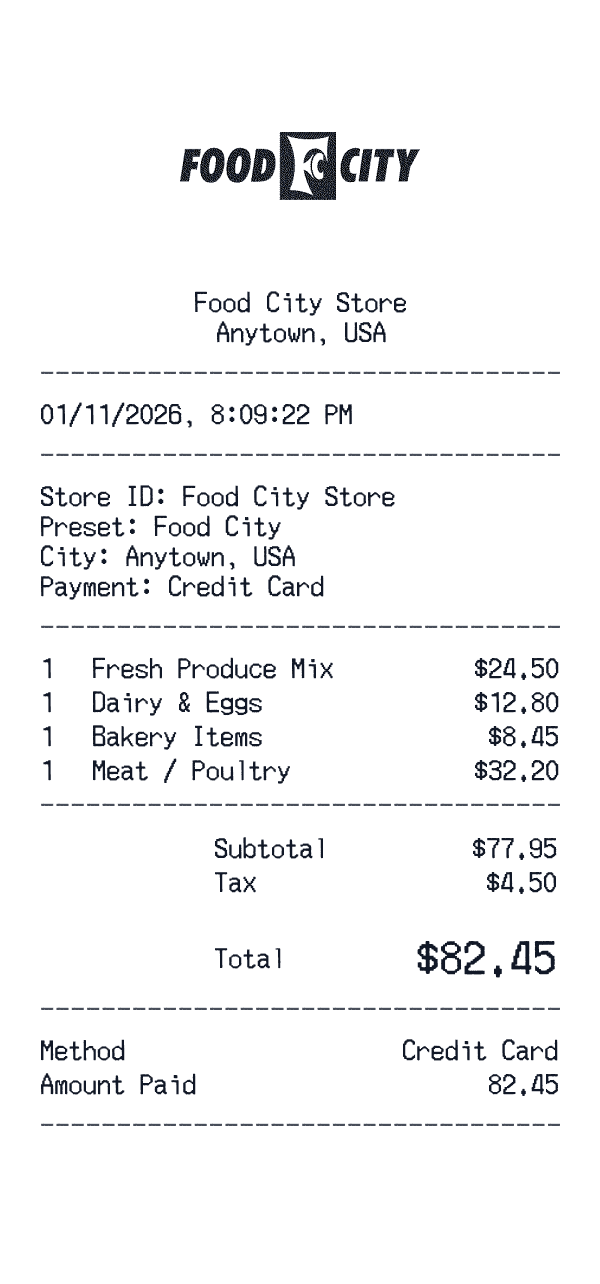
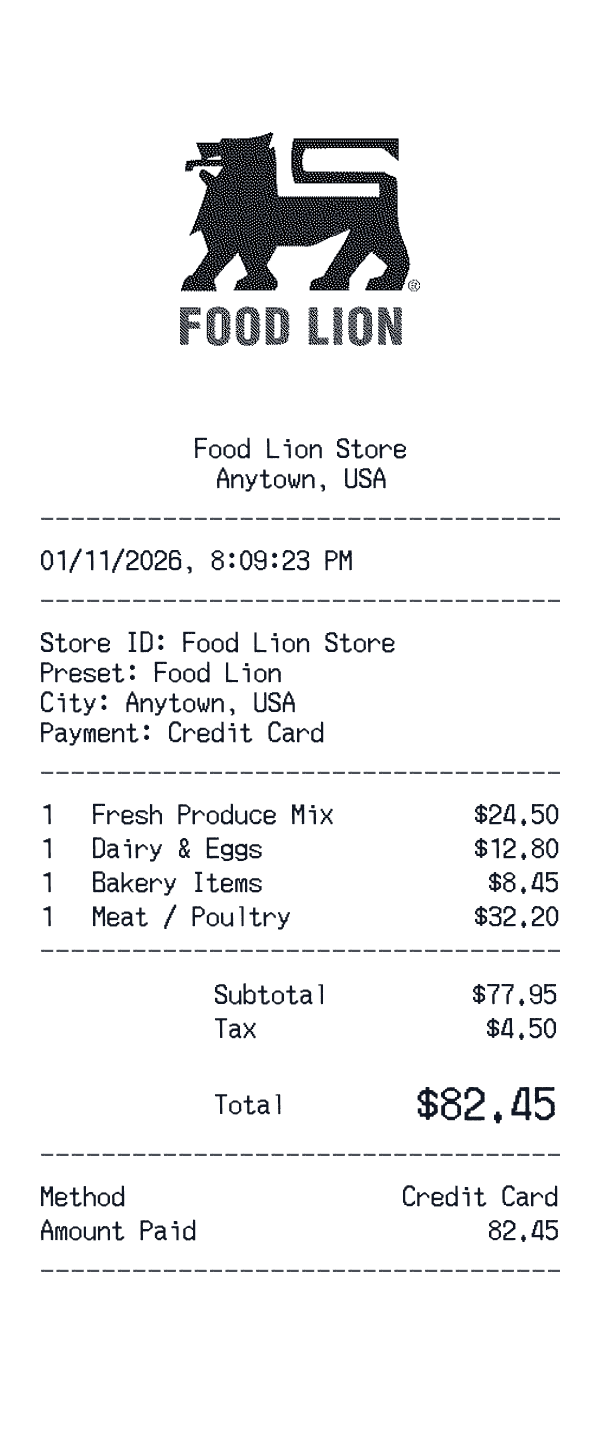
Our grocery receipt template captures all these elements: store header with location and phone, department-organized line items, weight-based pricing for produce and deli items, loyalty card savings, manufacturer coupons, tax breakdowns, and payment information. The result looks like an authentic supermarket receipt, complete with the item codes and formatting shoppers expect from major grocery chains.
Grocery receipts for creative projects
Grocery store receipts appear frequently in visual media and creative projects. Film and TV productions use them as props to establish everyday life and character details. What someone buys at the grocery store can reveal personality, financial status, or plot points. The long, itemized format of grocery receipts makes them instantly recognizable to audiences.
Theater companies, escape room designers, and creative professionals use grocery receipts to add authenticity to their work. The detailed itemization—'Cheerios 18oz', 'Bananas lb', 'Ground Beef 80/20'—creates realism. For design mockups and app prototypes, grocery receipts demonstrate complex layouts and varied product types in a familiar format.
Budget tracking and expense categorization
For personal finance tracking, grocery receipts provide granular data about food spending patterns. Many budgeting apps import receipt images or allow manual entry of grocery expenses by category. Understanding how much you spend on produce versus packaged foods, or household supplies versus actual groceries, helps identify opportunities to reduce spending or reallocate budget.
Our grocery receipt template supports this analysis by organizing items into logical categories. When you reconstruct a receipt or create one from memory, categorizing items correctly—even if the original receipt didn't—makes the data more useful for budgeting purposes. You can track food spending trends, identify expensive habits, and make informed decisions about where to shop and what to buy.
Creating realistic grocery receipts
To create an authentic-looking grocery receipt, pay attention to realistic details. Include varied items with specific brands and sizes: 'Cheerios 18oz' rather than just 'cereal.' Add unit prices and quantities for items bought in multiples. These details make your receipt look genuine and believable.
When creating receipts, remember realistic patterns—household products, paper goods, and prepared foods are typically taxed while raw groceries are not. Include loyalty card savings and coupon discounts for that authentic grocery store experience. For creative projects, research typical pricing for the time period you're depicting to maintain historical accuracy.