Create realistic CVS or Walgreens receipt props
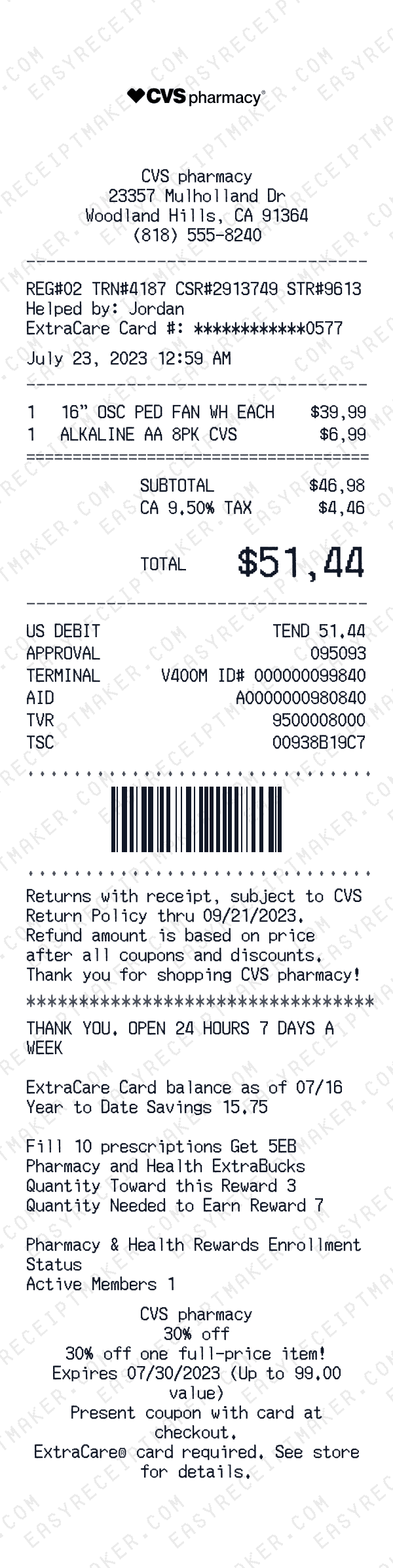
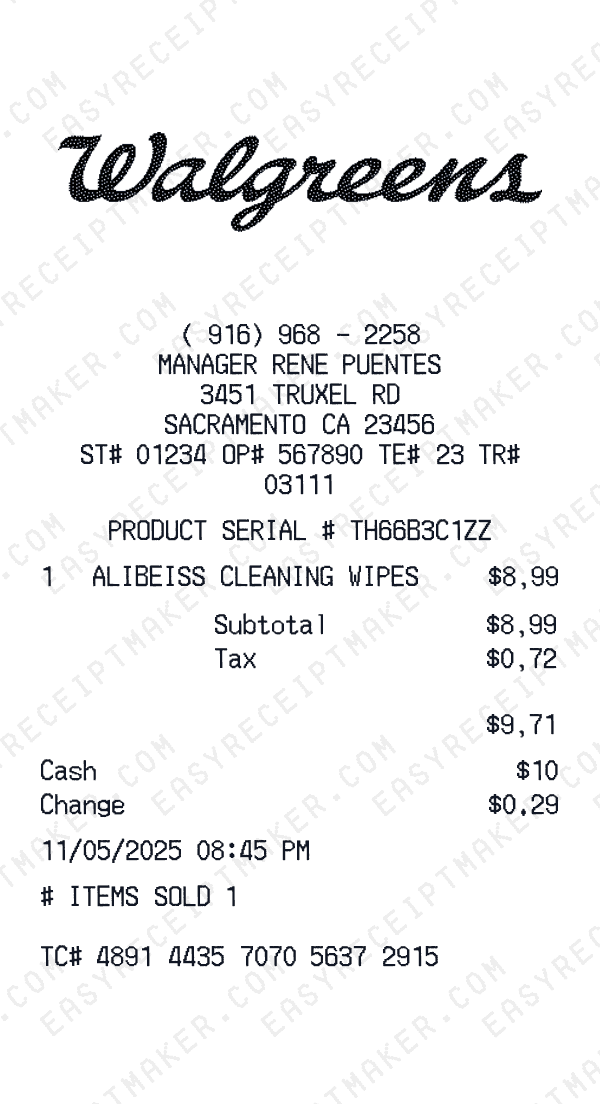
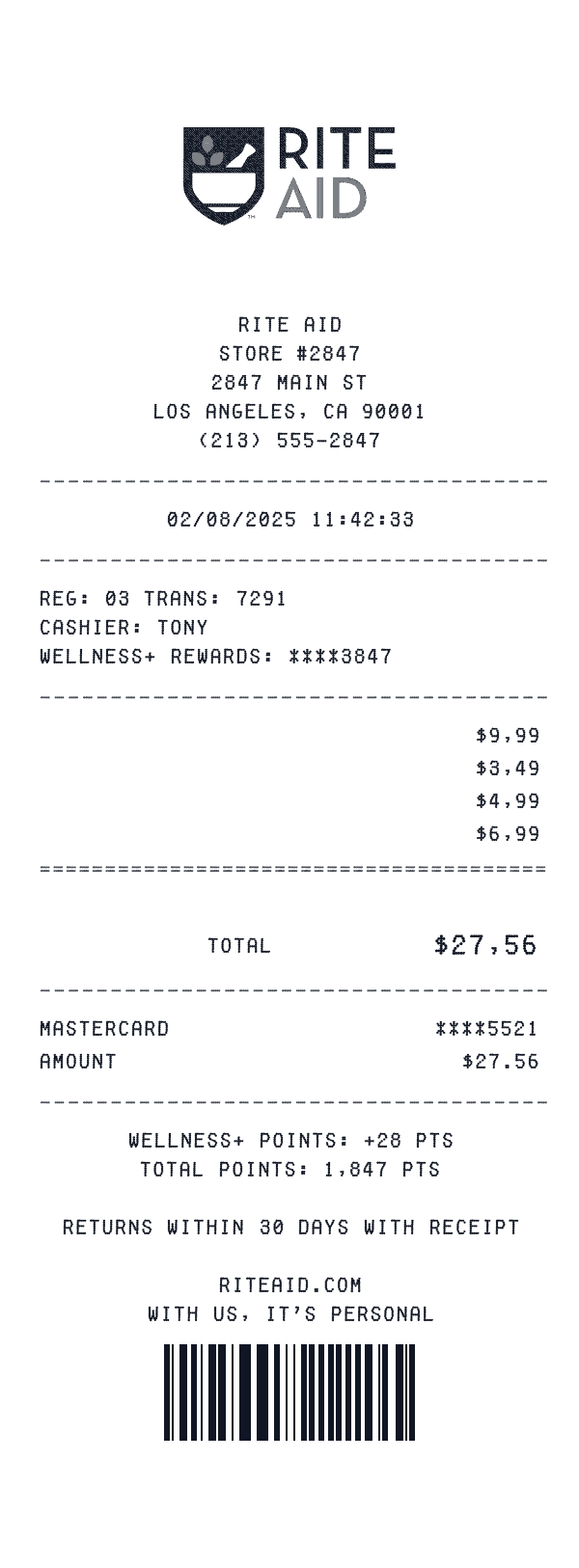
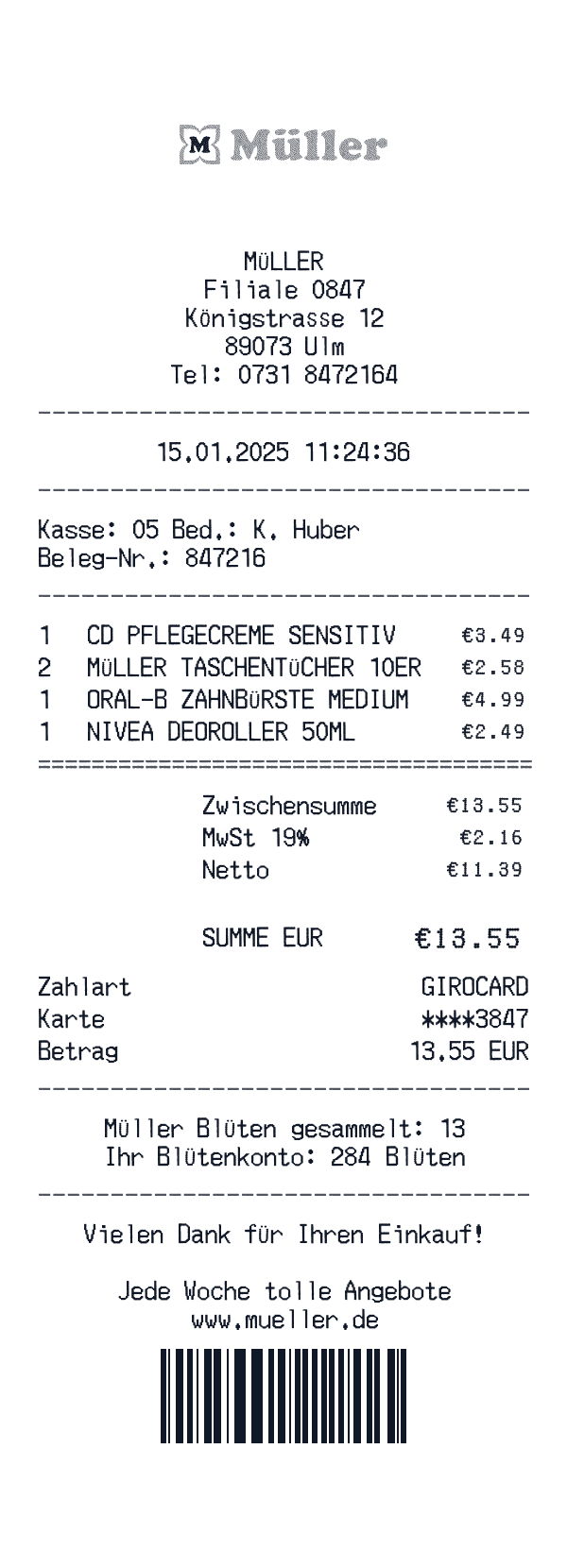
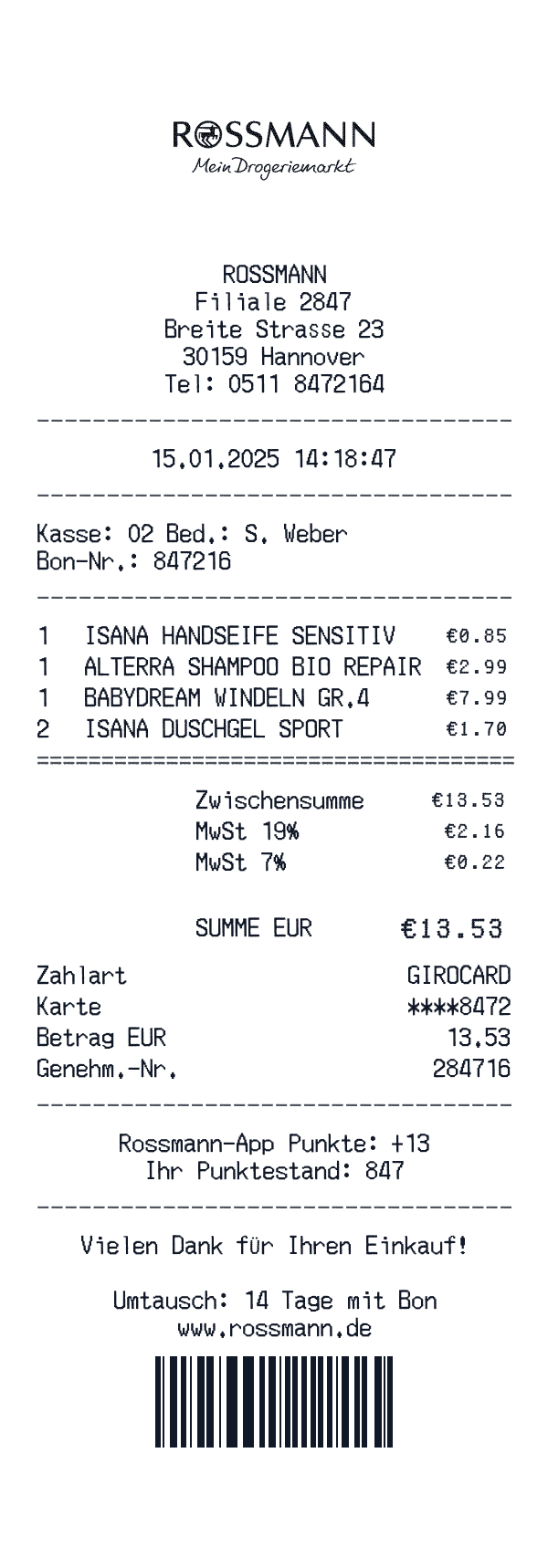
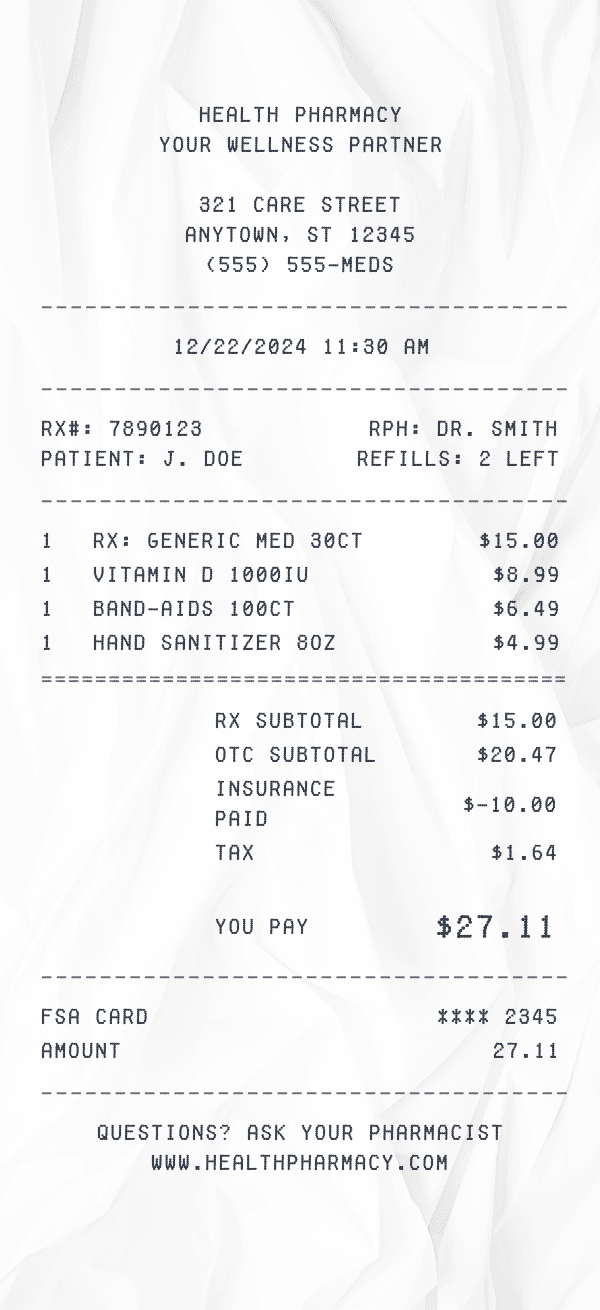
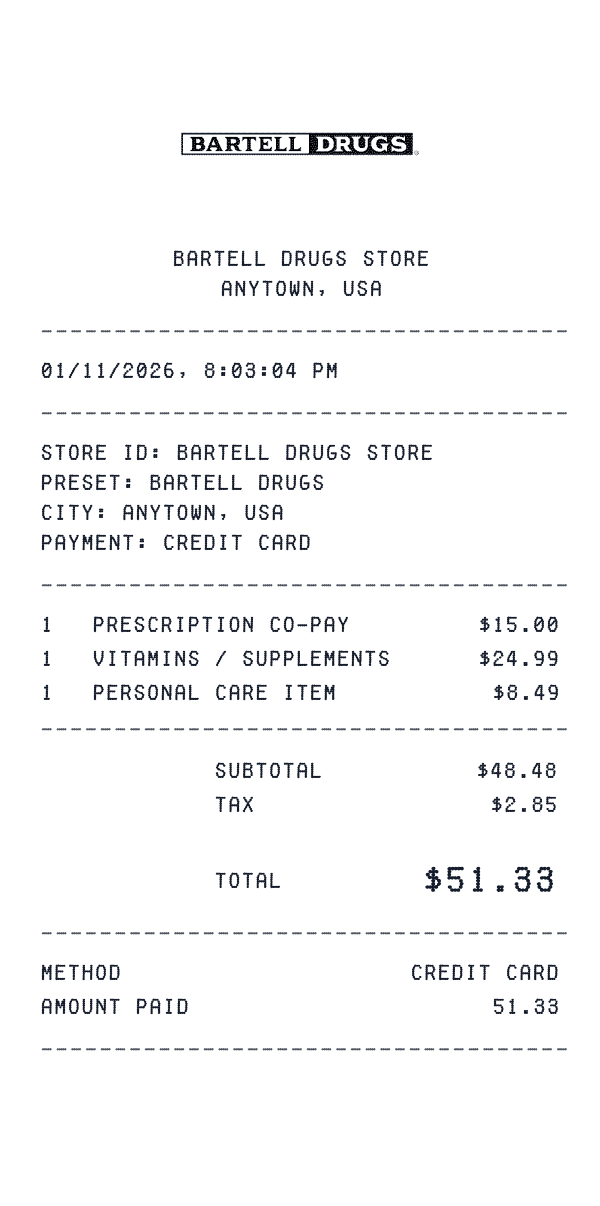
Need a pharmacy receipt for your film production, theater set, or creative project? Our pharmacy receipt generator creates authentic-looking mockups from CVS, Walgreens, Rite Aid, and other major pharmacy chains. Include realistic details like store name and location, date, itemized medications and OTC products, prescription numbers, prices, and payment method. The generated receipt mirrors the format of real pharmacy receipts with those characteristic long thermal paper layouts.
Pharmacy receipts are useful for personal record-keeping and creative projects. Our generator creates professional CVS and Walgreens-style receipts perfect for film props, theater productions, escape rooms, and design mockups. The realistic formatting matches what you'd see from real pharmacies, making these receipts ideal for entertainment and creative applications.
How to generate a pharmacy receipt
Start by selecting a pharmacy preset—we have templates for CVS Pharmacy, Walgreens, Rite Aid, Walmart Pharmacy, Costco Pharmacy, and many more. Enter the store location and date of your purchase. If you're reconstructing a prescription purchase, include the Rx number if you have it—this appears on your prescription label and in your pharmacy's online portal.
Next, itemize your purchases. For prescription medications, list the drug name, strength, quantity, and price. For over-the-counter items like pain relievers, allergy medications, or first aid supplies, add each product with its price. Manually calculate and enter subtotals and tax. Select your payment method—credit card, cash, or insurance copay—and download your pharmacy receipt as a high-resolution image perfect for creative projects and personal records.
Why pharmacy receipts are perfect for storytelling
Pharmacy receipts tell stories. A character picking up prescription medication reveals health struggles. Over-the-counter cold medicine suggests someone is caring for a sick family member. That iconic long CVS receipt with coupons printed at the bottom is instantly recognizable and often used for comedic effect in films and TV shows.
Creative professionals use pharmacy receipts to add realism and depth to their projects. Film productions need prescription receipts as props for medical storylines. Theater companies use them to establish contemporary settings. Mystery and crime shows feature pharmacy receipts as evidence or clues. The familiar format makes them immediately believable to audiences.
Popular creative uses for pharmacy receipts
Pharmacy receipts appear frequently in visual storytelling. Medical dramas show characters picking up prescriptions. Crime shows feature receipts as evidence in investigations. Comedy sketches joke about the absurdly long CVS receipts with endless coupons. These receipts have become cultural icons that audiences immediately recognize.
Creative professionals use pharmacy receipts in many ways. Escape room designers create puzzles where prescription numbers or dates provide codes. Film prop masters need authentic-looking receipts for medical storylines. UI/UX designers creating healthcare apps need realistic receipt mockups. Personal finance bloggers use receipts to illustrate budgeting and expense tracking concepts.
Tips for creating realistic pharmacy receipts
To create a professional-looking pharmacy receipt, include typical details inspired by common pharmacy formats. Use proper medication name formats with strength and quantity (e.g., 'Amoxicillin 500mg #30'). Include Rx numbers (usually 6-7 digits). Add store numbers and pharmacy phone numbers for a polished result.
For OTC purchases, use specific product names and sizes for realism. Instead of just 'pain medicine,' use 'Advil Liqui-Gels 200mg 80ct.' CVS and Walgreens receipts are famous for being very long with lots of coupons at the bottom—consider this if you want that authentic CVS experience. Pharmacy receipt dates, prices, and product availability can help you match specific time periods for historical accuracy in your creative projects.