What is an online receipt maker?
An online receipt maker is a web-based tool that lets you create professional receipts directly in your browser without installing any software. Unlike traditional receipt books or desktop applications, online receipt makers work instantly from any device—computer, tablet, or smartphone. Simply open the tool, enter your transaction details, customize the appearance, and download or share your receipt in seconds.
The convenience of online receipt makers has made them the go-to solution for small businesses, freelancers, and individuals who need occasional receipts without the overhead of accounting software. There's no learning curve, no subscription required for basic features, and no compatibility issues to worry about. Whether you're on a Mac, PC, iPhone, or Android device, the tool works the same way through your web browser.
Why use an online receipt maker instead of desktop software?
Desktop receipt software requires installation, updates, and often expensive licenses. Online receipt makers eliminate all of that friction. You're always using the latest version, your receipts are accessible from any device, and you can create documentation on the go—at a client site, during a meeting, or from your phone while traveling. The cloud-based approach means your work is automatically available wherever you need it.
For occasional users, the online approach is especially valuable. If you only need a few receipts per month, installing and maintaining dedicated software makes little sense. An online receipt maker is there when you need it and out of your way when you don't. You can create a single receipt in under two minutes and move on with your day, without the overhead of managing another software application.
Key features of EasyReceiptMaker's online tool
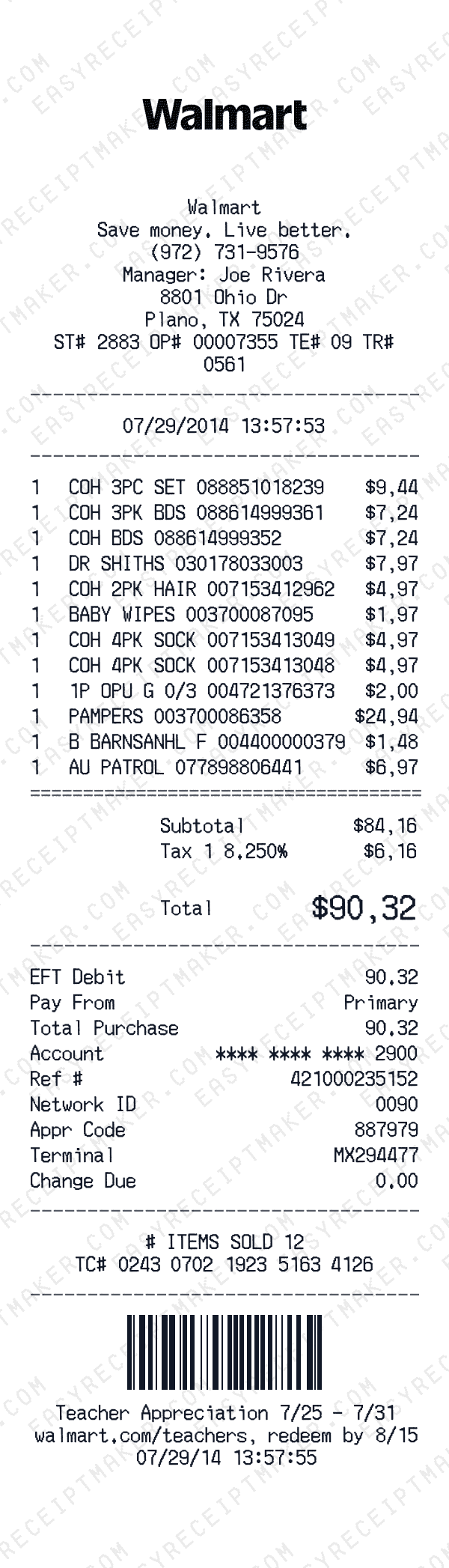
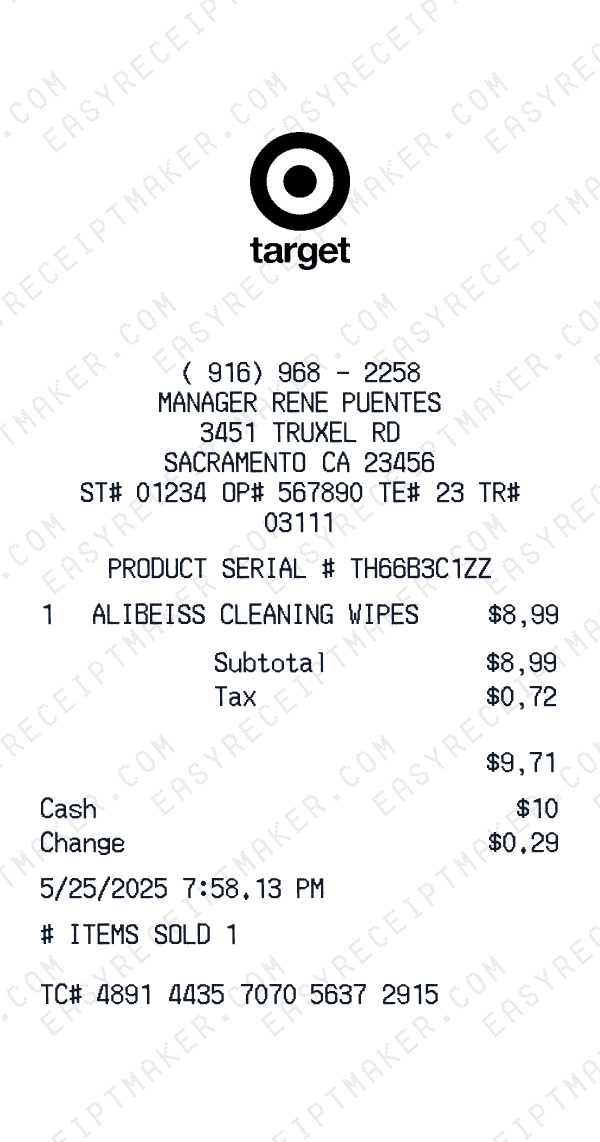
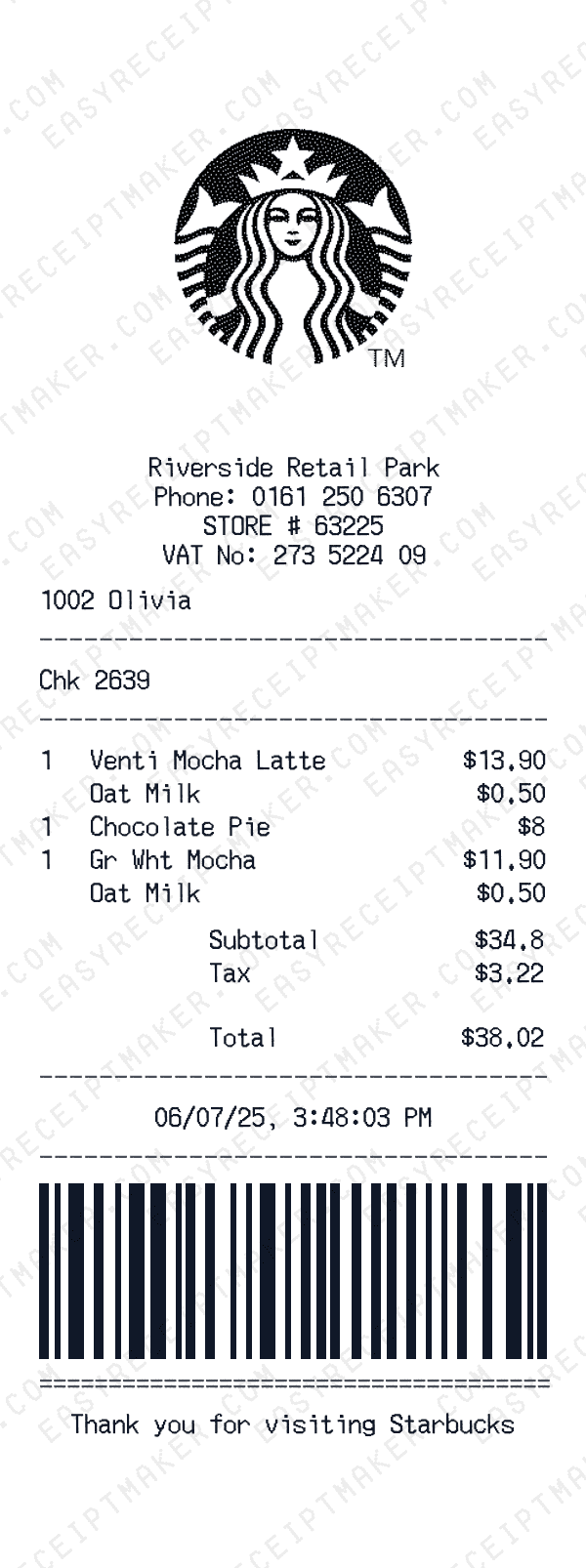
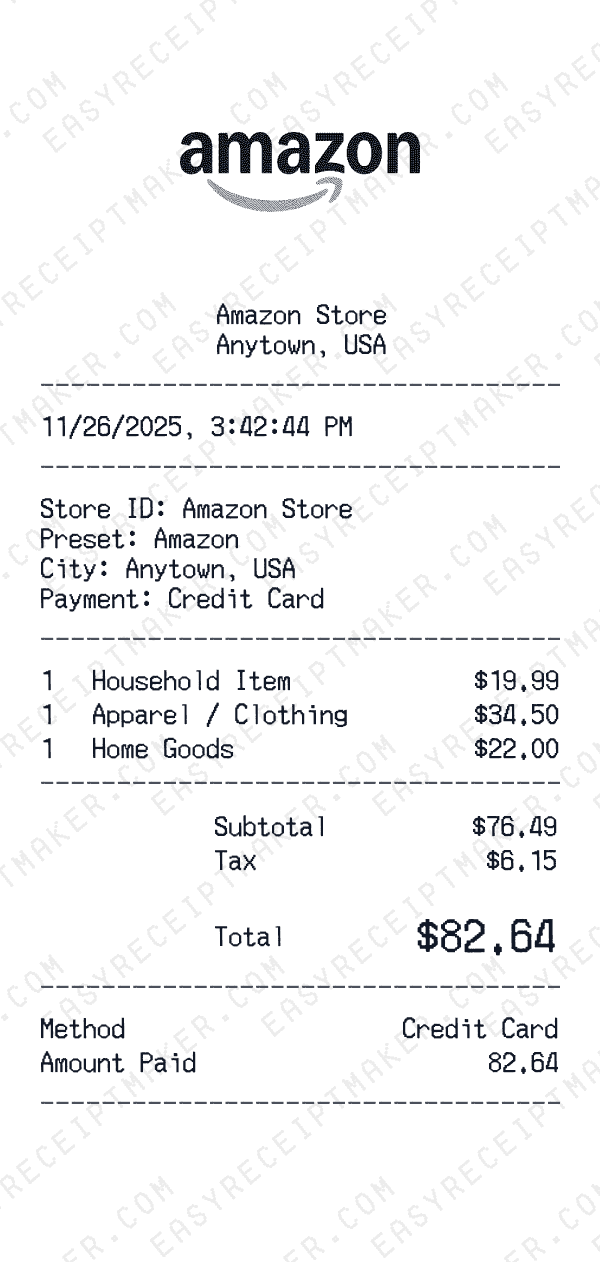
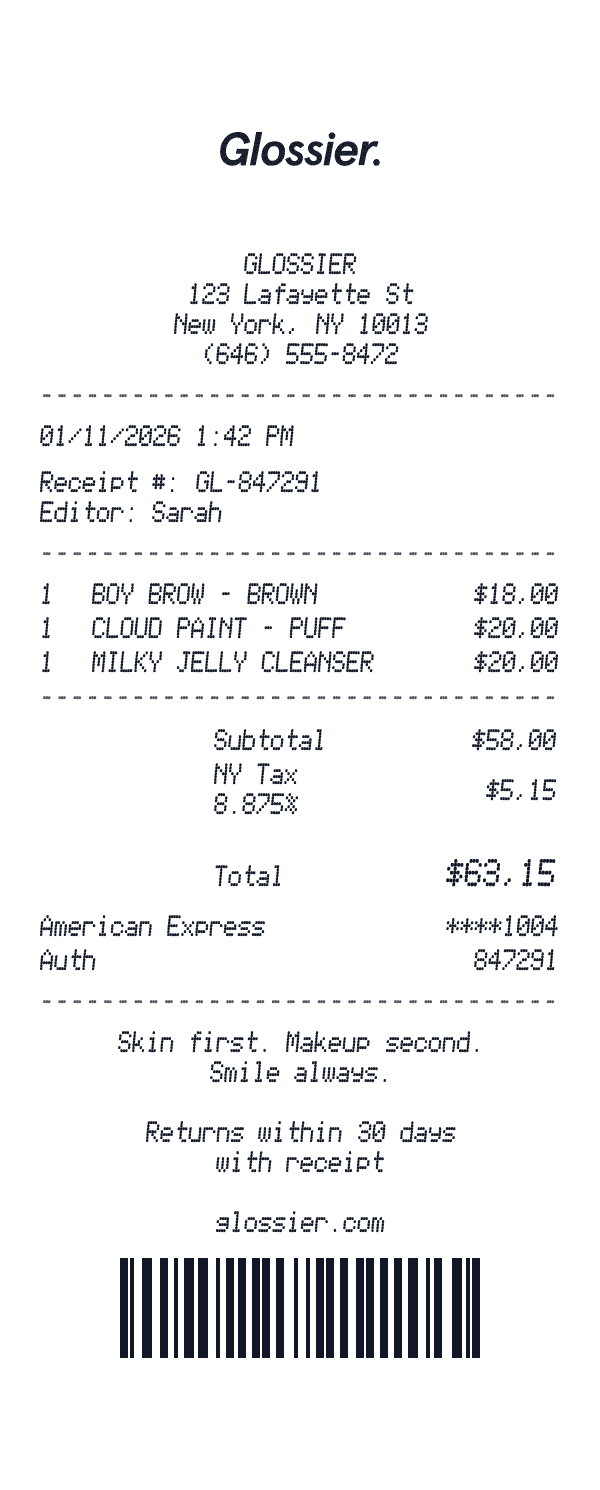
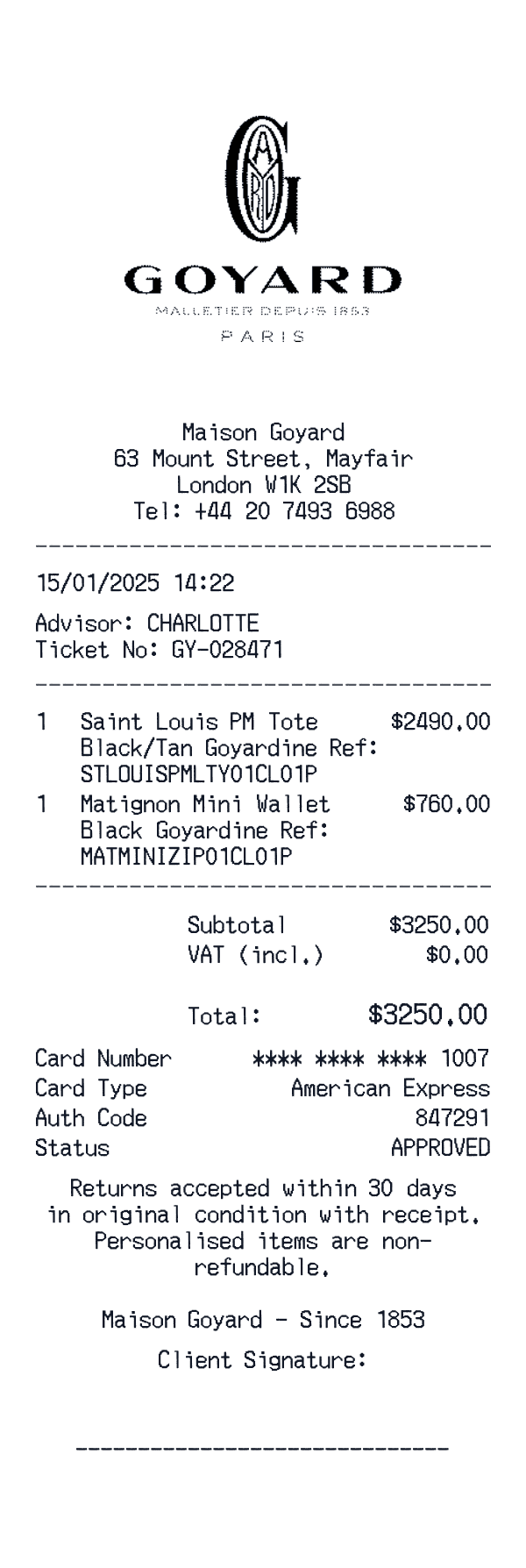
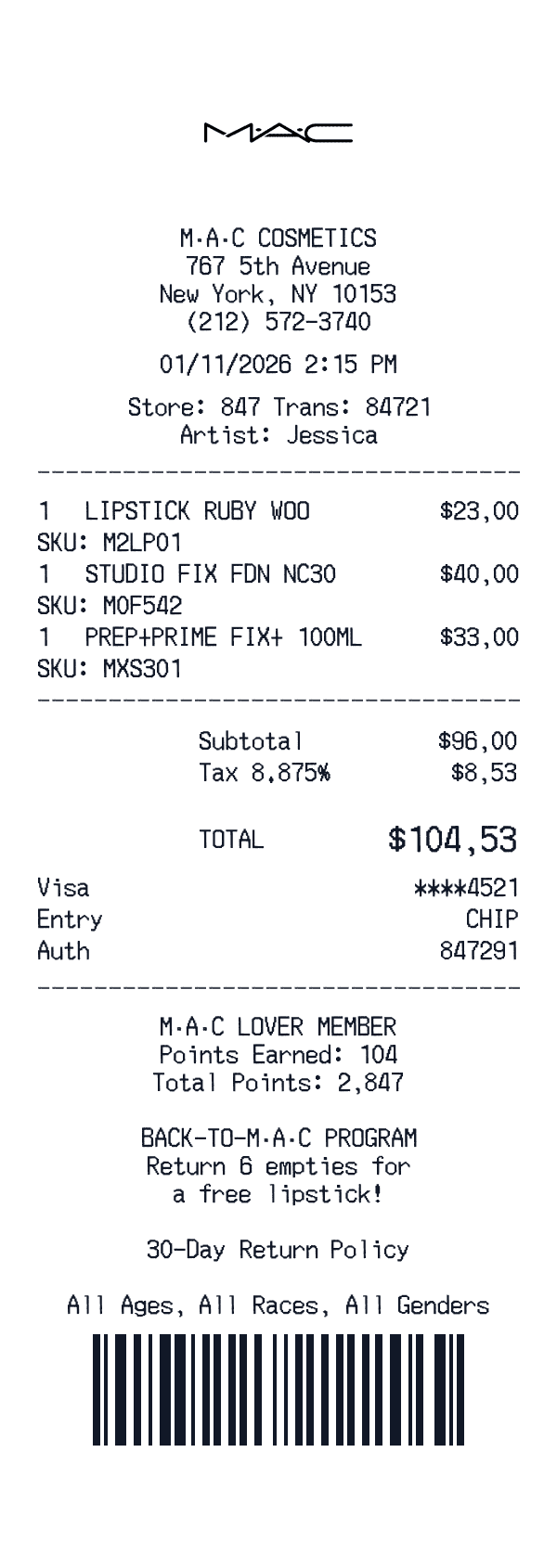
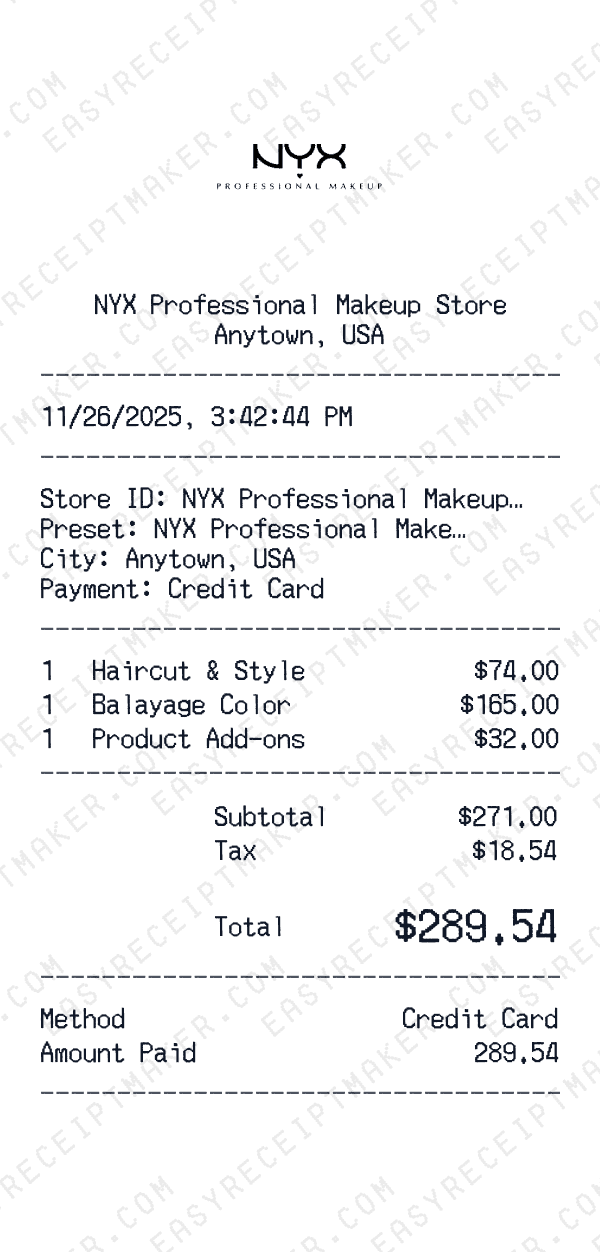
Our online receipt maker includes everything you need to create professional documentation. Start with preset templates modeled after popular businesses—Walmart, Target, Starbucks, Shell, and more—or create custom receipts from scratch. Every field is editable: business name, address, phone, items, prices, taxes, payment methods, and transaction metadata. You can manually enter subtotals, tax amounts, and totals to match your records.
The interface is designed for speed. Frequently used fields are pre-populated based on your selections, and the live preview shows exactly how your receipt will look before you export. Free users can download PNG images with a small watermark; premium subscribers unlock high-resolution exports, watermark removal, and PDF downloads. No limits on customization and no account required to get started.
Common use cases for online receipt creation
Small business owners use online receipt makers to issue professional receipts to customers without investing in point-of-sale hardware. Freelancers and contractors use them to document payments received for services. Creative professionals use them to create realistic receipt props for film, theater, and design projects.
The tool is also valuable for design work, training materials, and documentation. UX designers create receipt mockups for app prototypes. Training teams generate sample receipts for employee onboarding. Finance teams produce consistent receipt formats for internal policies. The flexibility of an online tool makes it useful across departments and scenarios that traditional receipt methods can't address.
Getting started with online receipt making
Creating your first receipt takes less than two minutes. Browse our template gallery and select a starting point—choose a brand template for a familiar format or start blank for maximum flexibility. Enter your business or vendor information at the top, add line items with descriptions and prices, configure tax rates and payment details, and review your receipt in the live preview.
When you're satisfied with the result, click to download. The receipt exports as a high-resolution image file that looks professional on screen and in print. Save it to your device, attach it to an email, or organize it in your personal files. For future receipts, you can duplicate previous designs and modify just the details that changed, making subsequent receipts even faster to create.