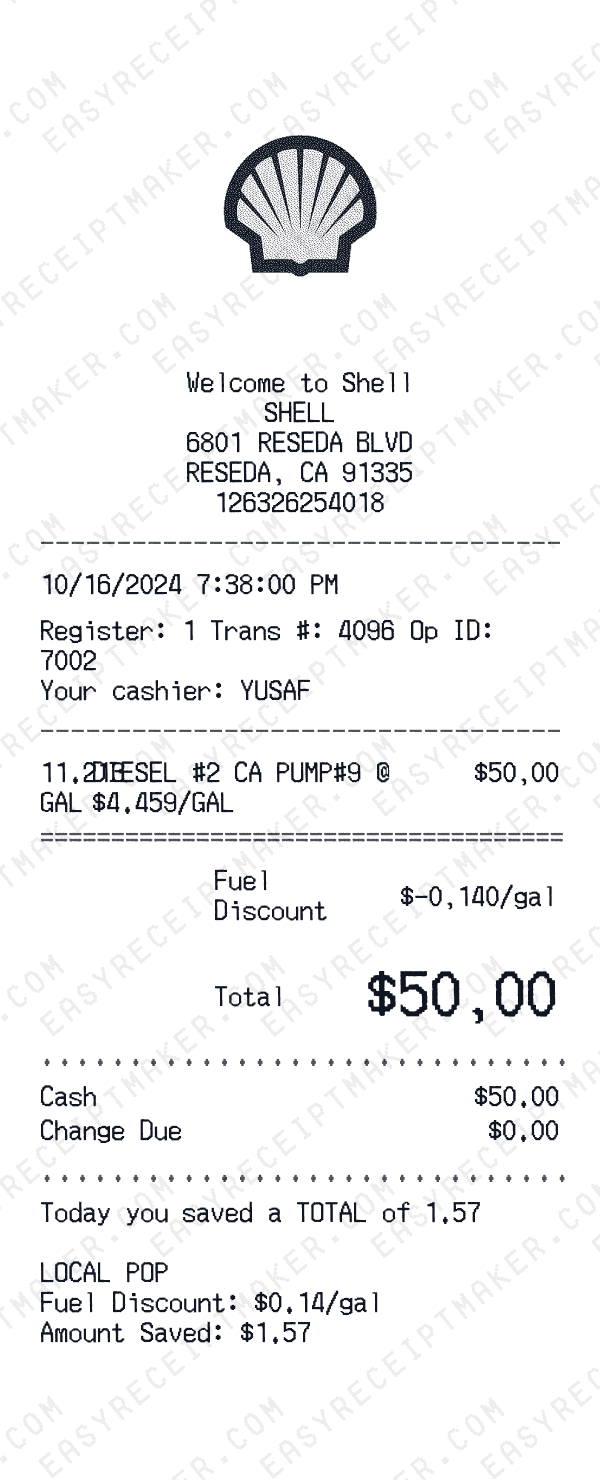
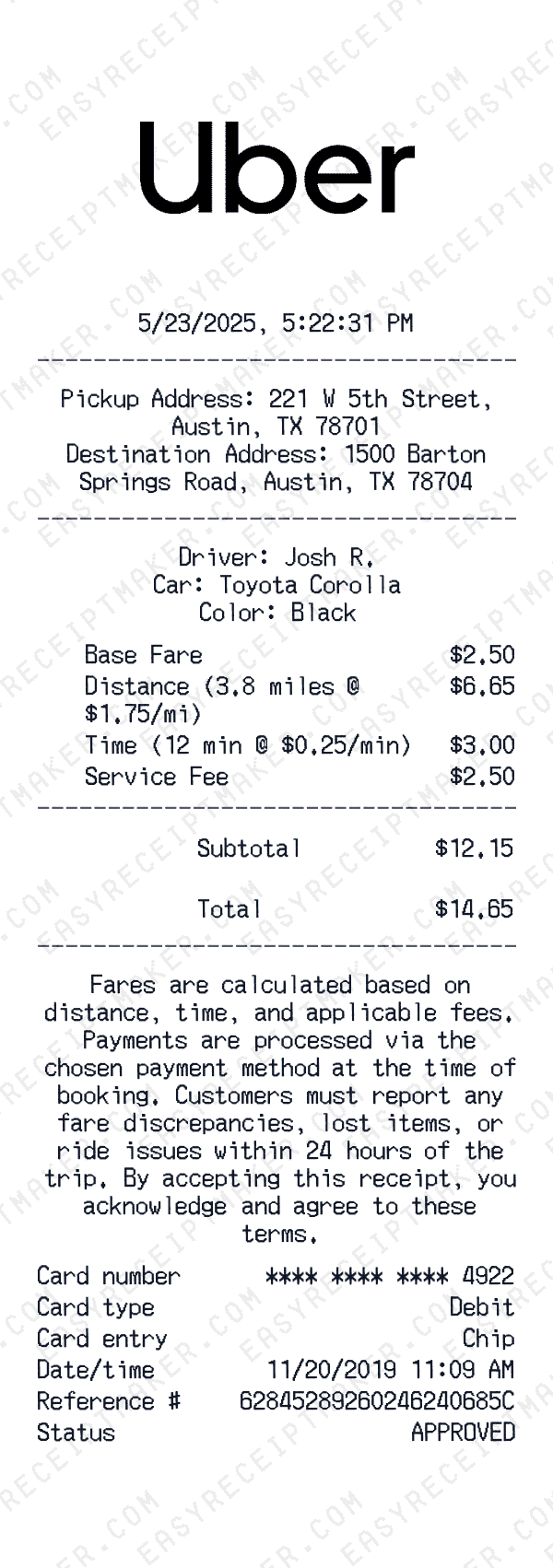
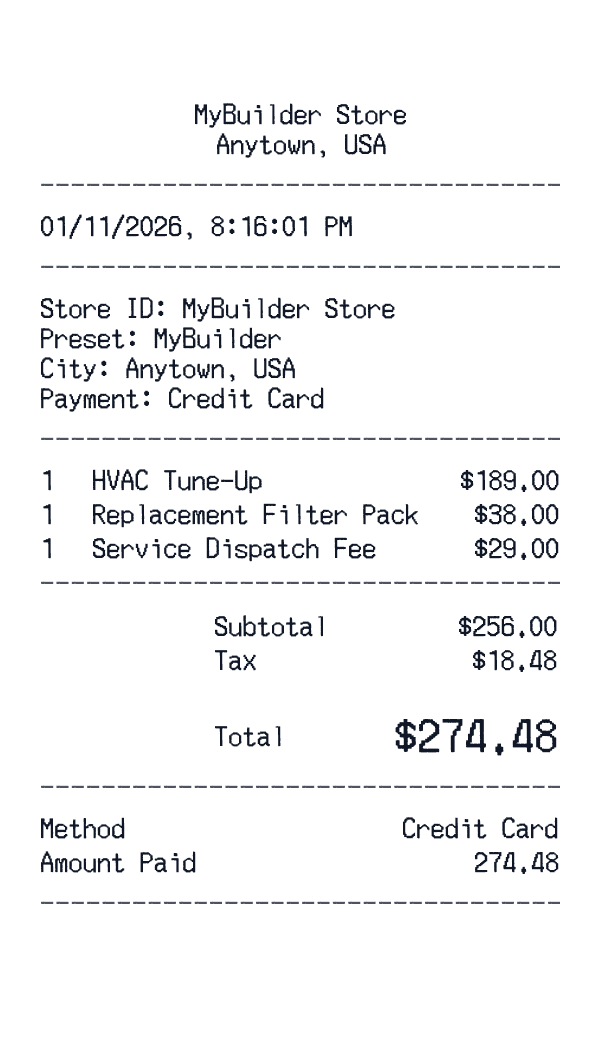
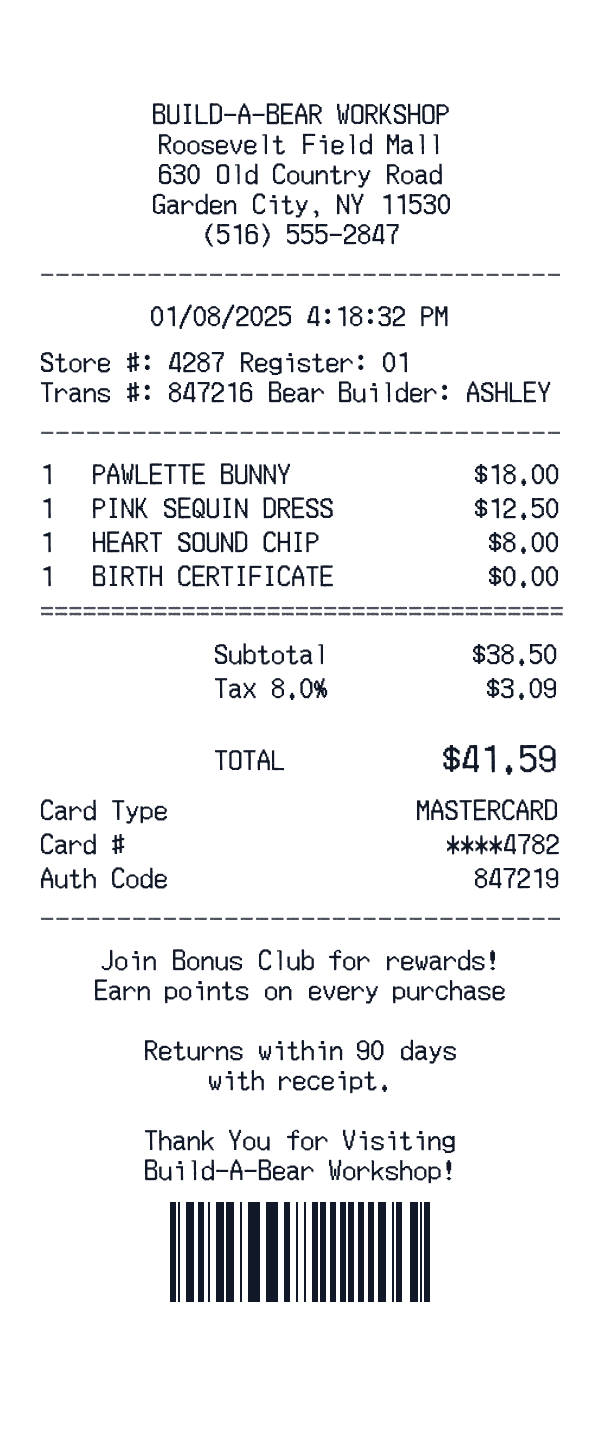
What is a receipt creator?
A receipt creator is a tool that lets you build receipts from the ground up, giving you complete control over every element of the document. Unlike template-based approaches where you modify a pre-existing design, a receipt creator starts with a blank canvas and lets you add exactly the fields, formatting, and information you need. This flexibility makes it ideal for unique transaction types, custom business formats, and situations where standard templates don't fit.
Receipt creators are particularly valuable for businesses with non-standard receipt requirements: service providers who need custom line items, landlords documenting rent payments, nonprofits issuing donation acknowledgments, or freelancers creating professional payment confirmations. Instead of forcing your transaction into a retail-style template, you build a receipt that accurately reflects your specific business needs.
When to use a receipt creator vs. a template
Templates work well when your transaction resembles a typical retail purchase—itemized products with prices, standard tax calculations, and conventional payment methods. But many transactions don't fit this mold. Service payments, consulting fees, rental deposits, charitable donations, and installment agreements all have unique documentation requirements that generic templates struggle to accommodate.
A receipt creator shines in creative scenarios because you define the structure. Need a service receipt showing hours worked for your film prop? Add those fields. Creating an escape room puzzle with a security deposit receipt? Customize the terms. Making a donation receipt prop for a charity gala scene? Build that into your format. The receipt creator adapts to your creative vision rather than forcing a rigid template.
Key features of our receipt creator
Our receipt creator offers complete customization while maintaining professional output quality. Add unlimited custom fields with labels you define—whether that's 'Service Description,' 'Project Name,' 'Property Address,' or any other identifier your transaction requires. Configure line items with flexible columns: quantity, rate, hours, description, amount, or any combination that fits your billing model.
The visual editor shows your receipt in real-time as you build it, so you can see exactly how the final document will look before exporting. Adjust fonts, spacing, and alignment to match your brand or meet specific formatting requirements. Add your logo, contact information, and custom footer text for a fully personalized professional document. When you're finished, export as a high-resolution image suitable for email, printing, or digital storage.
Common use cases for receipt creation
Freelancers and consultants use receipt creators to document project payments that don't fit standard invoice formats. A receipt confirming that a client paid $2,500 for 'Website Redesign Phase 1' communicates differently than a retail receipt with generic line items. Service businesses—cleaners, contractors, tutors, personal trainers—create receipts that specify the service date, duration, and description in ways that make sense for their work.
Film productions use receipt creators for authentic props showing rent payments, security deposits, and service fees. Escape room designers create realistic receipts for puzzle elements. Event planners use receipt mockups for themed parties and mystery dinner games. The common thread: creative projects that need professional-looking receipt props in formats that standard retail templates can't provide.
Best practices for creating professional receipts
Every receipt you create should clearly answer the fundamental questions: who paid, who received payment, what was the payment for, how much was paid, and when did the transaction occur. Include complete contact information for both parties so the receipt can serve as a reference document if questions arise later. Use clear, specific descriptions that someone unfamiliar with the transaction could understand.
Number your receipts sequentially for organized record-keeping and easy reference. Include the payment method and any relevant reference numbers (check numbers, transaction IDs, invoice numbers being paid). If the receipt relates to a larger agreement or contract, reference that document. Keep copies of all receipts you create—they're part of your business records for tax and legal purposes. A well-created receipt protects both parties by providing clear documentation of the transaction.